Usage Tracking
Overview
Usage Tracking displays the current agent's Operational Indicators and provides Conversation History queries, helping administrators understand agent Usage Activity.
Usage Guide
View Operational Indicators
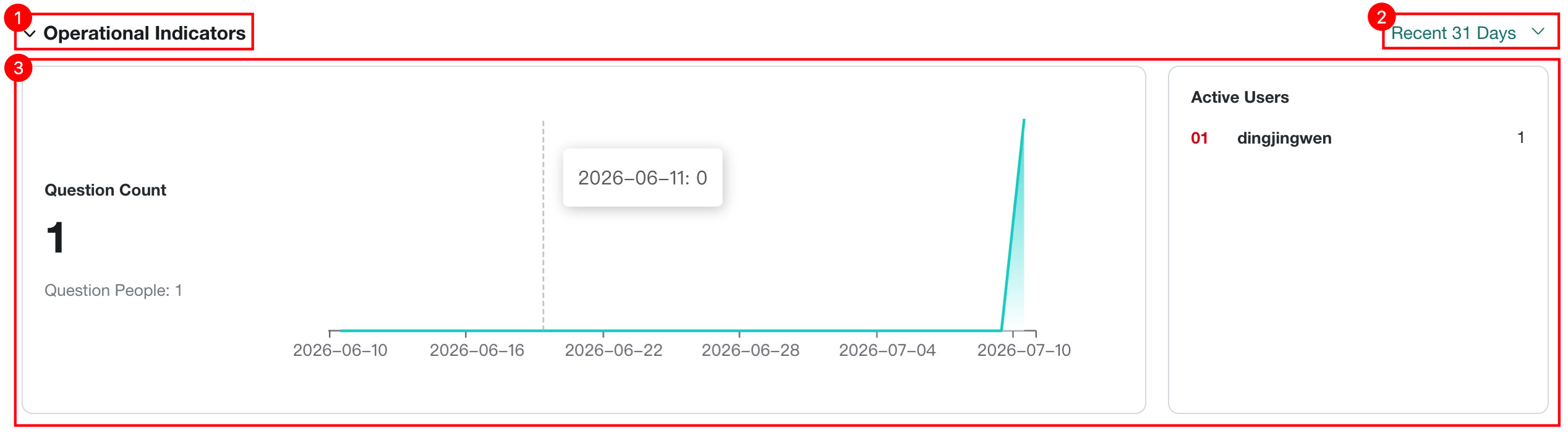
The Operational Indicators module uses data to clearly show core usage of the current agent, helping administrators understand its operational performance.
| No. | Description |
|---|---|
| 1 | Use this button to switch whether Operational Indicator data is shown in detail. |
| 2 | Switch the Time Range for viewing Operational Indicator data.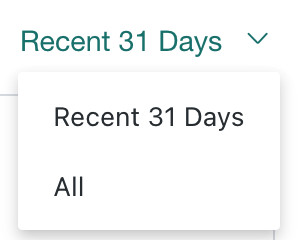 |
| 3 | View the Question Count, Active Users, and Question People for the current Dashboard Agent.
|
View Conversation History
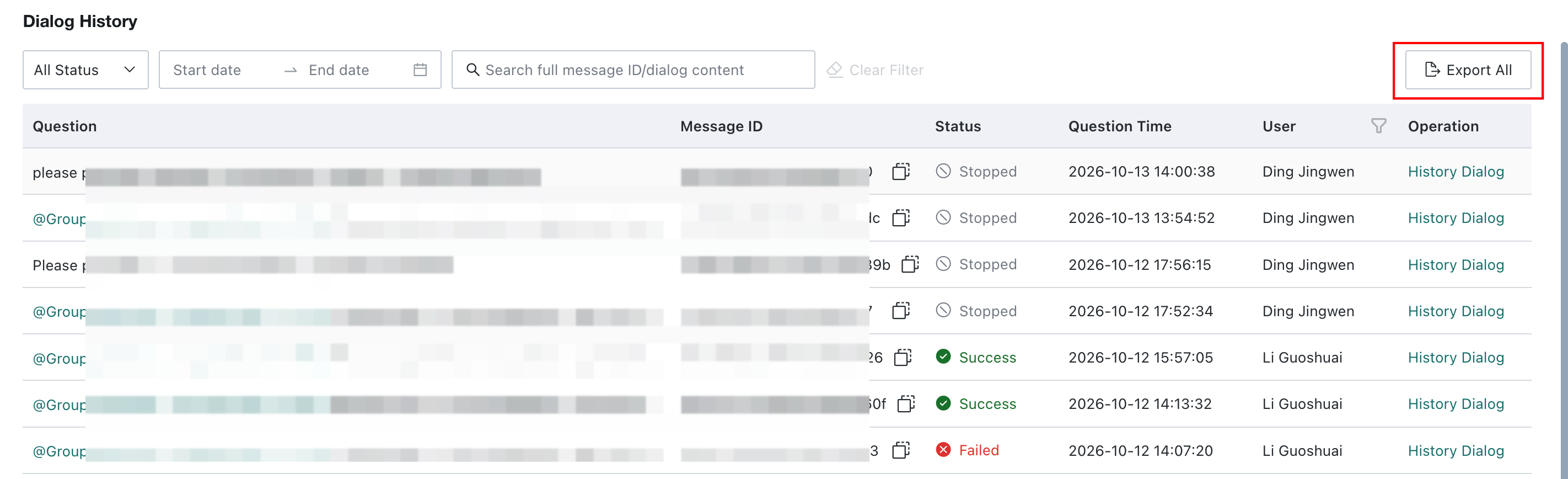
Each Q&A generated on the frontend is stored in the backend as Dialog History, making it easy for administrators to review user questions, Q&A status, and the execution process.
Filter
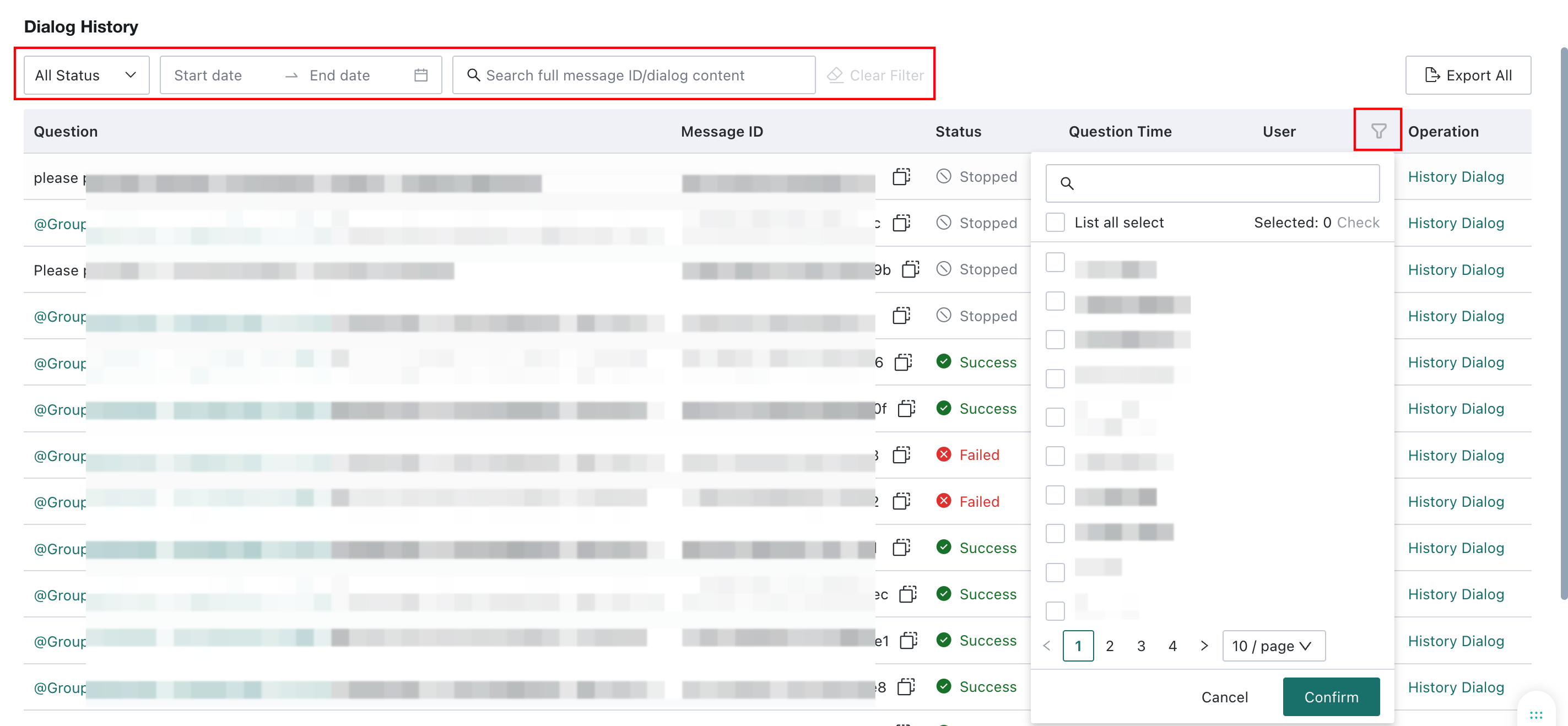
On Dialog History, use All Status, Start date, End date, and Search full message ID/dialog content to filter conversations. Use the filter icon beside User to filter by user.
View Dialog History Details
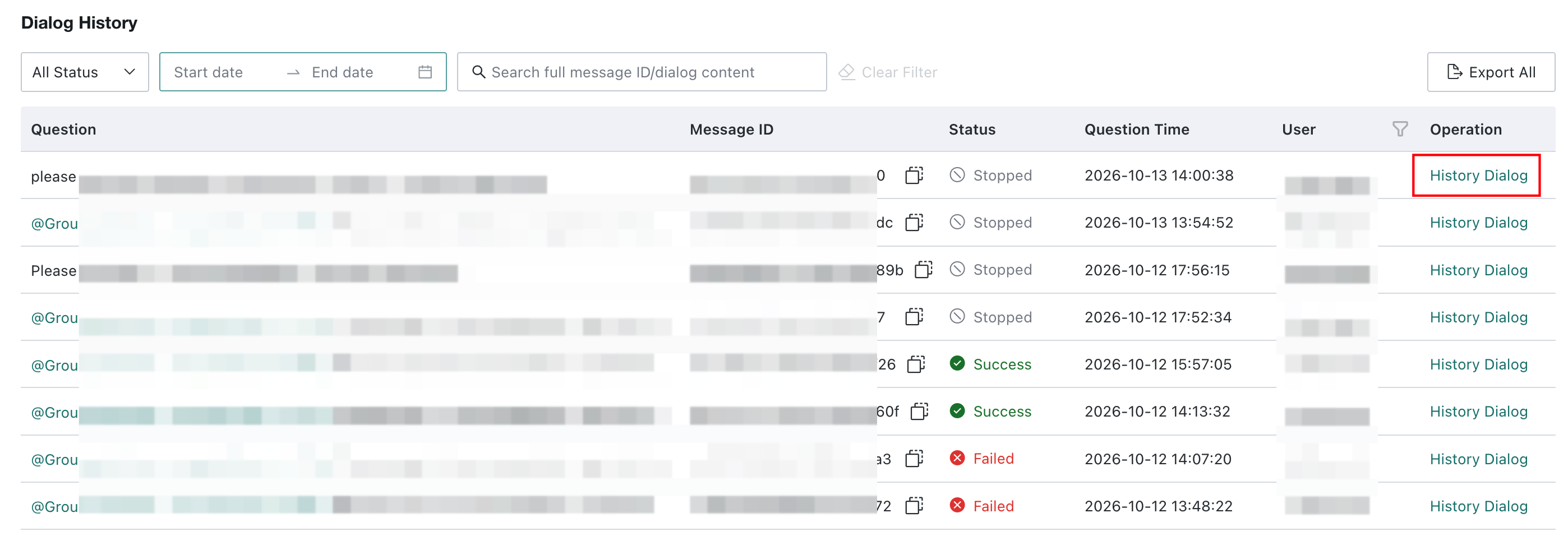
Click History Dialog in the Operation column to view the full content, execution process, and results of the Q&A.
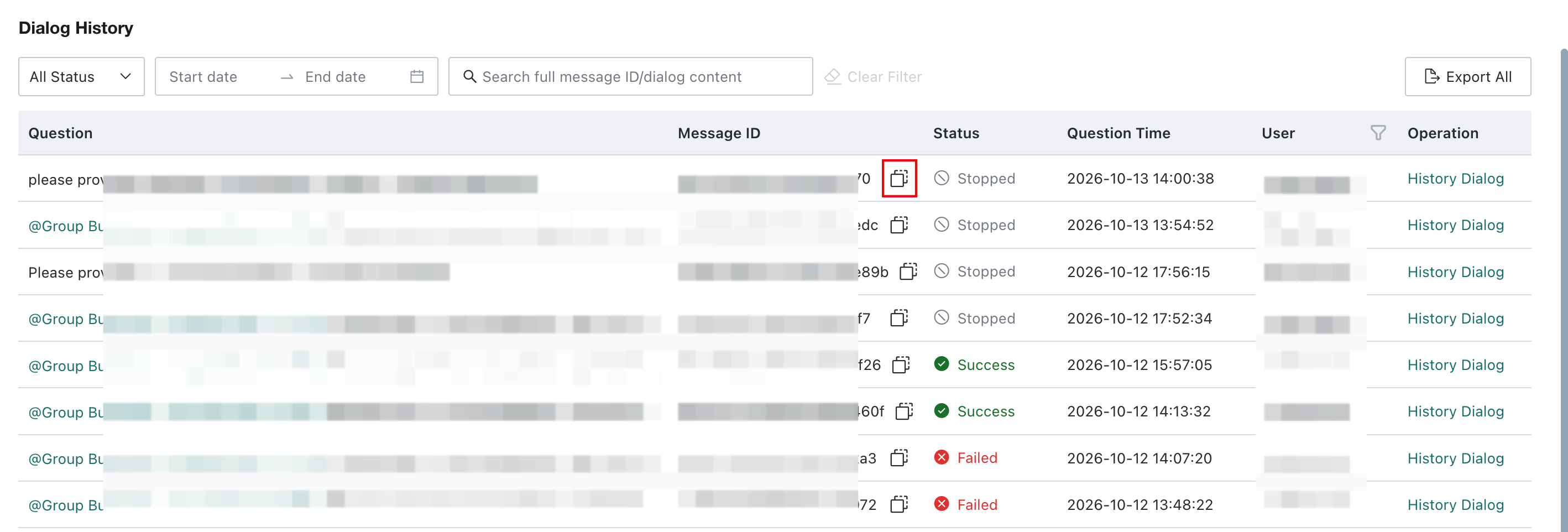
Copy Message ID
Click the button to copy the Message ID. You can provide the copied Message ID to Guandata for troubleshooting.
Export Conversation History
Click Export All to export conversation history to a local file. The export includes questions, message IDs, statuses, times, users, and accounts. Administrators can use this information to analyze agent usage and trace issues by message ID.
Conversation history generated in Guandata BI 8.1 and later can be exported.