SAP ERP Input Support
Overview
For data security reasons, and because users often have limited knowledge of the underlying SAP data structure, SAP users usually cannot access the underlying database directly. A proper method is therefore required to extract data safely from the SAP system for later data processing and development.
Offline Dev supports calling functions inside the SAP system through the RFC interface to extract data.
Procedure
-
Configure SAP ERP connection information in the data account settings.
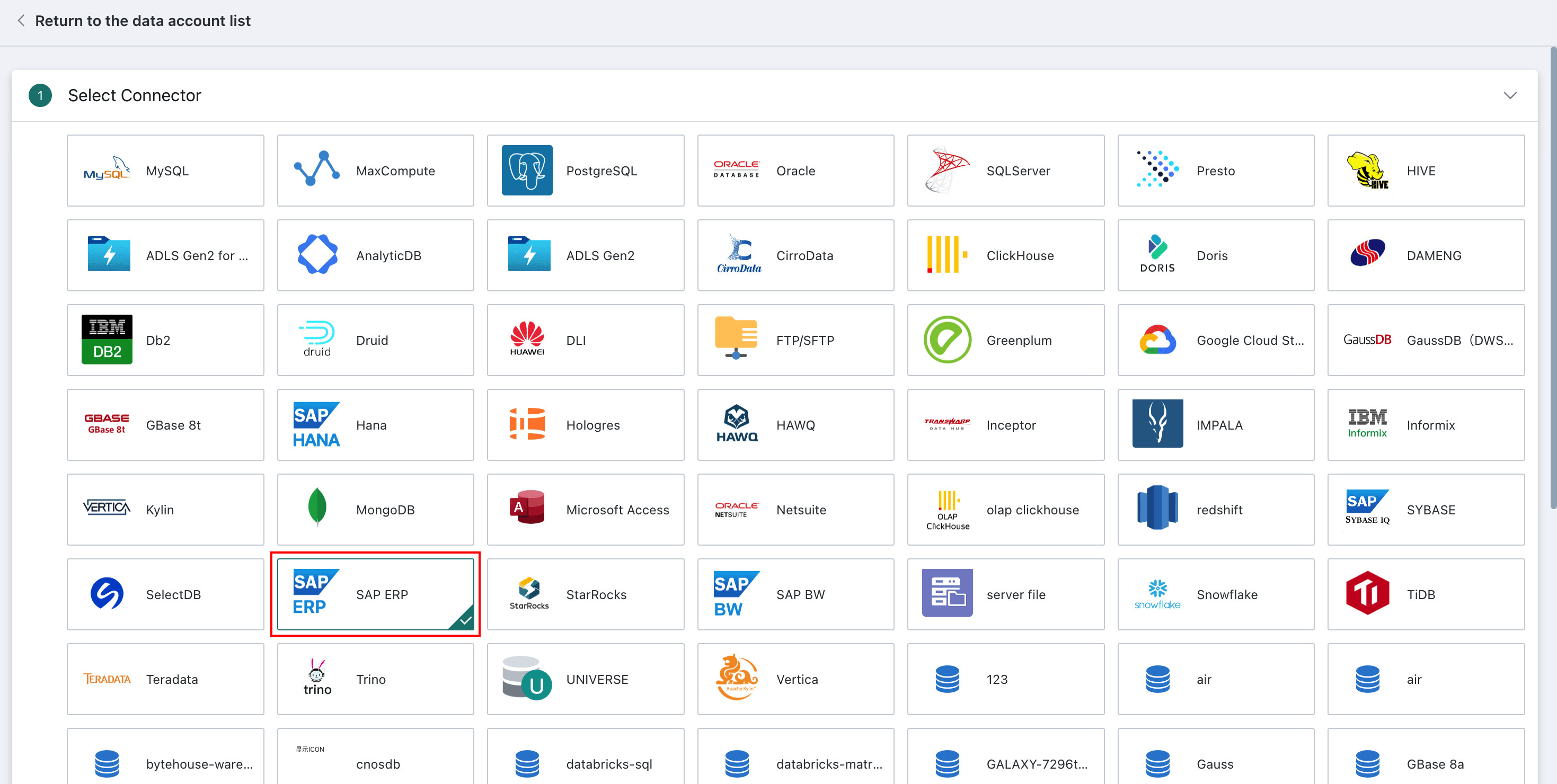
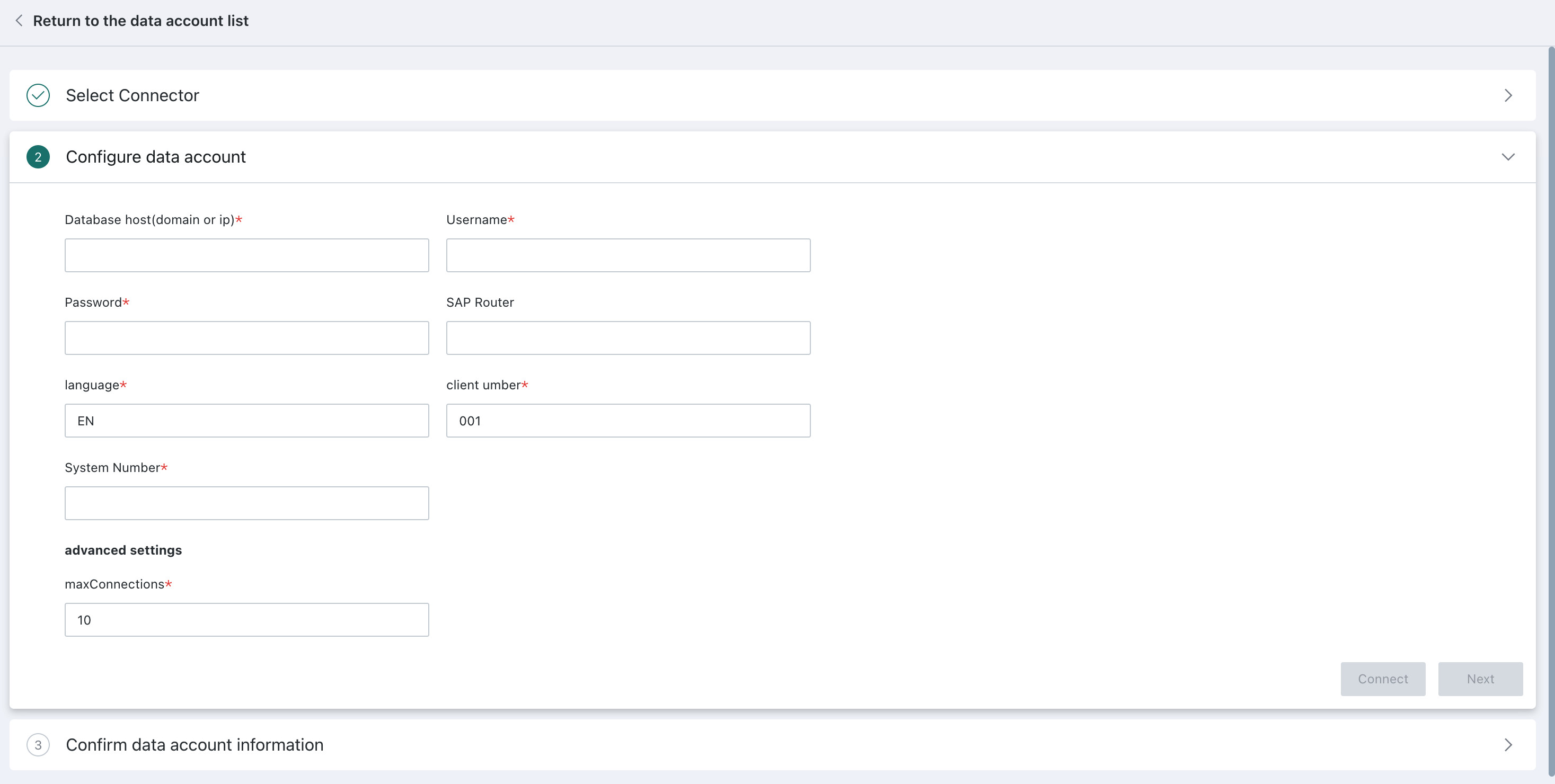
| Configuration Item | Description |
|---|---|
| Host IP | The application server host name in the SAP connection information. |
| System Number | The instance number in the SAP connection information. |
| Username | The user account used to log in to the SAP system. |
| Password | The password for the SAP account. |
| SAP Route | The SAProuter string in the SAP connection information. |
| Language Code | The SAP system language code. |
| Client Number | The SAP client number, which is the maximum valid set of business data managed by the SAP system. |
-
On the
Offline Devediting page, drag inDataflow, double-click theDataflow, then drag in theSAP ERPnode and configure the following information: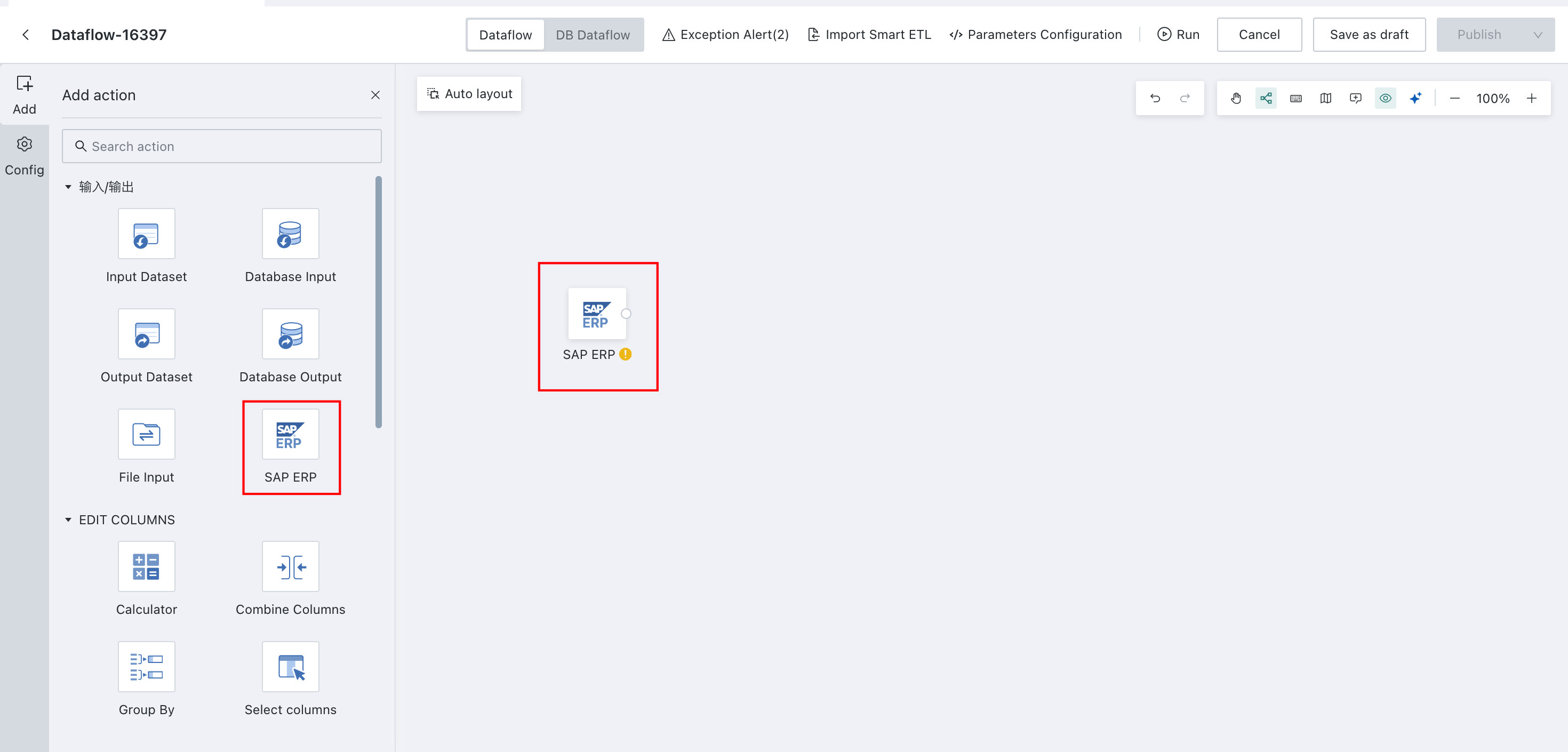
| Configuration Item | Description |
|---|---|
| Select Data Connection | The SAP ERP connection account configured in the data account settings. |
| Configuration Method | Only table selection is supported. |
| Source Table | The source table to be imported. |
| Data Filter | Configure filter conditions for incremental data retrieval. Parameter references are supported. |
- Configure downstream operators after
SAP ERPto continue processing the data.