Resource Lineage
Overview
The lineage relationships between Offline Development Task resources and existing BI resources such as datasets, ETL jobs, Data Accounts, and cards are fully connected, supporting end-to-end tracing in a unified lineage view.
Usage Guide
Resource Lineage Entry
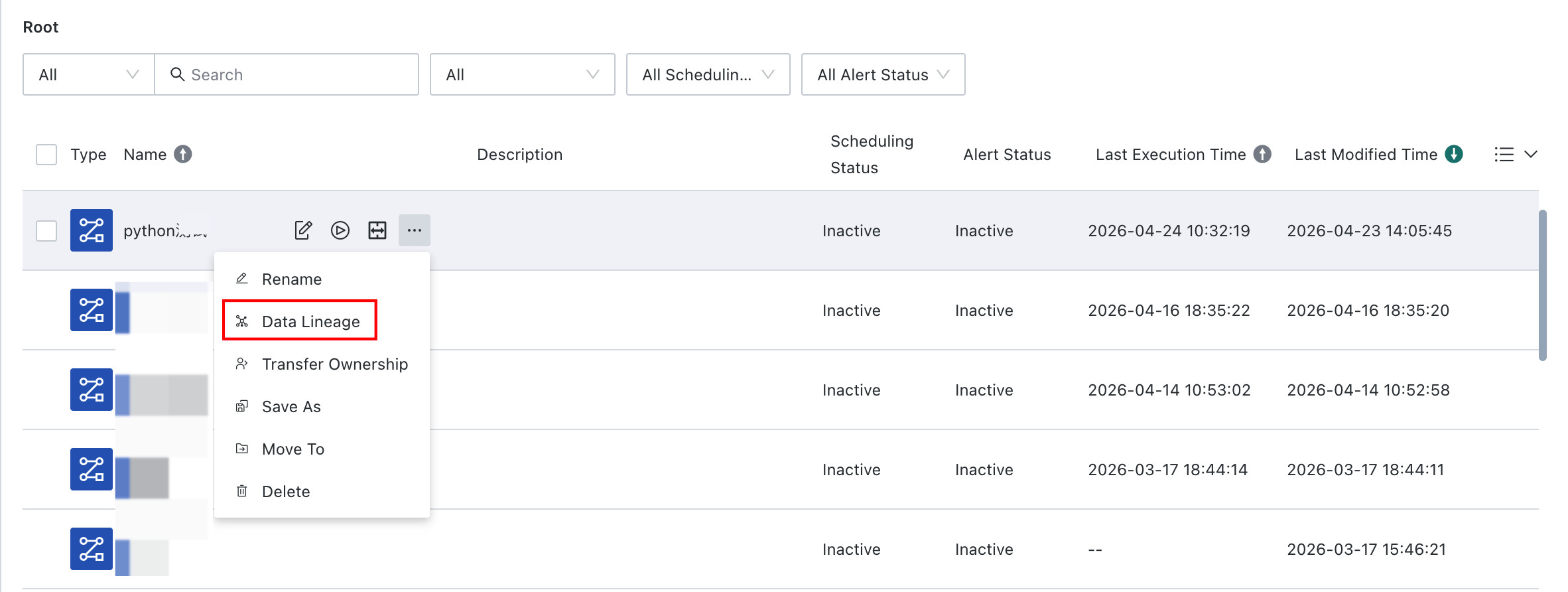
On the Data Development > Offline Dev task page, click the View Resource Lineage button in the action bar on the right, as shown below, to open the resource lineage details page and view relationships between resources.
Trace Lineage
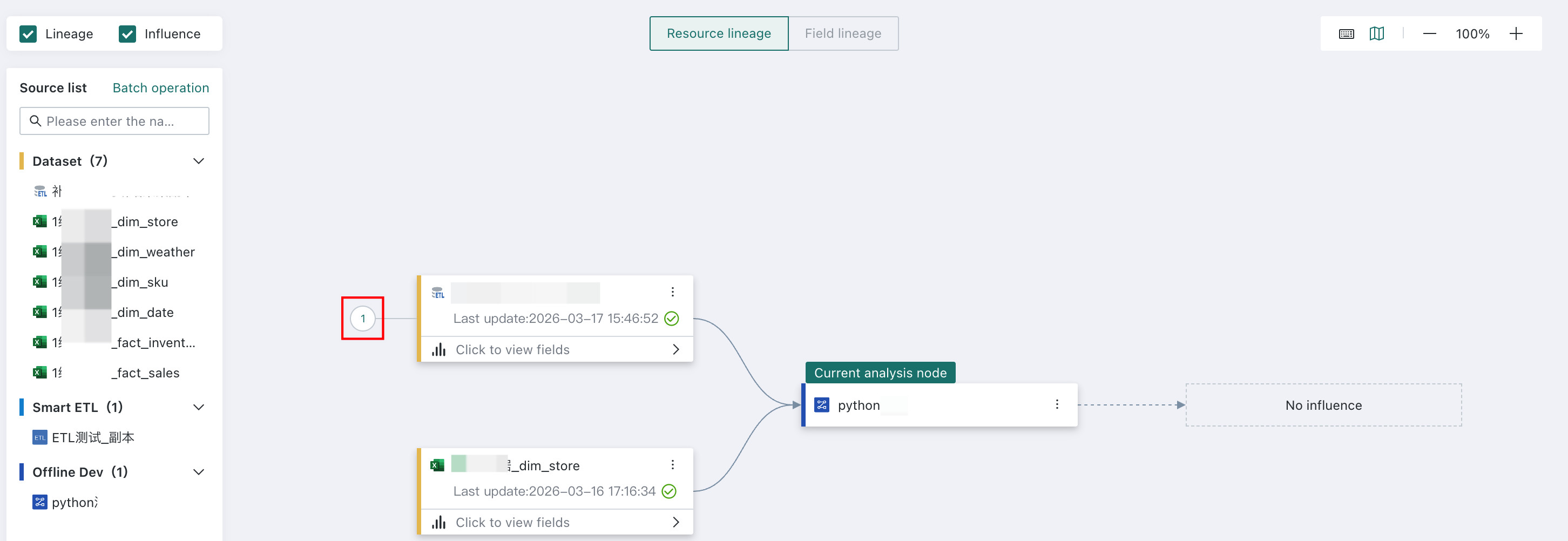
On the lineage canvas, the upper and lower two levels of nodes are expanded by default. Click an expand node control to continue tracing lineage.
View Information and Switch Nodes
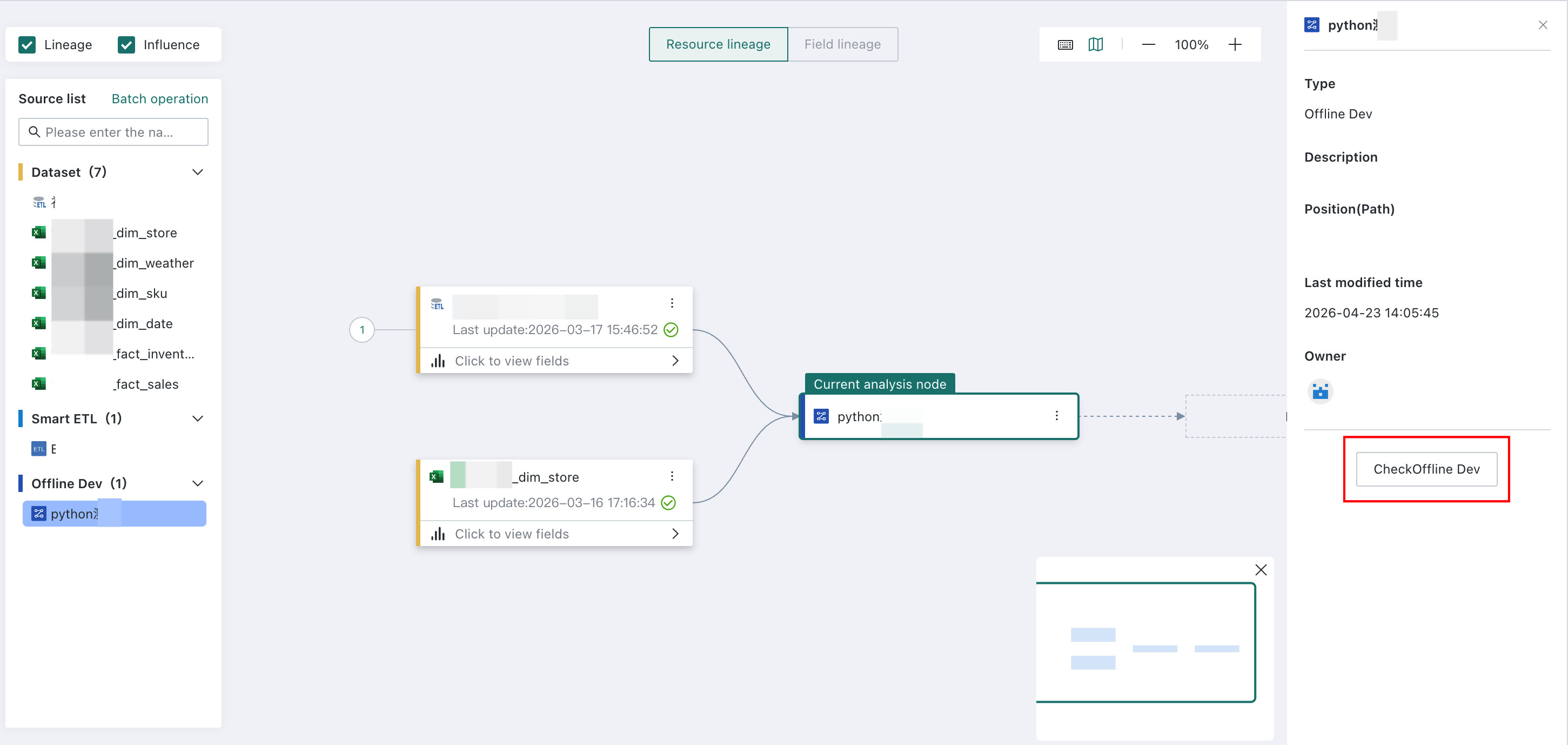
Users can view information for any resource node in the resource lineage interface and switch the analysis target node. Click a node to highlight its border. Detailed information about that node, including modified time, path, and status, is displayed on the right side of the page. You can also click the View button below the panel to jump directly to the resource details page for that node.