Oracle Database Environment Preparation
Environment Information
| Dimension | Supported configuration | Description |
|---|---|---|
| Oracle version | 11g, 12c, 19c, 21c | Supported Oracle versions. |
| Deployment | Standalone Oracle, Oracle RAC | Supports both deployment types. |
| Database architecture | Non-CDB | This document describes Non-CDB. |
| Capture adapters | LogMiner, XStream | Select the appropriate adapter for the scenario. |
| RAC + XStream default connection | dedicated service | A dedicated service is recommended. |
Standalone Configuration
Use LogMiner with Standalone Oracle
Database Prerequisites
For a standalone database, complete these LogMiner prerequisites:
-
Enable archive logging and reserve FRA capacity. Calculate FRA capacity as:
FRA >= hourly archive-log volume × retained hours × 1.5–2 safety factor + other FRA usageNoteInsufficient archive-log capacity can cause database exceptions. Configure archive-log cleanup and disk-capacity alerts.
alter system set db_recovery_file_dest='/opt/oracle/oradata/recovery_area' scope=spfile;
alter system set db_recovery_file_dest_size=100G scope=spfile;

shutdown immediate;
startup mount;
alter database archivelog;
alter database open;
archive log list;
- Enable database-level supplemental logging.
alter database add supplemental log data;
alter database add supplemental log data (primary key) columns;
- Create a CDC user and grant the minimum required privileges.
grant create session to flinkuser;
grant create table to flinkuser;
grant create sequence to flinkuser;
grant select any transaction to flinkuser;
grant select any table to flinkuser;
grant select any dictionary to flinkuser;
grant flashback any table to flinkuser;
grant logmining to flinkuser;
grant execute_catalog_role to flinkuser;
grant select_catalog_role to flinkuser;
grant analyze any to flinkuser;
grant execute on dbms_logmnr to flinkuser;
grant execute on dbms_logmnr_d to flinkuser;

alter user flinkuser quota unlimited on users;

grant select on v_$database to flinkuser;
grant select on v_$archived_log to flinkuser;
grant select on v_$log to flinkuser;
grant select on v_$logfile to flinkuser;
grant select on v_$log_history to flinkuser;
grant select on v_$transaction to flinkuser;
grant select on v_$logmnr_logs to flinkuser;
grant select on v_$logmnr_contents to flinkuser;
grant select on v_$logmnr_parameters to flinkuser;
grant select on v_$logmnr_stats to flinkuser;
- Enable table-level supplemental logging for business tables and grant the CDC user read access.
alter table orders add supplemental log data (all) columns;
grant select on testuser.orders to flinkuser;
Handle LOG_MINING_FLUSH
-
In a normal Non-CDB environment, let the connector create
LOG_MINING_FLUSH. -
The CDC user needs
CREATE TABLEand a tablespace quota. -
If you create the table manually, it must contain one column:
LAST_SCN NUMBER(19,0) -
An incompatible schema can fail during initialization or flush, for example with
ORA-00947.
Recommended Job Configuration
For standalone LogMiner, use this minimum template:
source:
  type: oracle
  jdbc.url: jdbc:oracle:thin:@//<host>:<port>/<service>
  username: <cdc_user>
  password: <cdc_password>
  database: <db_name>
  tables: <db_name>.<schema>.<table>
  scan.startup.mode: initial
  debezium.database.connection.adapter: logminer
Post-Startup Validation
For LogMiner, perform at least these four checks:
- Verify the database:
select log_mode, supplemental_log_data_min, supplemental_log_data_pk from v$database; - Verify user privileges, especially
logmining,dbms_logmnr*, andv_$logmnr_*. - Insert a unique row into the target table and confirm the pipeline moves from snapshot to incremental capture.
- For recovery validation, confirm the archive-retention window exceeds the job-recovery window.
Use XStream with Standalone Oracle
First, confirm the licensing prerequisites:
- XStream is not a general capability that Oracle Database includes by default; it requires the relevant Oracle license.
- Oracle licenses XStream through Oracle GoldenGate; purchase the required license before using it.
- Oracle XStream also requires Oracle Database Enterprise Edition licensing.
- Do not enable XStream, or treat
enable_goldengate_replicationas a simple technical setting, until Oracle GoldenGate and Enterprise Edition licensing is confirmed. - The following steps describe technical configuration only. Confirm license scope with procurement, asset management, or Oracle before implementation.
Database Prerequisites
For standalone Oracle XStream, complete database preparation in the following order.
Confirm the CDC Baseline
XStream does not bypass CDC prerequisites. Before switching to XStream, the database still requires:
ARCHIVELOGFORCE LOGGING- Database-level supplemental logging
- Business-table supplemental logging
If these prerequisites are missing, complete the database prerequisites in Use LogMiner with Standalone Oracle before configuring XStream.
Run this query first:
select log_mode, force_logging, supplemental_log_data_min, supplemental_log_data_pk
from v$database;
Also verify business tables:
select table_name, log_group_name, always
from user_log_groups
order by table_name, log_group_name;
If the table to synchronize is absent, enable table-level supplemental log data (all) columns in the business schema. This requirement is the same as for LogMiner.
Log In as sysdba
Log in as the Oracle software user, then use sqlplus / as sysdba for the remaining operations. A typical validated workflow is:
su - oracle
export ORACLE_HOME=/u01/app/oracle/product/19.0.0/dbhome_1
export ORACLE_SID=ORCL19
export PATH=$ORACLE_HOME/bin:$PATH
sqlplus / as sysdba
For a standalone environment, replace ORACLE_SID with your instance name; do not copy ORCL19 literally.
Enable Required XStream Database Parameters
XStream requires enable_goldengate_replication and an explicit streams_pool_size. The validated starting value is 3G:
alter system set enable_goldengate_replication = true scope = both sid = '*';
alter system set streams_pool_size=3G scope=both;
Verify immediately after applying the settings:
show parameter enable_goldengate_replication;
show parameter streams_pool_size;
Expected values:
enable_goldengate_replication = TRUEstreams_pool_sizeis nonzero; the recommended starting value is3G.
Prepare the XStream Connection User
In addition to XStream administrative privileges, the connection user normally needs standard CDC read privileges. Grant the complete validated privilege set to prevent permission errors during integration testing.
Reuse an existing CDC user, or create a dedicated user, for example:
create user RTS_RAC_CDC identified by <password>;
grant create session to RTS_RAC_CDC;
grant create table to RTS_RAC_CDC;
grant create sequence to RTS_RAC_CDC;
alter user RTS_RAC_CDC quota unlimited on users;

grant select any transaction to RTS_RAC_CDC;
grant select any table to RTS_RAC_CDC;
grant select any dictionary to RTS_RAC_CDC;
grant flashback any table to RTS_RAC_CDC;
grant logmining to RTS_RAC_CDC;
grant execute_catalog_role to RTS_RAC_CDC;
grant select_catalog_role to RTS_RAC_CDC;
grant analyze any to RTS_RAC_CDC;

grant execute on dbms_logmnr to RTS_RAC_CDC;
grant execute on dbms_logmnr_d to RTS_RAC_CDC;
grant execute on dbms_xstream_adm to RTS_RAC_CDC;
grant execute on dbms_xstream_auth to RTS_RAC_CDC;

grant select on v_$database to RTS_RAC_CDC;
grant select on v_$archived_log to RTS_RAC_CDC;
grant select on v_$log to RTS_RAC_CDC;
grant select on v_$logfile to RTS_RAC_CDC;
grant select on v_$log_history to RTS_RAC_CDC;
grant select on v_$transaction to RTS_RAC_CDC;
grant select on v_$logmnr_logs to RTS_RAC_CDC;
grant select on v_$logmnr_contents to RTS_RAC_CDC;
grant select on v_$logmnr_parameters to RTS_RAC_CDC;
grant select on v_$logmnr_stats to RTS_RAC_CDC;
- Strictly speaking, creating an outbound server requires only XStream administrative privileges.
- However, granting only these privileges can still cause errors for dictionary views, table creation, and LogMiner calls. Grant the validated full privilege set.
Grant XStream Administrative Privileges
Grant XStream administrative privileges to the connection user:
begin
  dbms_xstream_auth.grant_admin_privilege(
    grantee => 'RTS_RAC_CDC',
    privilege_type => 'CAPTURE',
    grant_select_privileges => true
  );
end;
/
Verify after execution:
select username, privilege_type, grant_select_privileges
from dba_xstream_administrator
where username = 'RTS_RAC_CDC';
Expected values:
PRIVILEGE_TYPE = CAPTUREGRANT_SELECT_PRIVILEGES = YES
Privilege notes:
- The
grant create session,grant select any table, andgrant execute on dbms_xstream_*statements grant normal login, read, and package-execution privileges only. dbms_xstream_auth.grant_admin_privilege(...)declares the user as an XStream administrator; these privilege types cannot replace each other.grant execute on dbms_xstream_auth to RTS_RAC_CDC;permits package calls but does not grantCAPTUREadministration.- Run this step as
SYSDBAor an account with equivalent administration privileges, not as the business or connection user. - Without this step, permission issues commonly appear when querying
DBA_XSTREAM_ADMINISTRATOR, bindingconnect_user, or attaching the client.
Create and Start an Outbound Server
Run:
begin
  dbms_xstream_adm.create_outbound(
    server_name  => 'DBZXOUT',
    schema_names => 'TESTUSER'
  );

  dbms_xstream_adm.alter_outbound(
    server_name  => 'DBZXOUT',
    connect_user => 'RTS_RAC_CDC'
  );

  dbms_xstream_adm.set_parameter(
    streams_name => 'DBZXOUT',
    streams_type => 'apply',
    parameter    => 'max_sga_size',
    value        => '1024'
  );

  dbms_xstream_adm.start_outbound(
    server_name => 'DBZXOUT'
  );
end;
/
server_nameis the value fordebezium.database.out.server.namein the job.- Replace
schema_nameswith the business schema to synchronize. - Replace
connect_userwith the XStream connection user.
Verify after execution:
select server_name, status, capture_name, connect_user
from dba_xstream_outbound
where server_name = 'DBZXOUT';

select capture_name, status, purpose
from dba_capture
where capture_name = 'CAP$_DBZXOUT_1';
Before integration testing, you normally see:
DBA_XSTREAM_OUTBOUND.STATUS = DETACHEDDBA_CAPTURE.STATUS = ENABLED
Grant Business-Table Read Access
Finally, grant the XStream connection user read access to business tables, for example:
grant select on TESTUSER.ORDERS to RTS_RAC_CDC;
grant select on TESTUSER.PRODUCTS to RTS_RAC_CDC;
Replace TESTUSER with the actual schema and table names.
Final Checks Before Submitting the Job
Before submitting an XStream job, confirm that these views return the expected results:
DBA_XSTREAM_OUTBOUNDDBA_CAPTUREDBA_XSTREAM_ADMINISTRATOR
If all three checks pass, continue with client dependencies and OCI connectivity.
Client Configuration
XStream issues often occur in client dependencies rather than the database. Complete client configuration before submitting the job.
Prepare Java Dependencies
Add these JAR files to flink-udf-lib:
ojdbc8.jarxstreams.jar
Obtain them as follows:
- Obtain
ojdbc8.jarfrom Oracle's official JDBC page or an official Maven/Gradle coordinate. - You can reuse the JDBC driver included with installed Oracle Database software or Oracle Client.
xstreams.jaris not available separately from the Instant Client page; obtain it from Oracle Database or Oracle Database Client media that matches the target database major version.- If Oracle Database software or Oracle Client is installed,
xstreams.jaris commonly located at$ORACLE_HOME/rdbms/jlib/xstreams.jar. - If no usable
ORACLE_HOMEexists, download matching installation media through Oracle official delivery channels, such as Oracle Software Delivery Cloud or an internal Oracle-media repository. - Do not obtain
ojdbc8.jarorxstreams.jarfrom third-party mirrors, forums, or unknown archives; they can introduce version, content, and license issues.
Install Oracle Instant Client
In addition to Java JARs, prepare OCI native dependencies by installing Oracle Instant Client.
Obtain it as follows:
- Download Oracle Instant Client from the official download page.
- Select a version compatible with the operating system, CPU architecture, and target database.
- Download at least the Basic or Basic Light package, which Oracle identifies as the foundation for OCI and JDBC-OCI applications.
- Corporate delivery processes can use Oracle Software Delivery Cloud or an internal artifact repository, provided the artifacts originate from Oracle.
Installation locations:
data-link-proxy, which generates, submits, and prechecks jobs, loads Oracle OCI dependencies.- The Flink cluster runs the job, so install the dependencies in the TaskManager nodes or image that executes the source.
A recommended approach is to extract Instant Client to an NFS shared directory:
mkdir -p /nfs-data/flink/lib
tmp_dir=$(mktemp -d /nfs-data/flink/lib/.instantclient_unpack.XXXXXX)
unzip instantclient-basic-linux.x64-19*.zip -d "$tmp_dir"
extracted_dir=$(find "$tmp_dir" -maxdepth 1 -type d -name 'instantclient_*' | head -n 1)
mv "$extracted_dir" /nfs-data/flink/lib/instantclient_19c
rmdir "$tmp_dir"
ls -l /nfs-data/flink/lib/instantclient_19c
- If
/nfs-data/flink/lib/instantclient_19cexists, back up or remove the old directory before runningmv. - Do not run
mv /nfs-data/flink/lib/instantclient_* /nfs-data/flink/lib/instantclient_19cwhen the target already exists; it can nest the new directory one level too deep.
After installation, confirm that the Instant Client directory contains at least:
libclntsh*libocijdbc*
Configure the JVM Native Library Search Path
Assume the shared-storage directory is:
/nfs-data/flink/lib/instantclient_19c
Mount it consistently in the container at:
/opt/flink/lib/instantclient_19c
Mount the Instant Client subdirectory itself, not its parent directory.
- If the host path is
/nfs-data/flink/lib/instantclient_19c, map it directly to/opt/flink/lib/instantclient_19cin the container. - Do not mount this subdirectory at
/opt/flink/lib; the JVM would search/opt/flink/lib/instantclient_19cwhile the files reside one level higher.
- Configure
data-link-proxyto use Instant Client from shared storage.
env:
  - name: JAVA_TOOL_OPTIONS
    value: "-Djava.library.path=/opt/flink/lib/instantclient_19c"
  - name: LD_LIBRARY_PATH
    value: "/opt/flink/lib/instantclient_19c"
volumeMounts:
  - mountPath: /opt/flink/lib/instantclient_19c
    name: flink-lib-volume
volumes:
  - name: flink-lib-volume
    hostPath:
      path: /nfs-data/flink/lib/instantclient_19c
      type: DirectoryOrCreate
- Configure Instant Client from the shared storage directory for the Flink cluster.
# jobmanager / taskmanager deployment
env:
  - name: LD_LIBRARY_PATH
    value: "/opt/flink/lib/instantclient_19c"
volumeMounts:
  - mountPath: /opt/flink/lib/instantclient_19c
    name: flink-lib
volumes:
  - name: flink-lib
    hostPath:
      path: /nfs-data/flink/lib/instantclient_19c
      type: DirectoryOrCreate

# flink config.yaml
env.java.opts.all: '-Djava.library.path=/opt/flink/lib/instantclient_19c'
classloader.parent-first-patterns.additional: "oracle.;oracle.jdbc.;oracle.sql.;oracle.net.;com.oracle."
Additional notes:
- These examples cover only the Instant Client native-library mount and JVM path.
- Store
ojdbc8.jarandxstreams.jarseparately in/nfs-data/flink/lib/and load them from a Flink/application-visible library directory or classpath. Do not omit them because/opt/flink/lib/instantclient_19cis mounted, and do not place them inside that directory.
Recommended Job Configuration
For standalone XStream, use this minimum template:
source:
  type: oracle
  jdbc.url: jdbc:oracle:oci:@//<host>:<port>/<service>
  username: <xstream_user>
  password: <xstream_password>
  database: <db_name>
  tables: <db_name>.<schema>.<table>
  debezium.database.connection.adapter: xstream
  debezium.database.out.server.name: <outbound_server>
  debezium.oracle.version: 11
RAC Cluster Configuration
Use LogMiner with RAC Oracle
Database Prerequisites
For RAC + LogMiner, confirm these additional items before the standalone prerequisites:
cluster_database = TRUEremote_listenerpoints toSCANgv$instanceshows every instance asOPEN- The database is in
ARCHIVELOGmode
Execution notes:
- Run the following database steps once as
sysdbaon any instance; do not repeat them on every instance. - They apply to one RAC database, not separate database objects per instance.
- Validate results from a cluster perspective—such as
gv$instance,v$database, andSCAN/VIP connectivity—instead of repeating user, privilege, or logging setup.
Use the same database-side sequence as standalone LogMiner:
- Enable FORCE LOGGING.
- Enable database-level supplemental logging.
- Create the CDC user and grant LogMiner privileges.
- Enable
supplemental log data (all) columnsfor business tables. - Grant the CDC user read access to business tables.
Connection Method
For RAC + LogMiner, use connection entry points in this order:
- For cluster or internal-network testing, use SCAN + Service Name.
- For targeted troubleshooting, connect directly to an instance
VIP.
Recommended Job Configuration
For Non-CDB + RAC + LogMiner, adapt the standalone configuration to a SCAN entry point:
source:
  type: oracle
  jdbc.url: jdbc:oracle:thin:@//<scan-host>:1521/<service>
  username: <cdc_user>
  password: <cdc_password>
  database: <db_name>
  tables: <db_name>.<schema>.<table>
  scan.startup.mode: initial
  debezium.database.connection.adapter: logminer
Use XStream with RAC Oracle
Database Prerequisites
For RAC + XStream, note these additional database requirements beyond standalone XStream:
- Apply RAC parameters cluster-wide:
alter system set enable_goldengate_replication=true scope=both sid='*';
alter system set streams_pool_size=3G scope=both sid='*';
- For stable attachment, create a dedicated service for XStream instead of reusing a general service such as
ORCL19.
Use the remaining standalone XStream database steps:
- Create or reuse the connection user.
- Grant LogMiner + XStream privileges.
dbms_xstream_auth.grant_admin_privilege(...)dbms_xstream_adm.create_outbound(...)dbms_xstream_adm.alter_outbound(...)dbms_xstream_adm.start_outbound(...)
Connection Method and Instance Affinity
This is the key difference for RAC + XStream. Use a dedicated service.
Dedicated Service Configuration
For an Admin-Managed RAC cluster, use this validated configuration as a reference:
export ORACLE_HOME=/u01/app/oracle/product/19.0.0/dbhome_1
export PATH=$ORACLE_HOME/bin:$PATH

srvctl add service \
  -db ORCL19 \
  -service ORCL19_XSTREAM \
  -preferred ORCL191 \
  -available ORCL192 \
  -policy AUTOMATIC \
  -clbgoal LONG \
  -rlbgoal NONE \
  -notification TRUE \
  -failback YES

srvctl start service -db ORCL19 -service ORCL19_XSTREAM
After creating the service, apply this additional setting:
begin
  dbms_capture_adm.set_parameter(
    capture_name => 'CAP$_DBZXOUT_1',
    parameter    => 'use_rac_service',
    value        => 'Y');
end;
/
The purpose is not simply to add a service; it aligns the XStream + RAC client entry point with the queue-owner instance.
Client Configuration
For RAC + XStream, use the same client rules as standalone XStream:
data-link-proxy, JobManager, and every TaskManager must see the same Oracle client dependencies.- Keep the
ojdbc8.jar,xstreams.jar, and Instant Client major versions aligned. - Point
JAVA_TOOL_OPTIONS/env.java.opts.allandLD_LIBRARY_PATHto the Instant Client directory. - Use
jdbc:oracle:ociforjdbc.url.
Recommended Job Configuration
For Non-CDB + RAC + XStream, use this minimum template:
source:
  type: oracle
  jdbc.url: jdbc:oracle:oci:@//<scan-host>:1521/ORCL19_XSTREAM
  username: <xstream_user>
  password: <xstream_password>
  database: <db_name>
  tables: <db_name>.<schema>.<table>
  debezium.database.connection.adapter: xstream
  debezium.database.out.server.name: DBZXOUT
  debezium.oracle.version: 11
The default connection method is a dedicated service; using a general ORCL19 service is no longer recommended.
Parameter Optimization
Redo Group
- Each RAC instance has its own redo thread, avoiding contention for the same redo log.
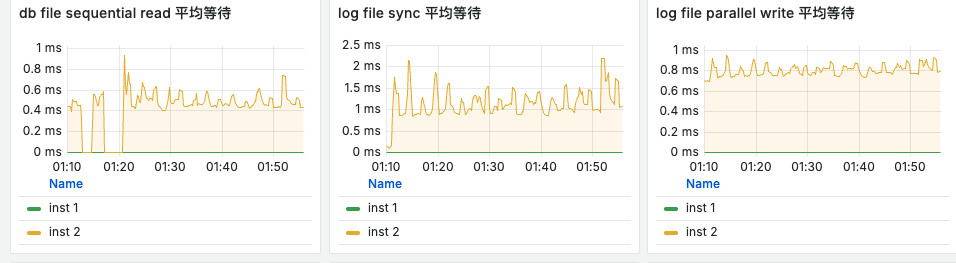
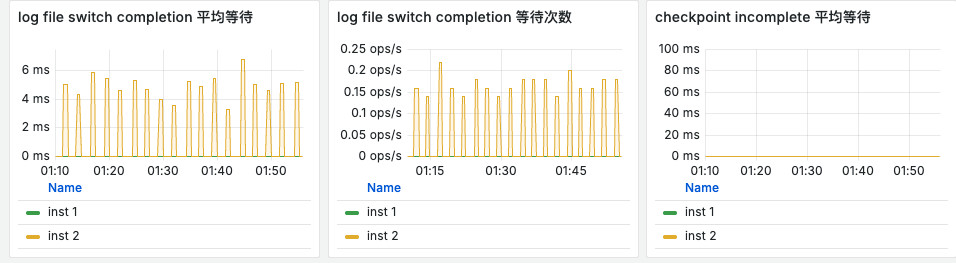
- Each RAC instance needs at least two redo groups; three groups per thread meets the minimum requirement.
- Multiplex each redo group with at least two members. LGWR writes members concurrently, so one failed member does not stop the instance.
- Keep redo-group count, size, and member count consistent across RAC threads.
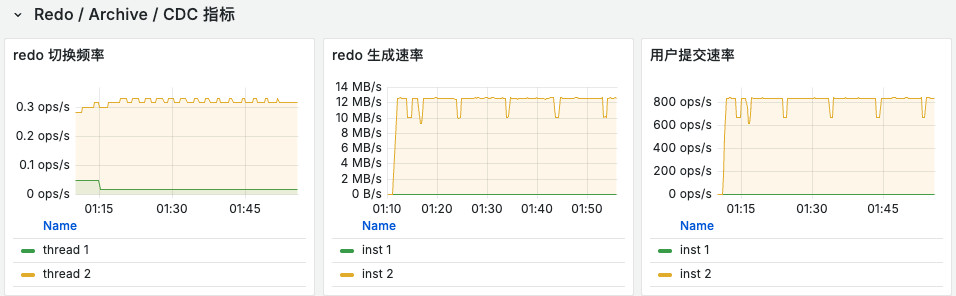
- Target a redo switch every 15–30 minutes per thread at peak load.
Production recommendation:
Each thread: 6 online redo groups
Each group: 2 GB or 4 GB
Each group: 2 members
Troubleshooting
LOG_MINING_FLUSH Returns ORA-00947: not enough values
Symptoms:
- LogMiner initialization or flush fails.
- The error contains
INSERT INTO LOG_MINING_FLUSH VALUES (0). - The failure includes
ORA-00947.
Causes:
- The manually created
LOG_MINING_FLUSHschema does not match the connector expectation. - The table was created with multiple columns instead of one column.
Resolution:
- In a normal Non-CDB environment, let the connector create
LOG_MINING_FLUSH. - If manual creation is necessary, use this schema:
CREATE TABLE LOG_MINING_FLUSH (
  LAST_SCN NUMBER(19,0)
);
Source: knowledge/facts/knowledge-base/oracle19c-rac-logminer-cdc-setup.md
ORA-01031: insufficient privileges
Symptoms:
- Reading the dictionary, querying dynamic views, initializing capture, or attaching XStream fails.
- The issue can occur with both LogMiner and XStream.
Causes:
- The CDC user lacks execute privileges on
DBMS_LOGMNR*packages. - The user lacks read privileges on dynamic views such as
v_$database,v_$logmnr_*, andv_$archived_log. - For XStream, the user may also lack
DBMS_XSTREAM_*package privileges or administrative authorization.
Resolution:
- Grant the minimum privilege set described in this document.
- If the error continues, grant the exact privilege required by the failed SQL statement.
- For XStream, also run the following block;
execute on dbms_xstream_authalone is insufficient:
begin
  dbms_xstream_auth.grant_admin_privilege(
    grantee => '<xstream_user>',
    privilege_type => 'CAPTURE',
    grant_select_privileges => true
  );
end;
/
UnsatisfiedLinkError: no clntsh or no ocijdbc19
Symptoms:
- The XStream job fails to start.
- The JVM cannot find Oracle OCI native libraries.
- Logs contain
no clntshorno ocijdbc19 in java.library.path.
Causes:
- Oracle Instant Client is not installed.
LD_LIBRARY_PATHorjava.library.pathdoes not point to the Instant Client directory.- The major versions of
ojdbc8.jar,xstreams.jar, and Instant Client do not match.
Resolution:
- Confirm that
libclntsh*andlibocijdbc*exist in the Instant Client directory. - Confirm that
LD_LIBRARY_PATH,JAVA_TOOL_OPTIONS/env.java.opts.allpoint to the correct directory. - Align the major versions of
ojdbc8.jar,xstreams.jar, and Instant Client.
SQLFeatureNotSupportedException: getOCIHandles
Symptoms:
- The XStream configuration appears complete, but attachment fails immediately.
- The error contains
getOCIHandles.
Cause:
- The XStream connection uses
jdbc:oracle:thininstead ofjdbc:oracle:oci.
Resolution:
- With
adapter=xstream, use:
jdbc:oracle:oci:@//<host>:<port>/<service>
- Replace
thinwithoci.
Failed to resolve Oracle database version or Internal Error: Fetch error message failed!
Symptoms:
data-link-proxyno longer reportsno ocijdbc19, but the job still reports an Oracle OCI/JDBC connection error.
Causes:
- The Oracle client runtime requirements are not fully satisfied.
- Common causes include mixed JAR and Instant Client versions, a missing
libaio.so.1, or an incomplete Oracle runtime stack even thoughjava.library.pathis active.
Resolution:
- Confirm that the problem is an incomplete runtime stack rather than an unset path.
- Verify matching major versions for
ojdbc8.jar,xstreams.jar, and Instant Client; the presence oflibaio.so.1; that Flink does not load duplicate Oracle JARs; and thatclassloader.parent-first-patterns.additionalretains the Oracle package prefixes.
ORA-12537: TNS:connection closed When Accessing RAC through SCAN Externally
Symptoms:
- The database is available inside the cluster, but an external client fails to access
SCANthrough an SSH tunnel.
Cause:
SCAN LISTENERredirects the client to an internalVIPthat the external client cannot reach.
Resolution:
- For temporary external troubleshooting, use an SSH tunnel directly to an instance
VIPinstead ofSCAN.
DBZXOUT=ATTACHED but Incremental Changes Do Not Advance with RAC + XStream
Symptoms:
- Oracle reports
ATTACHED, butcaptured_scndoes not advance for an extended period. gv$xstream_outbound_server.total_messages_sent=0- No incremental changes reach the target.
Cause:
- XStream attached to an instance that does not own the queue, causing a typical silent RAC + XStream failure.
Resolution:
- Stop using the general
ORCL19service orSCAN. Use a dedicated service such asORCL19_XSTREAM, or temporarily pin troubleshooting traffic to the queue-owner instanceVIP.
ORA-26812: An active session currently attached to XStream server "DBZXOUT"
Symptoms:
- A new job fails immediately or retries continuously because the old job is still running or its session has not been released.
Cause:
- Another active XStream job still uses the same outbound server. A dedicated service fixes instance routing but does not remove the single-session restriction.
Resolution:
- Keep only one active job attached to the same
DBZXOUT. After stop/restart, confirm that the old session is released before starting a new job. With initial + backfill, also account for lifecycle conflicts between XStream and backfill.
This is an XStream operating constraint, not a transient exception.
Metrics Monitoring
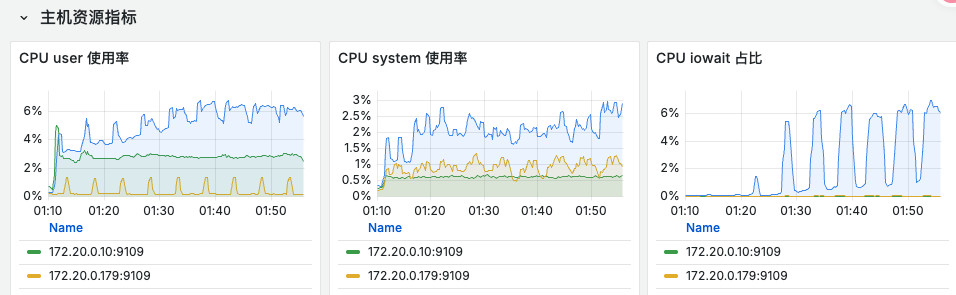
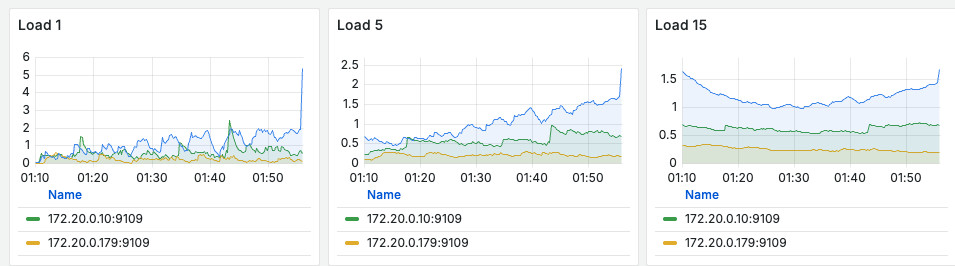
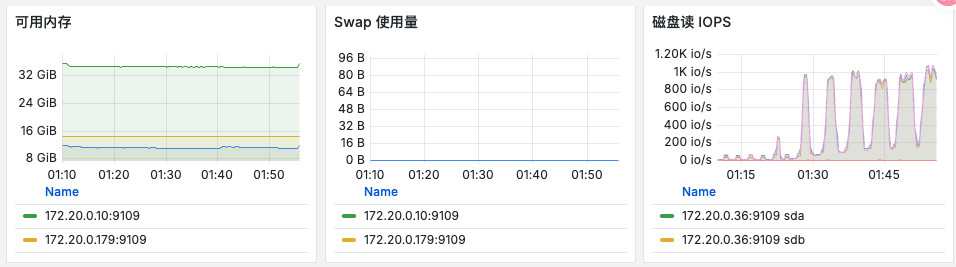
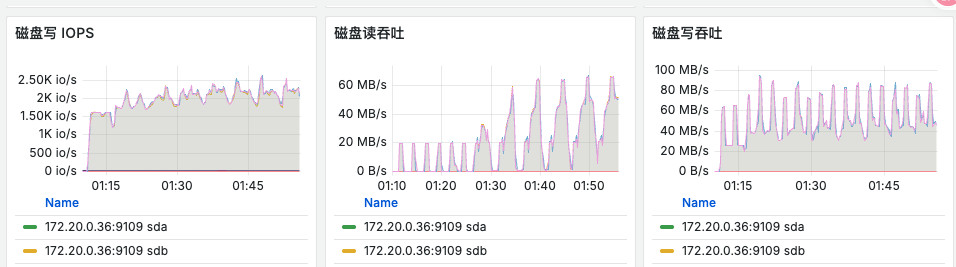
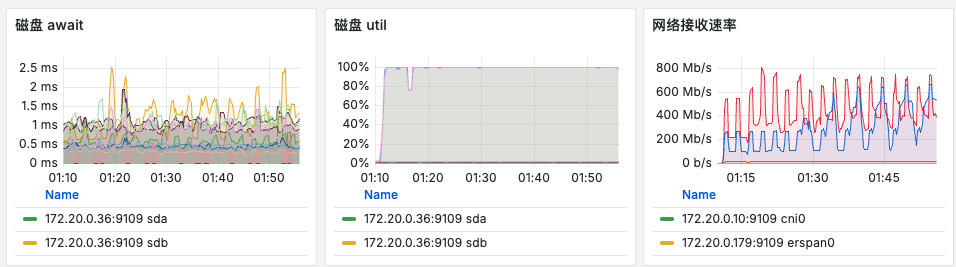
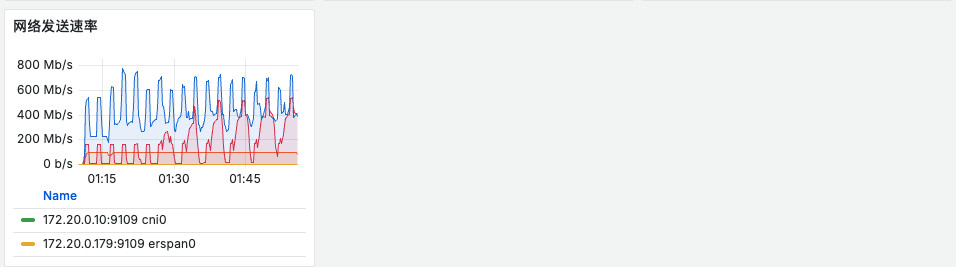
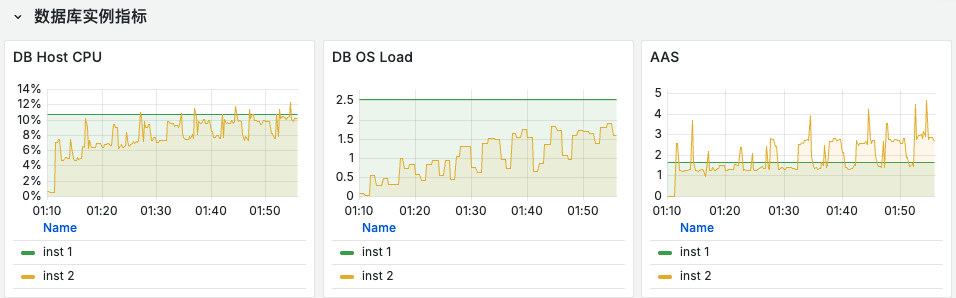
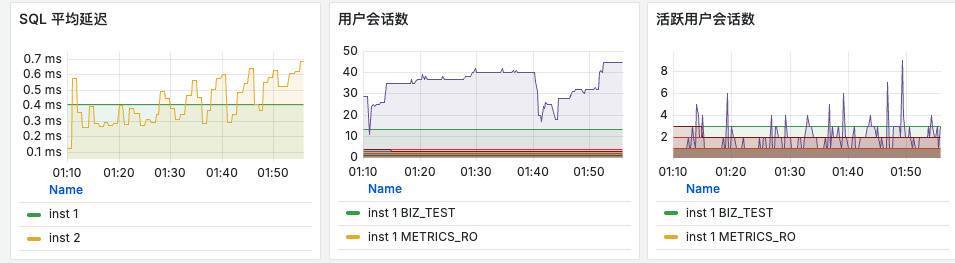
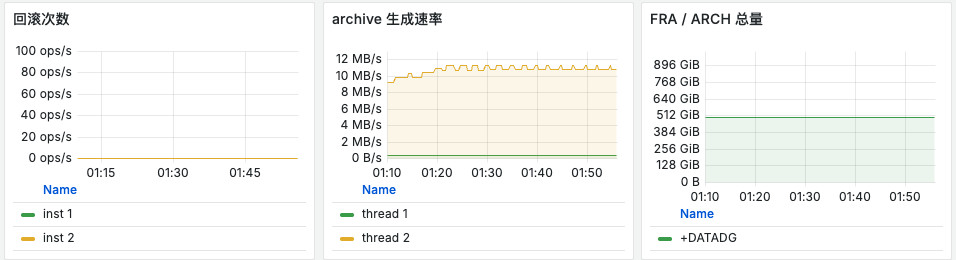
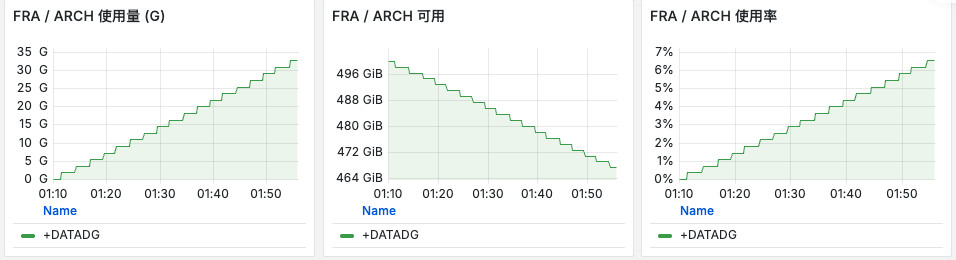
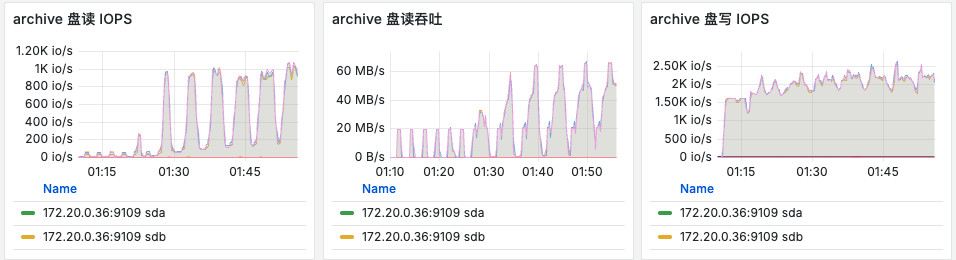
Monitor the following recommended metrics: