SQL Node (Advanced)
Overview
The SQL Node (Advanced) supports basic data development by using SQL statements. When you need to process data in a database, such as creating, updating, deleting, reading, or aggregating data, you can do so with this node.
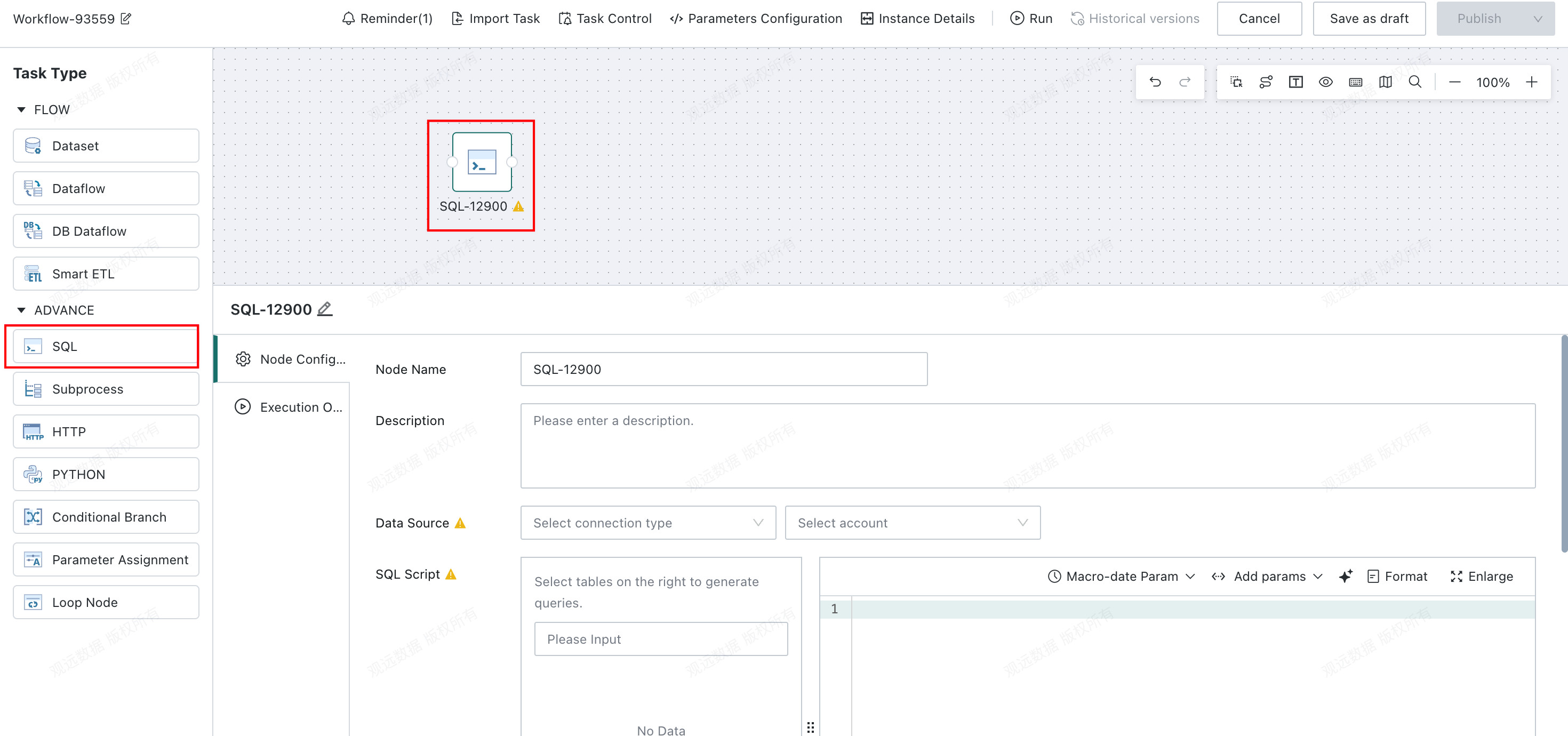
Node Configuration
- Data source: Configure the data source account.
- SQL statement: Use SQL to retrieve, process, or insert synchronized data in an external database.
-
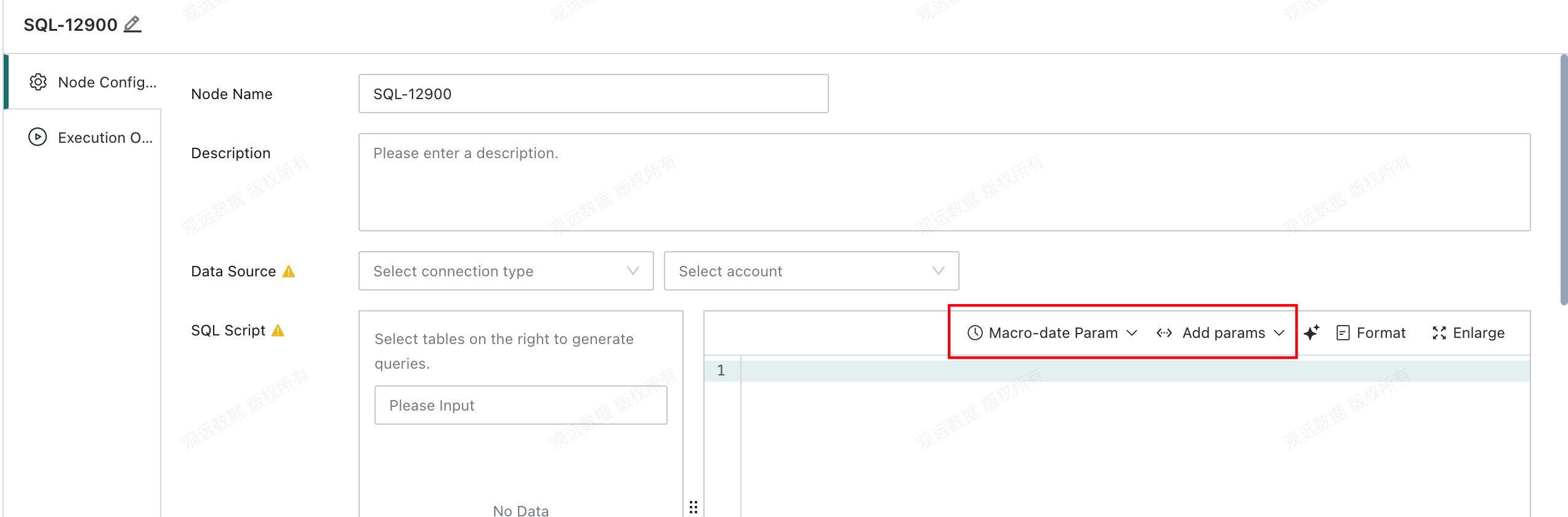
SQL statements support Global Parameters, Time Macro Parameters, and Workflow Parameter.
-
Pre-SQL/Post-SQL: Additional preparation and cleanup operations can be configured before and after the main SQL statement.
-
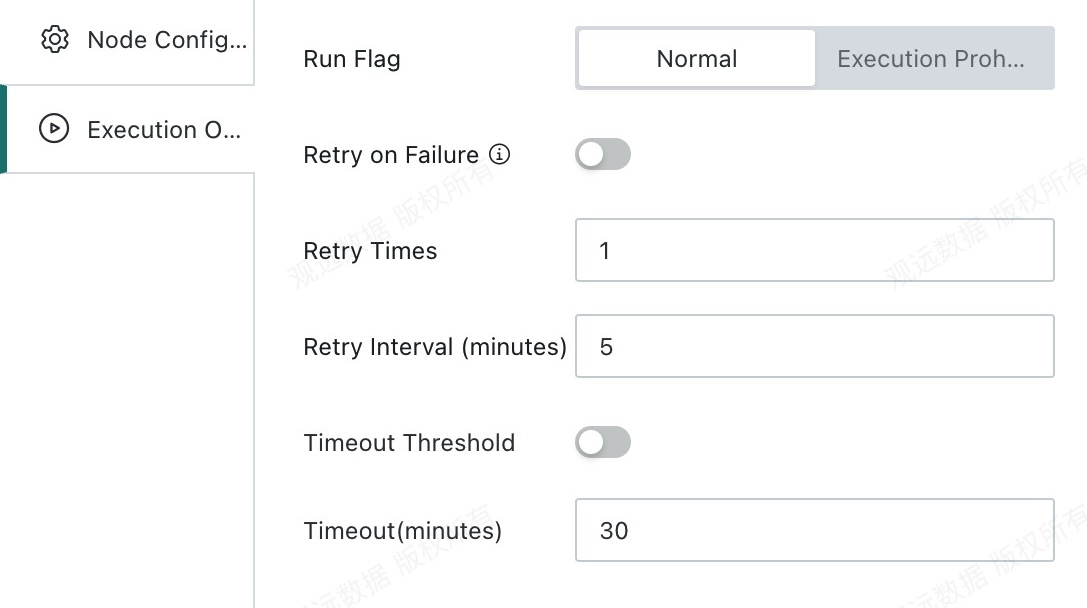
Runtime Options
- Run status
Do Not Execute: When the workflow reaches this node, execution is skipped directly. This is commonly used for temporary data troubleshooting and partial task execution control.Normal: The node runs according to the existing scheduling strategy. This is the default run status.
- Retry on failure
- Retry count: The number of automatic retries after node failure. The default is
1. - Retry interval: The interval before each retry is triggered. The default is
5minutes.
- Retry count: The number of automatic retries after node failure. The default is
- Timeout limit
- Timeout duration: The timeout limit for a single node. The node fails automatically if the limit is exceeded.