Append Rows
Feature Description
Business data of the same type may come from different subsidiaries, stores, or data sources, even within the same organization. For example, supermarkets may use multiple payment channels such as cash, bank card, and mobile payment, leading to many separate source datasets. Append Rows combines same-business data from different sources into one dataset.
Procedure
-
Drag the
Append Rowsoperator from the dataflow operator panel into the canvas on the right.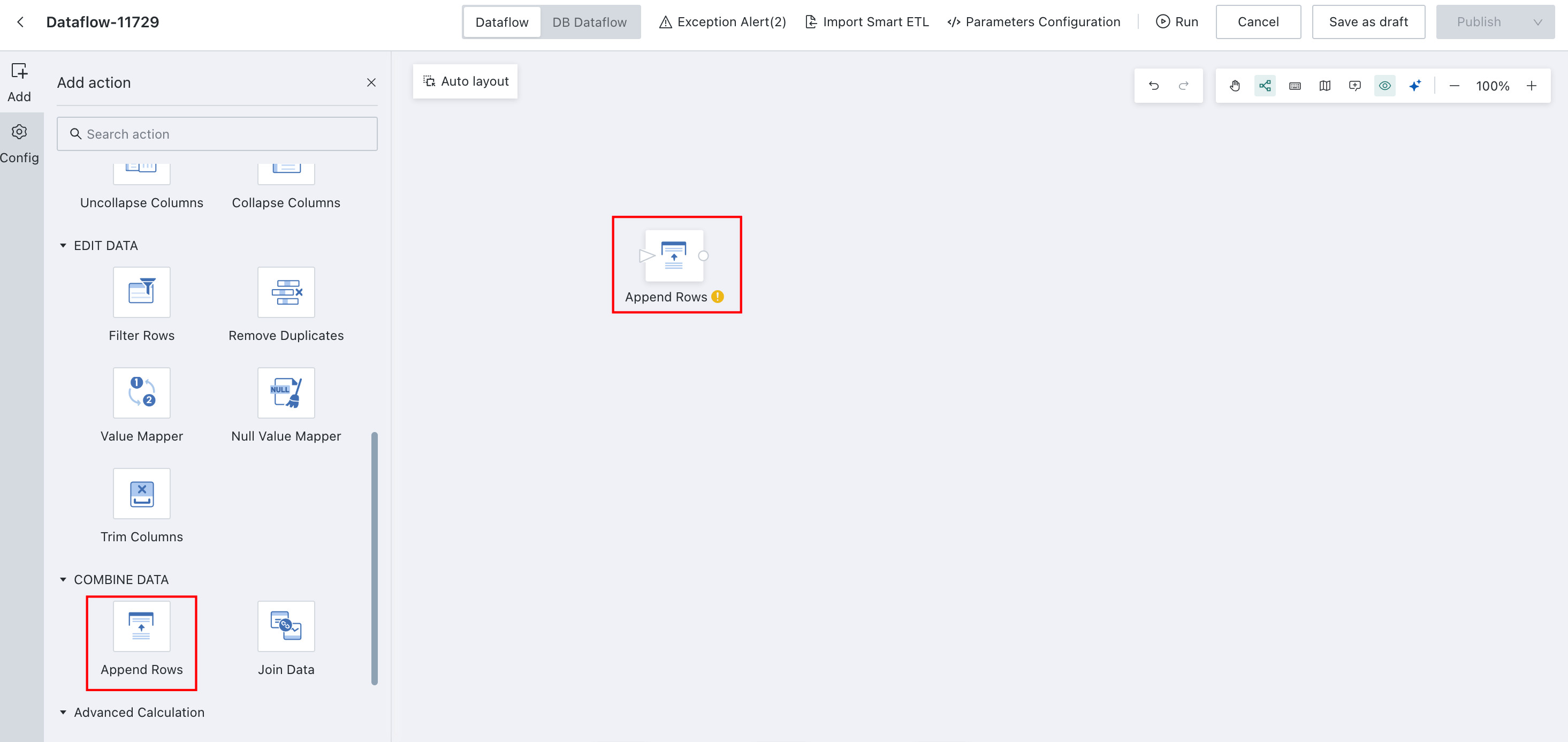
-
Drag the datasets to be appended onto the canvas and configure
Append Rows.The following example shows two datasets from different sources with exactly the same fields.Example:
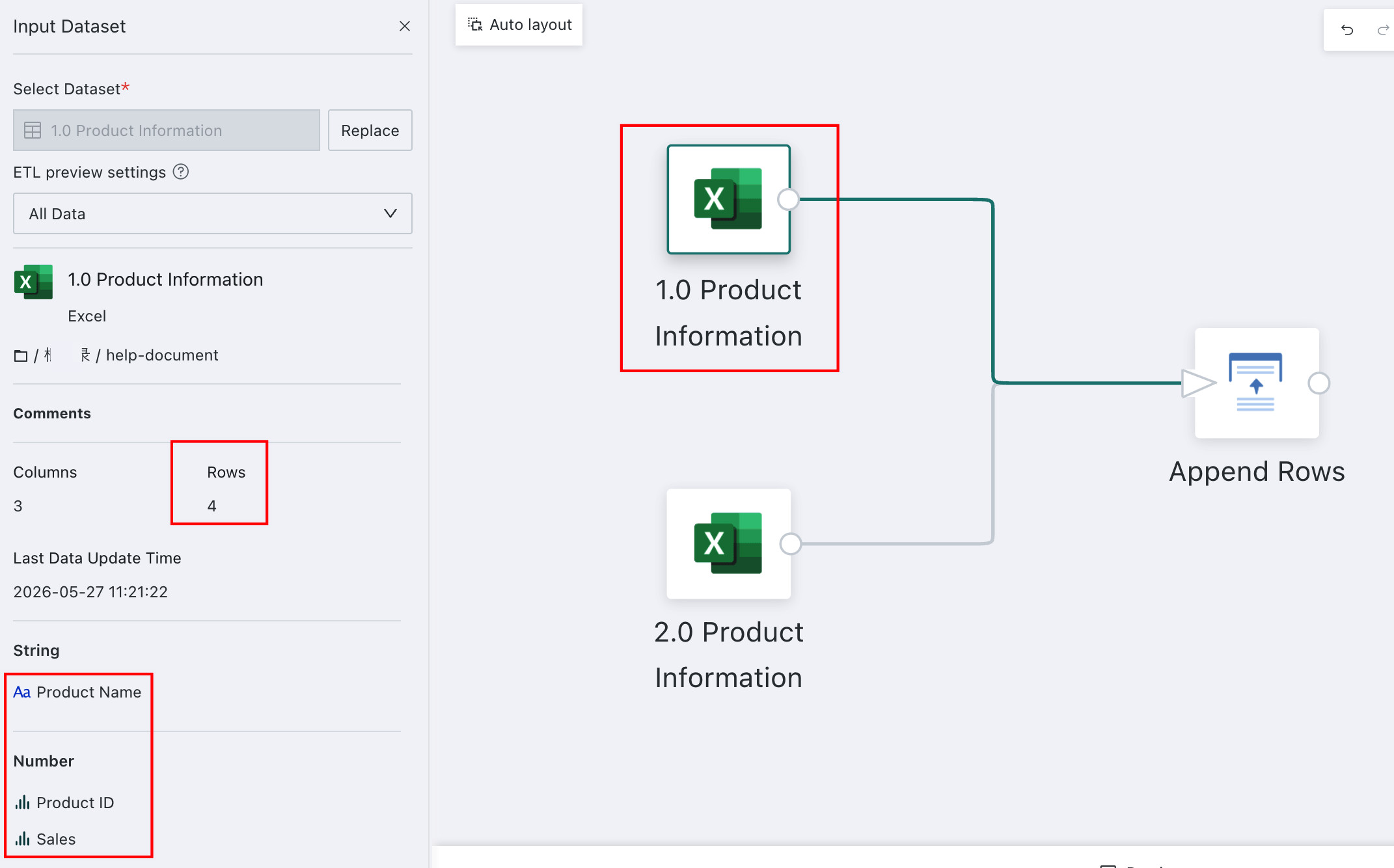
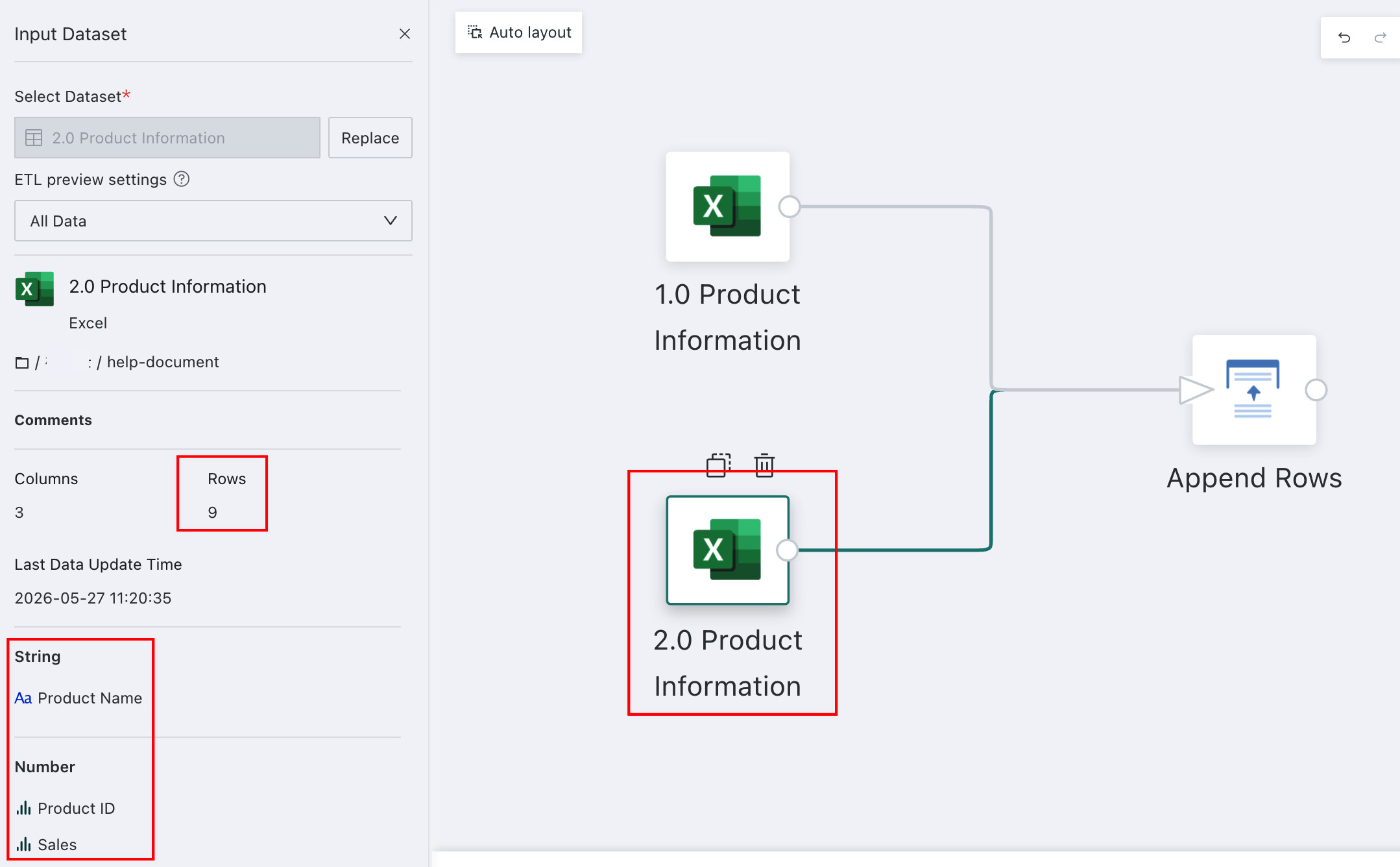
As shown above, the two datasets come from different sources but have exactly the same fields.
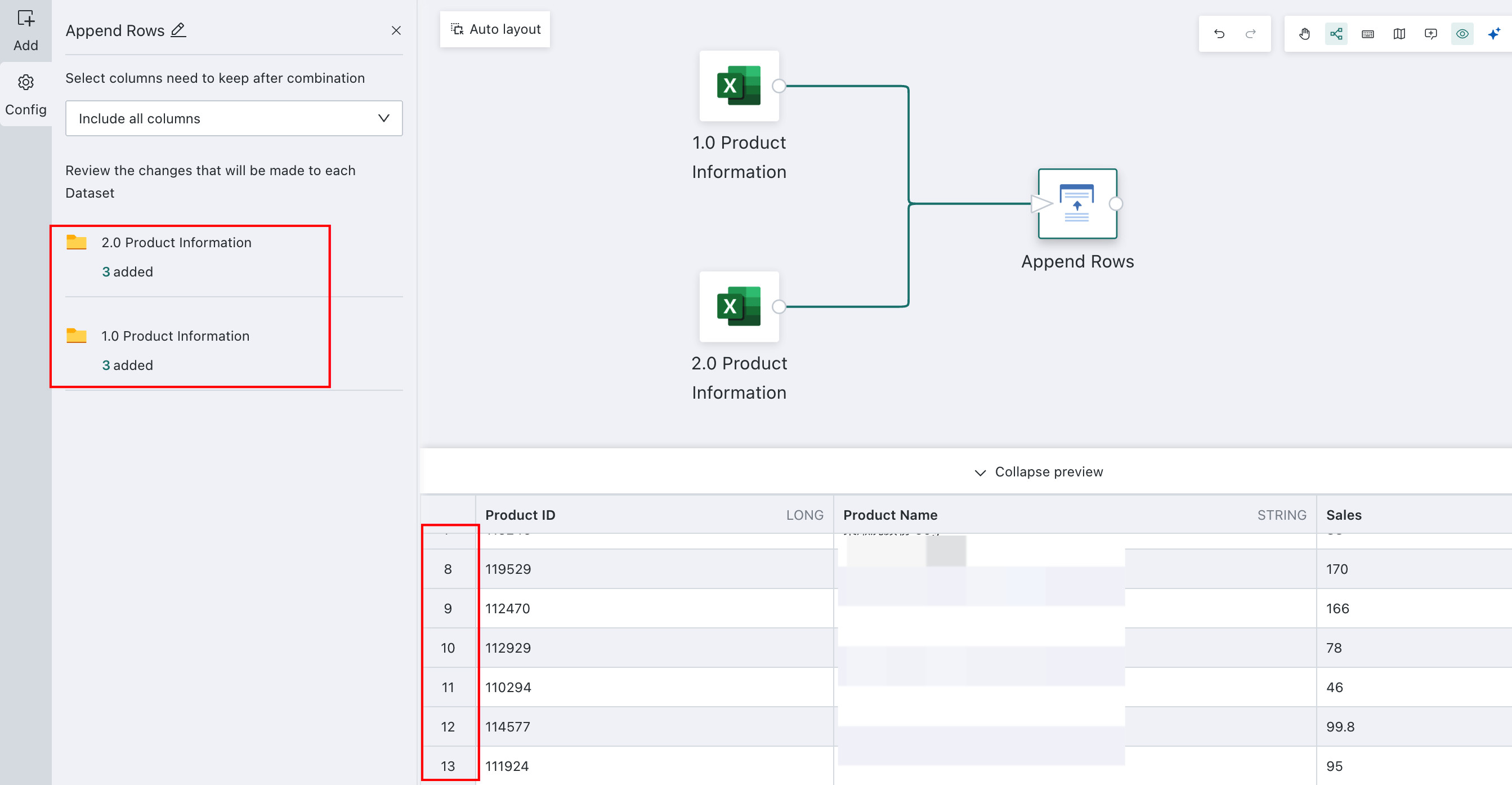
-
After obtaining the appended result, you can click the number under a dataset in the upper-left area to see which fields were retained from that dataset.