Output Dataset
Overview
Feature Description
Output Dataset stores the result data produced by a Dataflow Node and can be used for later business analysis and reporting.
Multiple Output Dataset operators can be configured at any node in the ETL dataflow, with different storage locations specified for different outputs.
You can also configure acceleration fields for an Output Dataset. The system partitions the dataset based on these fields to improve query performance when the dataset is used by cards.
Prerequisites
At least one Input Dataset or Database Input node is required in the Dataflow Node before you can configure an Output Dataset.
Procedure
-
Drag the
Output Datasetoperator from the dataflow operator panel into the canvas on the right and connect it with links.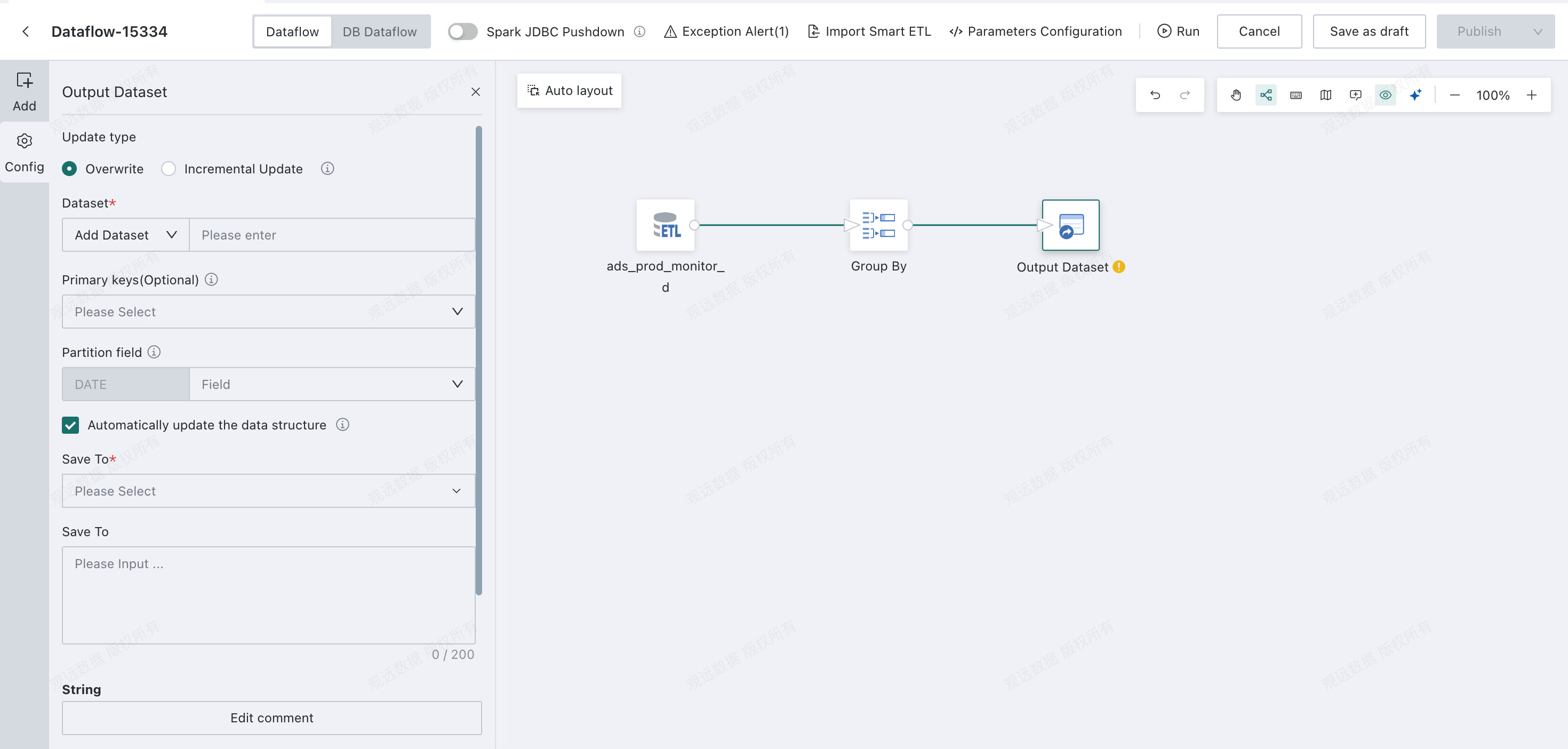
-
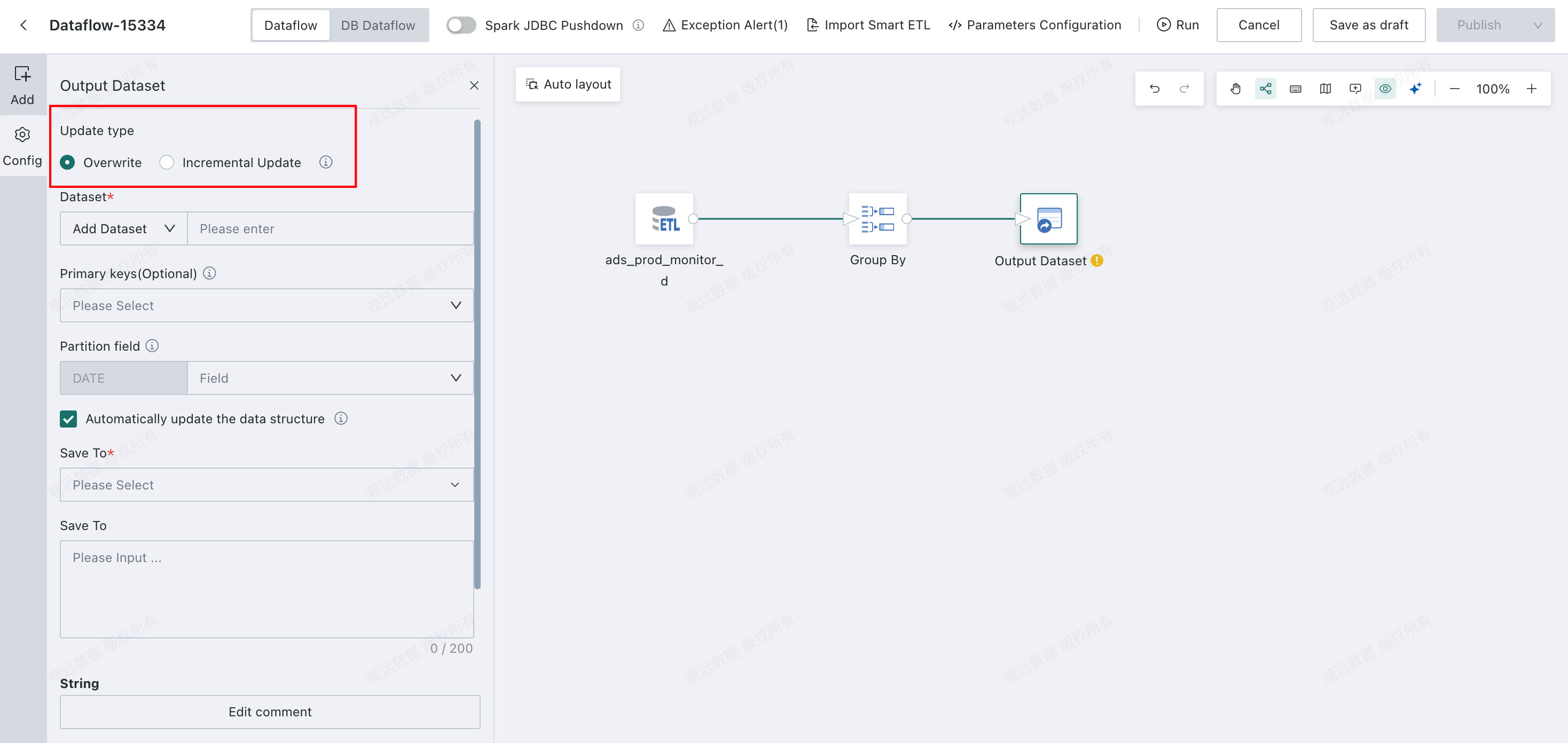
Choose
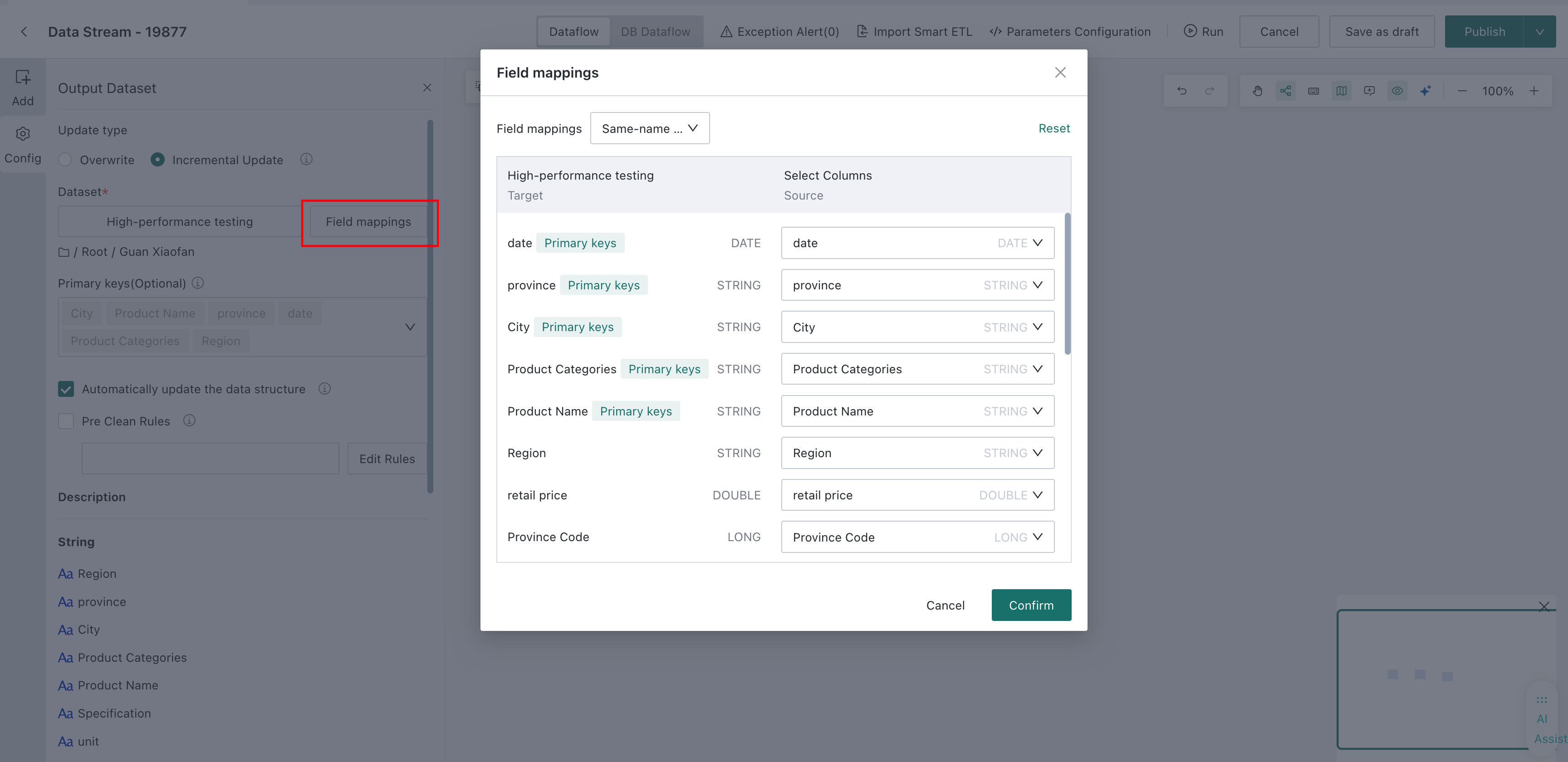
OverwriteorIncremental Update.Overwritesupports creating a new dataset or selecting an existing dataset. If an existing dataset is selected and its fields have changed, enable automatic schema update to overwrite the existing dataset structure.Incremental Updatesupports selecting an existing dataset and configuring field mappings. If fields have changed, enable automatic schema update to add missing fields to the existing dataset automatically. You can also configurePre-Cleanup Rulesto clean data in the target dataset.
-
After the
Offline Devtask runs successfully, the system automatically outputs theOffline Devdataset toData Center > Datasets.
Configure Deduplication Primary Keys and Partition Fields
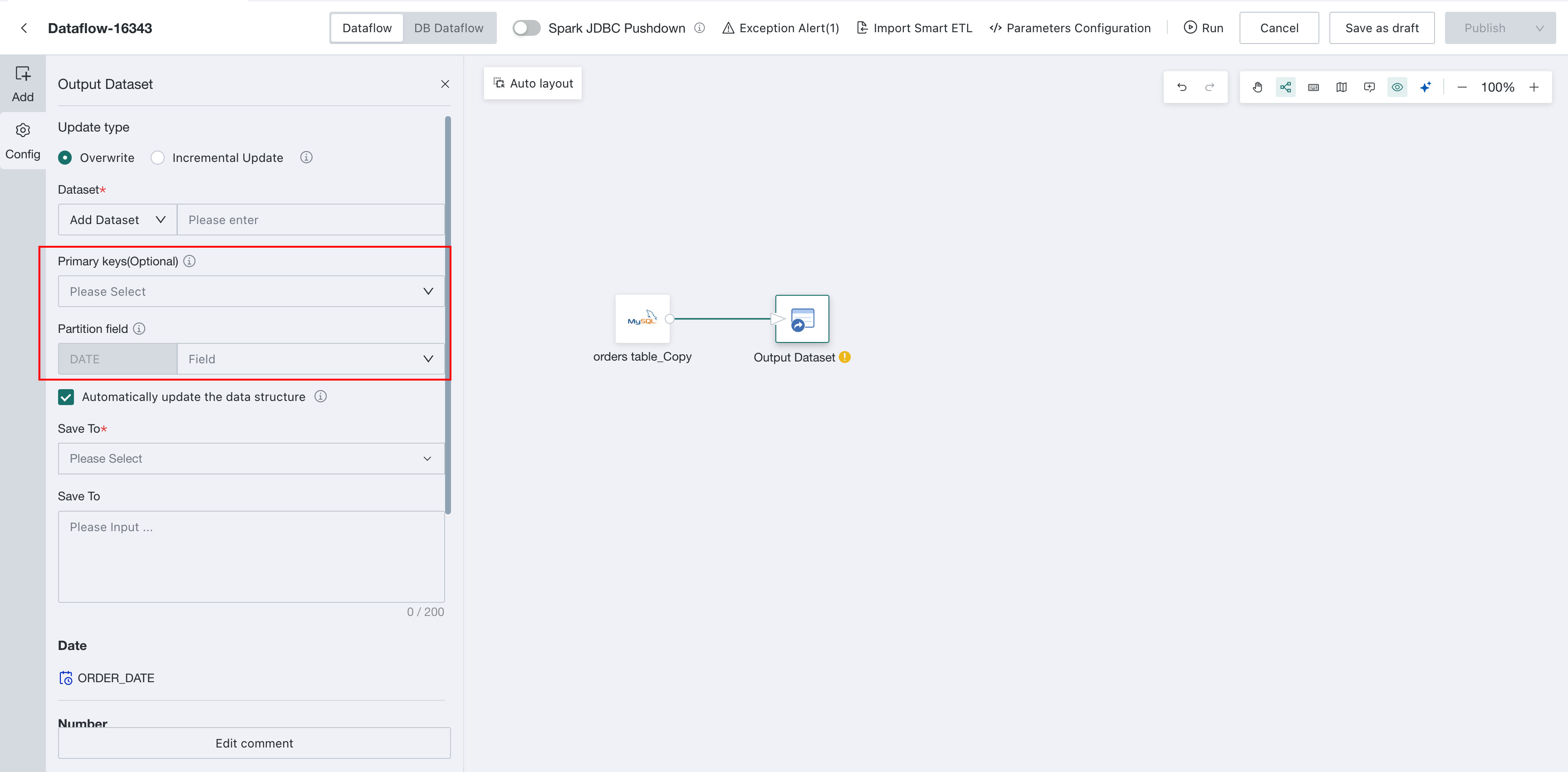
New Dataset
When creating a dataset in an Output Dataset node, you can specify deduplication primary keys and partition fields. Partition fields support date-type fields only.
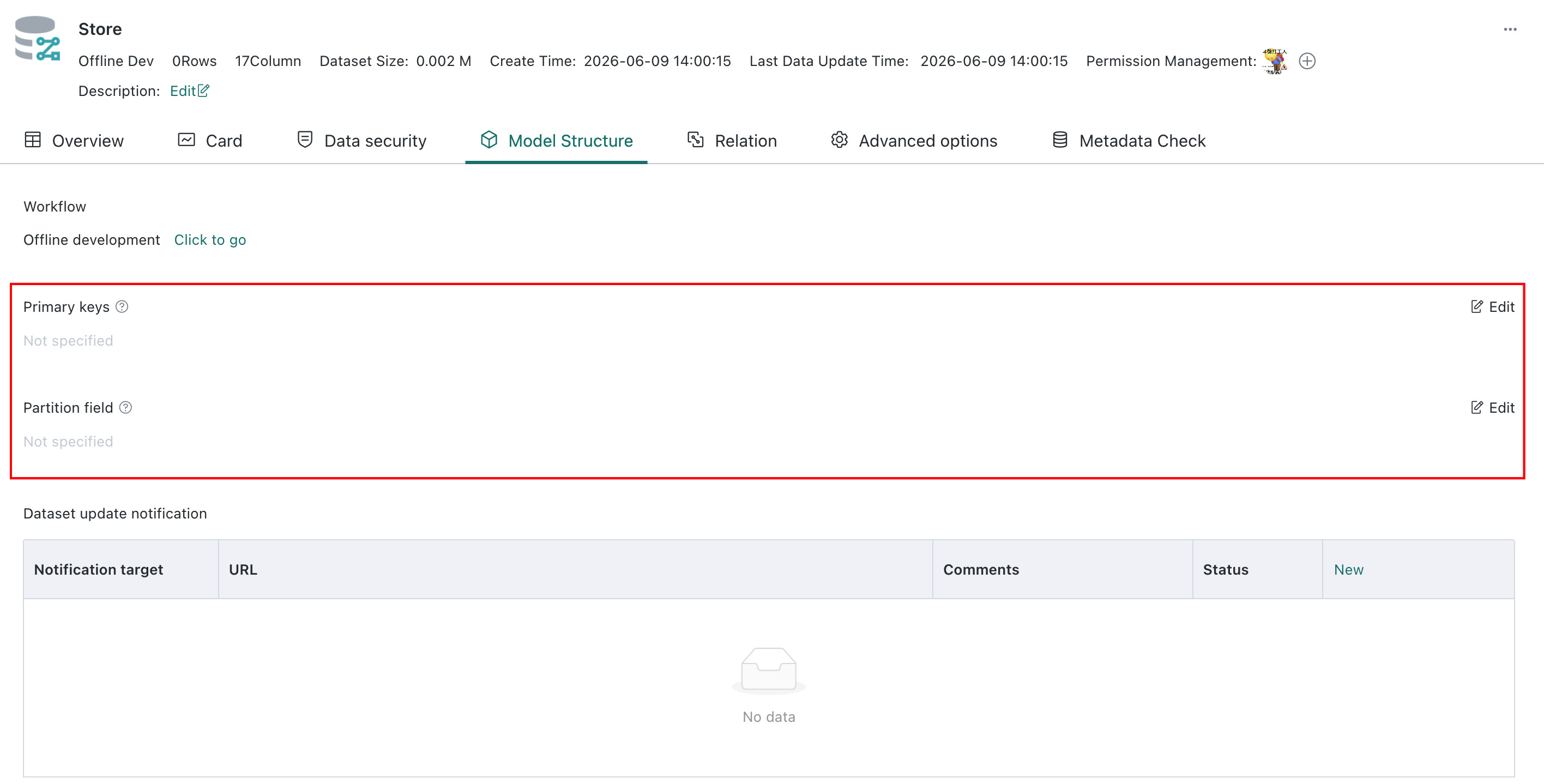
Existing Dataset
Configure the deduplication primary keys and partition fields on the dataset details page.
When configuring source-to-target mappings in Dataflow, you must map the partition fields and deduplication primary keys.
Selecting Automatically update data structure for a full update clears the target-table structure. Therefore, when a full update writes to an existing target table that has partition fields, do not select this option.