Database Output
Overview
Feature Description
Database Output writes processed data from a Dataflow Node directly into a database.
Multiple Database Output operators can be configured at any node in the ETL dataflow, each with its own target storage location.
Prerequisites
At least one Input Dataset or Database Input node is required in the Dataflow Node before you can configure a Database Output.
Procedure
-
Drag the
Database Outputoperator from the dataflow operator panel into the canvas on the right and connect it with links.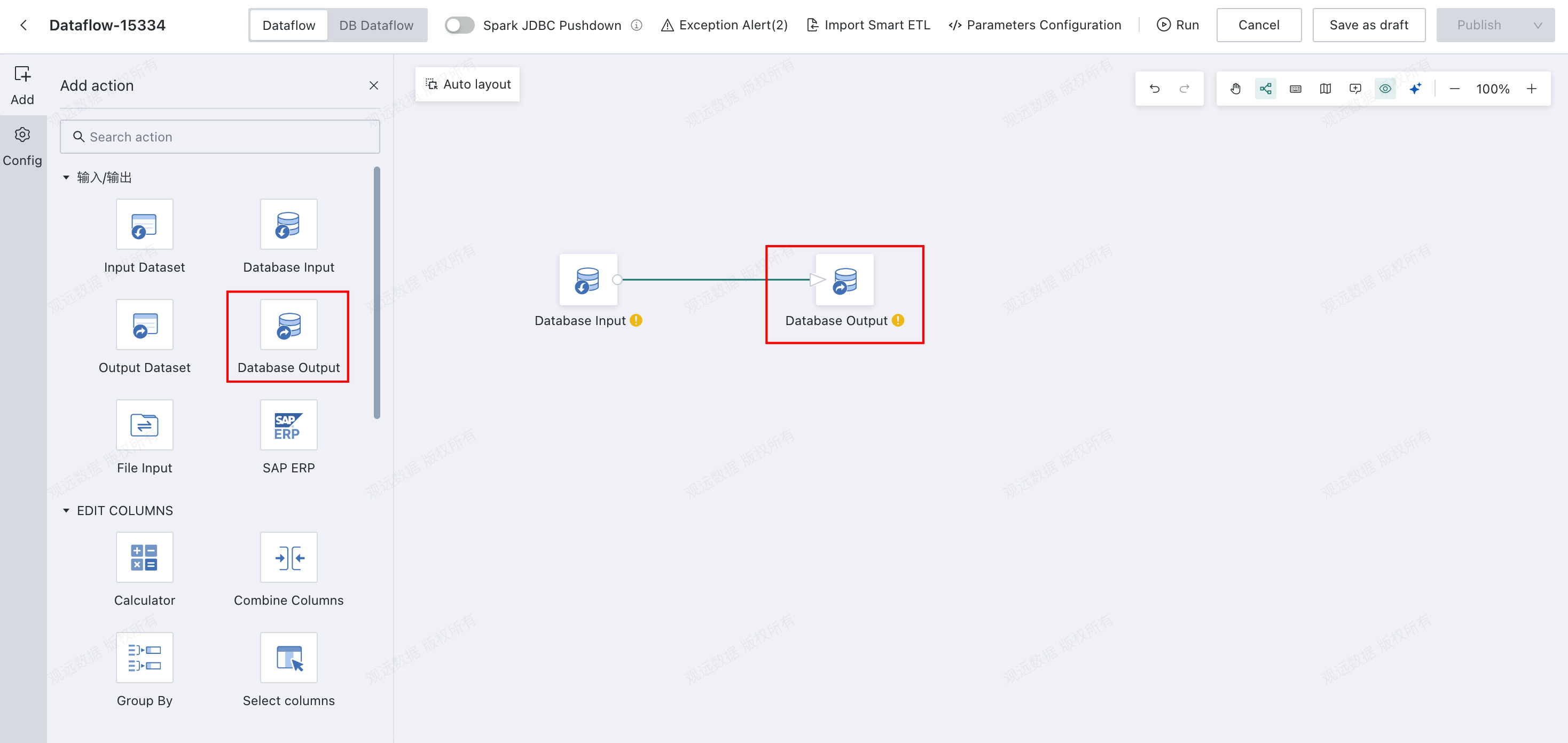
-
Click the
Database Outputoperator and choose the update mode.
| Update Mode | Description |
|---|---|
| Append | Keep existing data in the target table and append new data. |
| Overwrite | Clear historical data from the target table before writing. |
| Upsert | If the comparison fields match existing records in the target table, update the data; otherwise append the data directly. |
-
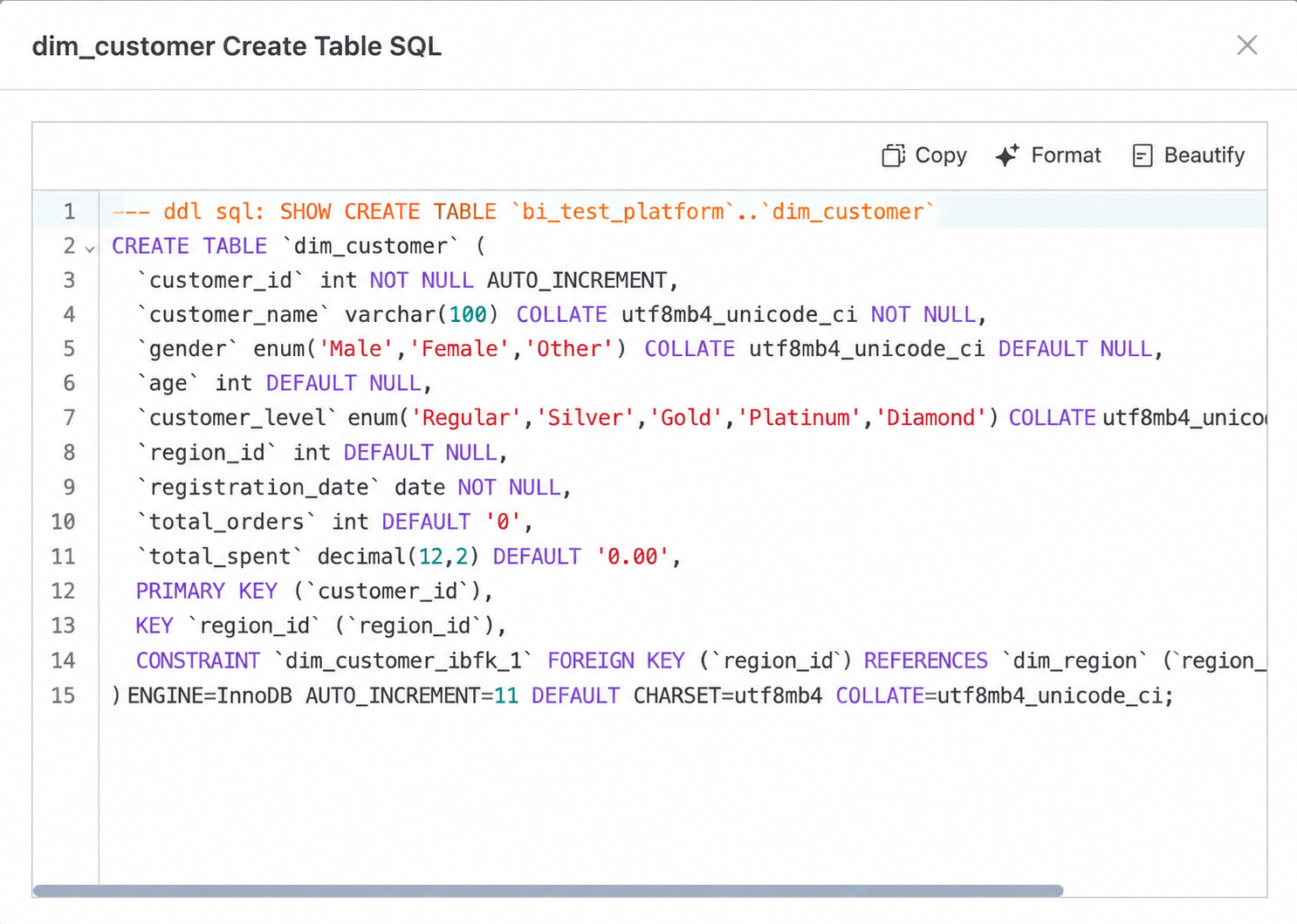
Select the database type, data account, and target table name. After selecting a target table, you can view its
CREATE TABLEstatement.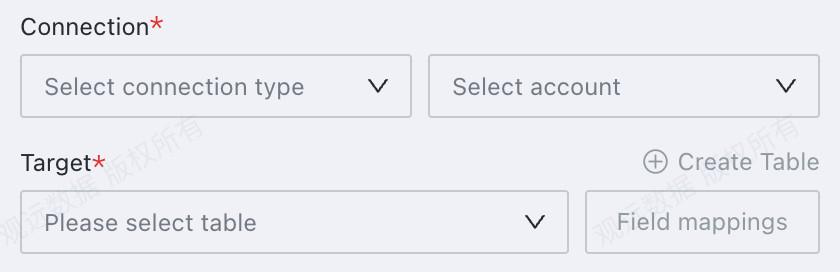
-
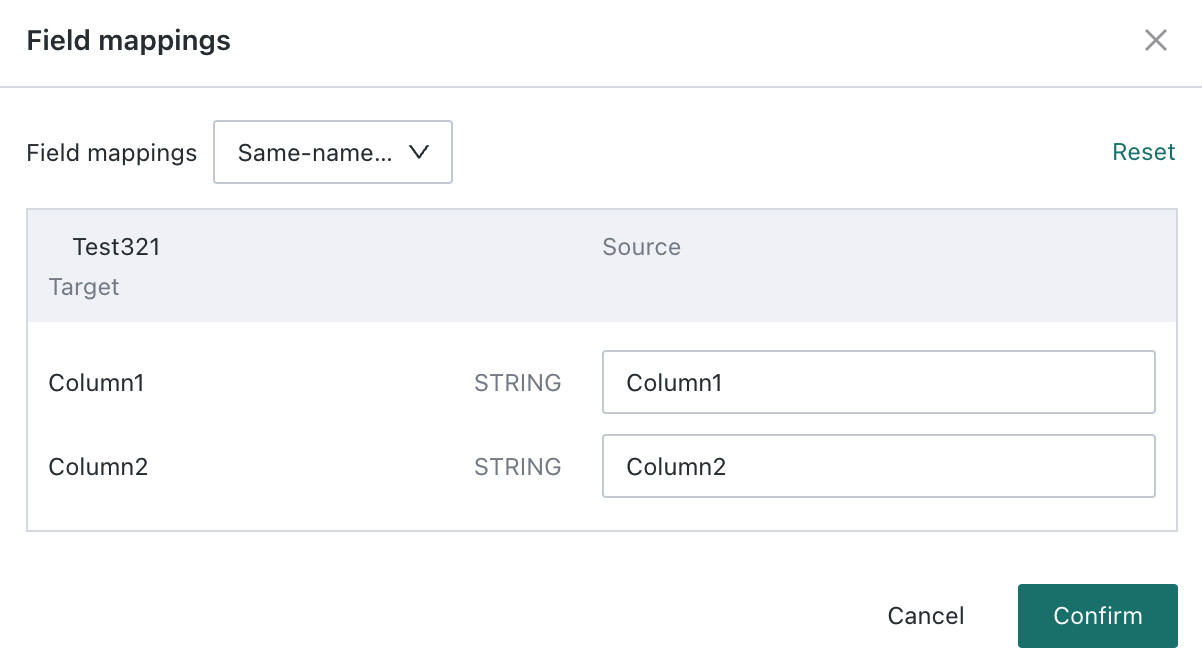
Configure field mapping for the target table.
-
If
Upsertis selected, confirm the comparison fields.
-
If you need to clean the target table before writing, enter a script in
Pre-SQL. It supports time macro parameters, global parameters, and workflow parameters. For workflow parameter creation, see Workflow Parameter.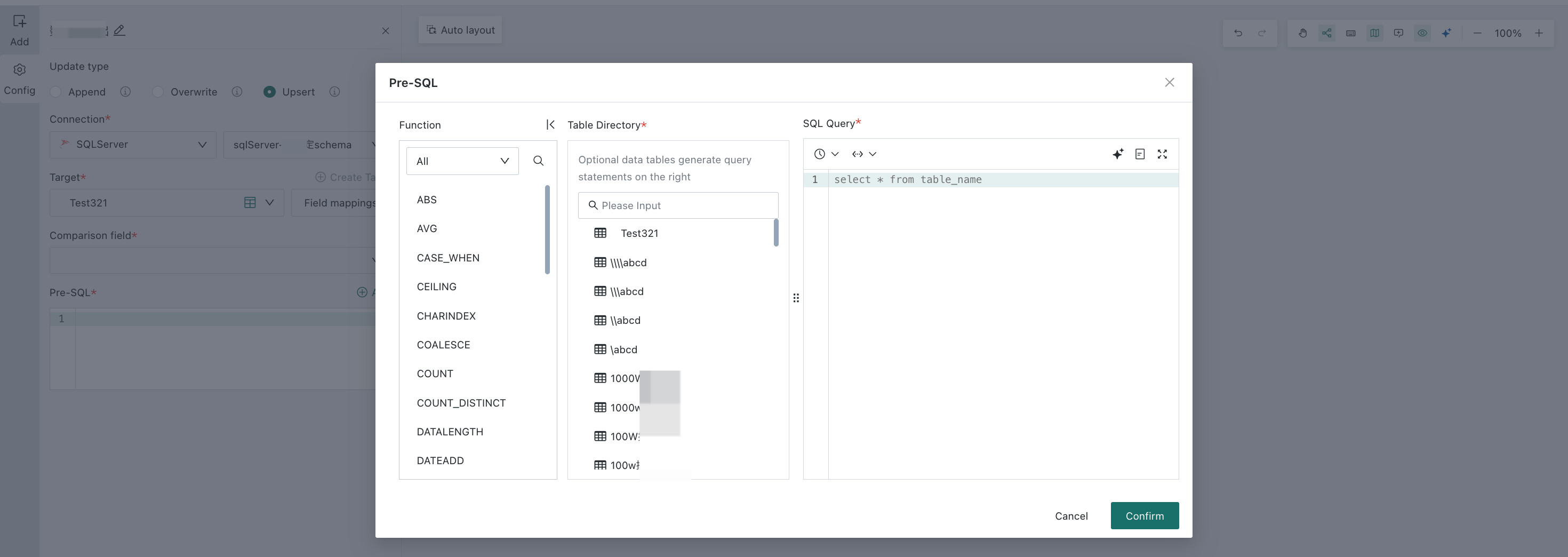
High Performance Mode
The following databases support High Performance Mode to improve data synchronization performance:
| Database Type | Notes |
|---|---|
| StarRocks | Append Directly and Full Update support high-performance mode. Deploy the required third-party component first; otherwise the switch is unavailable. 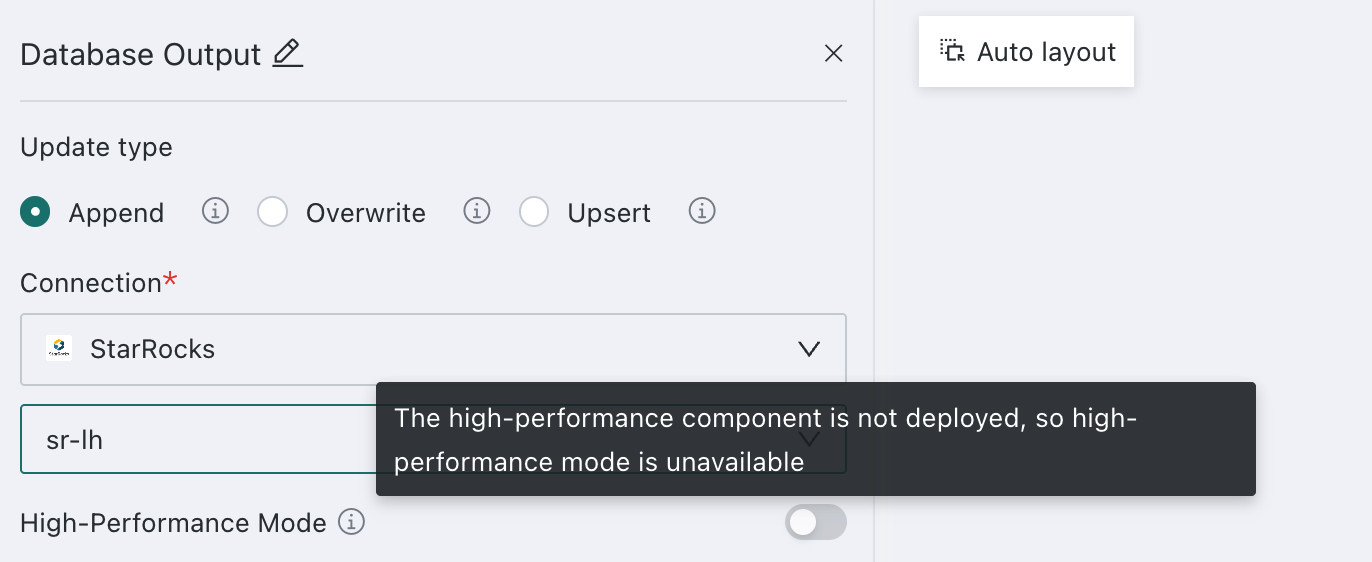 If incoming data exceeds a target-field length, the value becomes null, so plan column lengths and create tables in advance. |
| GaussDB | Simply enable the high-performance switch. |