Database Input
Overview
Database Input is an important upstream operator in a Dataflow Node. It serves as the starting point of the ETL process, provides the data foundation for the extraction stage, and prepares data for subsequent ETL processing.
It supports fast integration of heterogeneous multi-source data through multiple inputs, allowing users to combine data from different sources and structures with ease.
Procedure
-
Drag the
Database Inputoperator from the dataflow operator panel into the canvas on the right.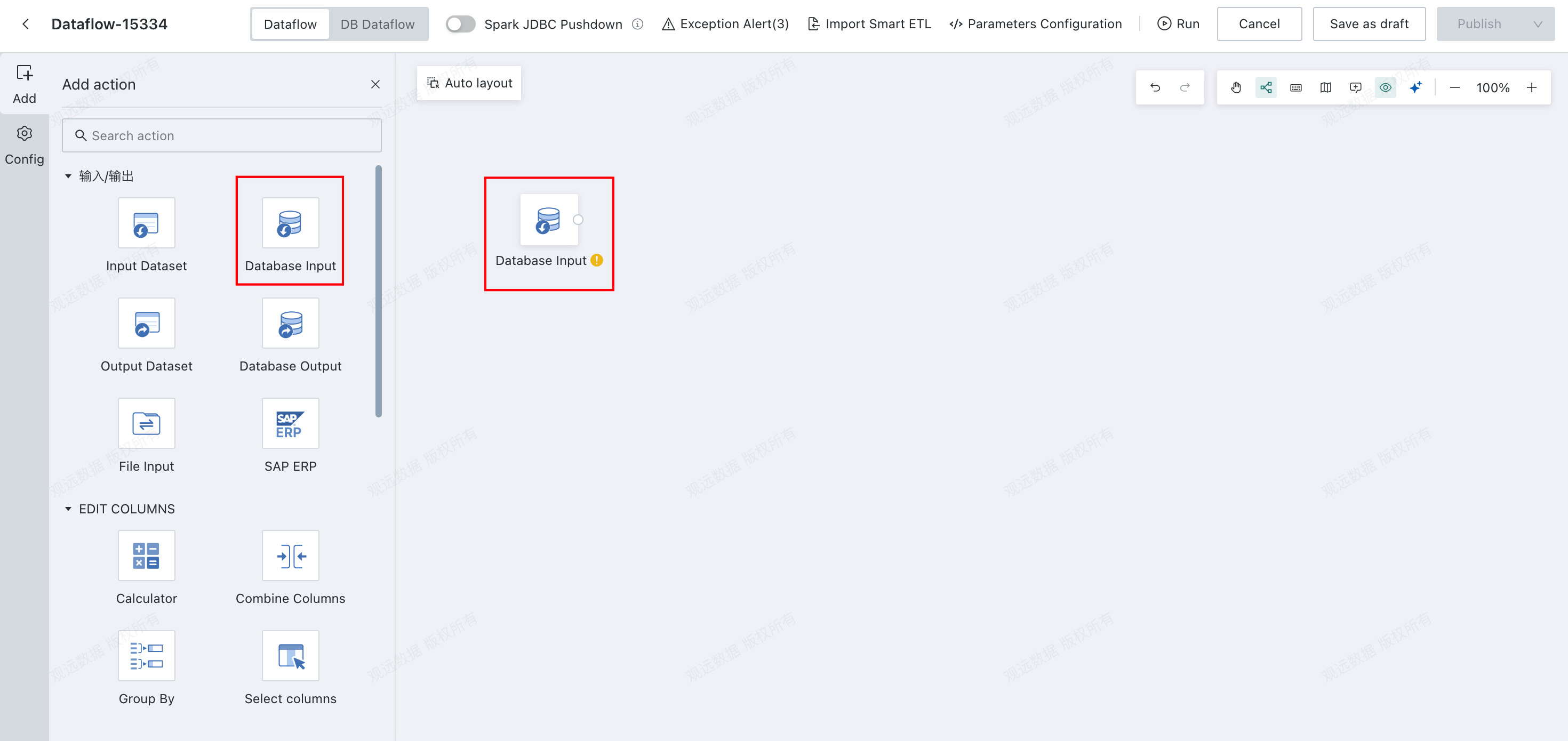
-
Click the
Database Inputoperator and choose the database type and data account.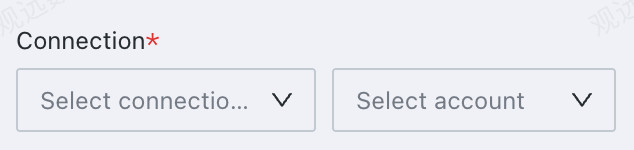
-
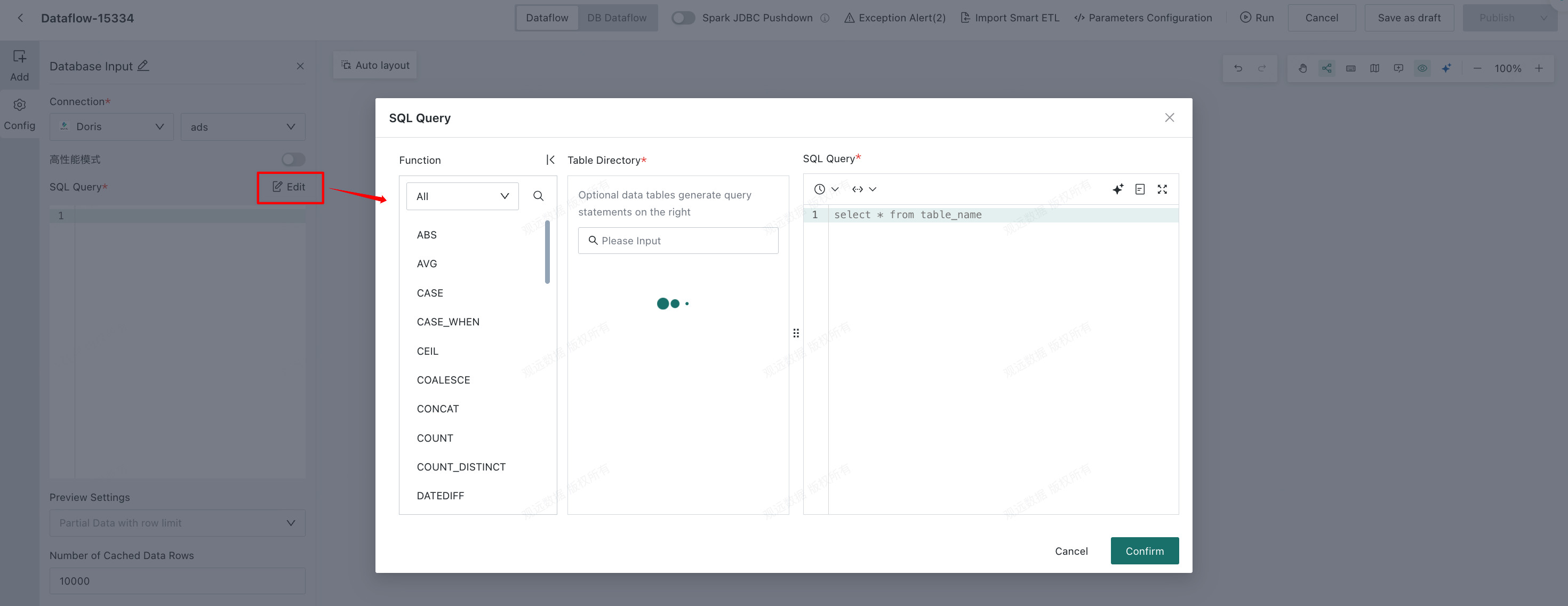
Edit the SQL query. The SQL script can reference time macro parameters, global parameters, and workflow parameters. For workflow parameter creation, see Workflow Parameter.
-
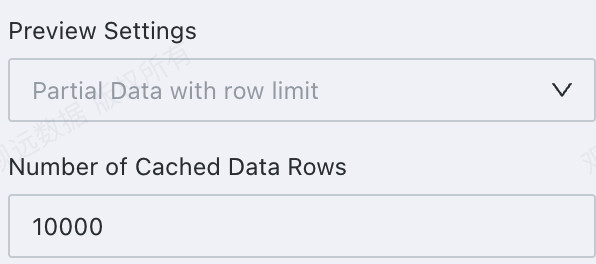
Configure preview rules and cached row count for the input dataset as needed.
High Performance Mode
The following databases support High Performance Mode to improve data extraction performance.
| Database type | Notes |
|---|---|
| StarRocks | Deploy the required third-party component first. Without it, High Performance mode is unavailable. 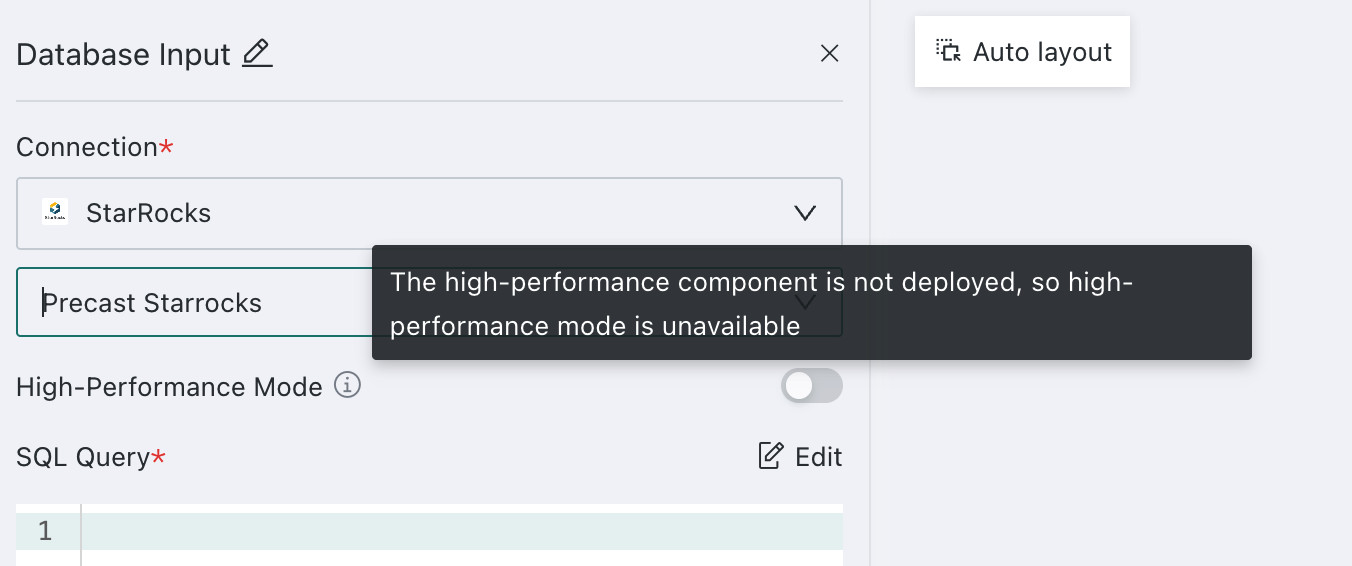 This mode does not support LARGEINT, MAP, or JSON fields. |
| Doris | Deploy the required third-party component first. Without it, High Performance mode is unavailable. |
| SelectDB | Deploy the required third-party component first. Without it, High Performance mode is unavailable. |
| GaussDB | Deploy the required third-party component first. Without it, High Performance mode is unavailable. |