BI Platform Preparation Before Configuring Data Agent
Overview
Before using Data Agent, you need to complete data preparation, permission configuration, and multilingual settings on the BI platform.
Prepare Data
Overview
Query in Data Agent is based on existing datasets, so you need to prepare the datasets before creating a Data Agent topic.
For faster implementation, we recommend that datasets meet one or more of the following conditions:
- The data has already been processed into wide ADS-layer tables and is ready for business self-service data retrieval.
- Avoid using data warehouse layer expressions as field names, such as
ods_sales. Instead, use business-friendly names such asSales Amount. - If field names are abbreviations or business slang, maintain the corresponding business meaning in the field comments.
- Avoid ambiguity or near-duplicate meanings across fields. For example, do not use the same field name
Datefor bothOrder DateandInbound Datein the same table or across multiple tables.
Steps
Entry: BI Platform > Data Preparation > New Dataset
If you are using Guandata BI for the first time, we recommend following the help center guide and ingesting data into Guandata BI using the Extract method.
-
Ingest data.
- File ingestion: Ingest File-based Data
- Database ingestion: Ingest Database Data
-
Direct database connection: the following databases are supported:
- MySQL (database version >= 8.0)
- Postgres
- Starrocks
- Doris
- Hive
- Presto
- Trino
- SQL Server
- ClickHouse (database version >= 20.3.30)
- kylin
-
Extract mode: connect to databases using the
Guan-Indexmethod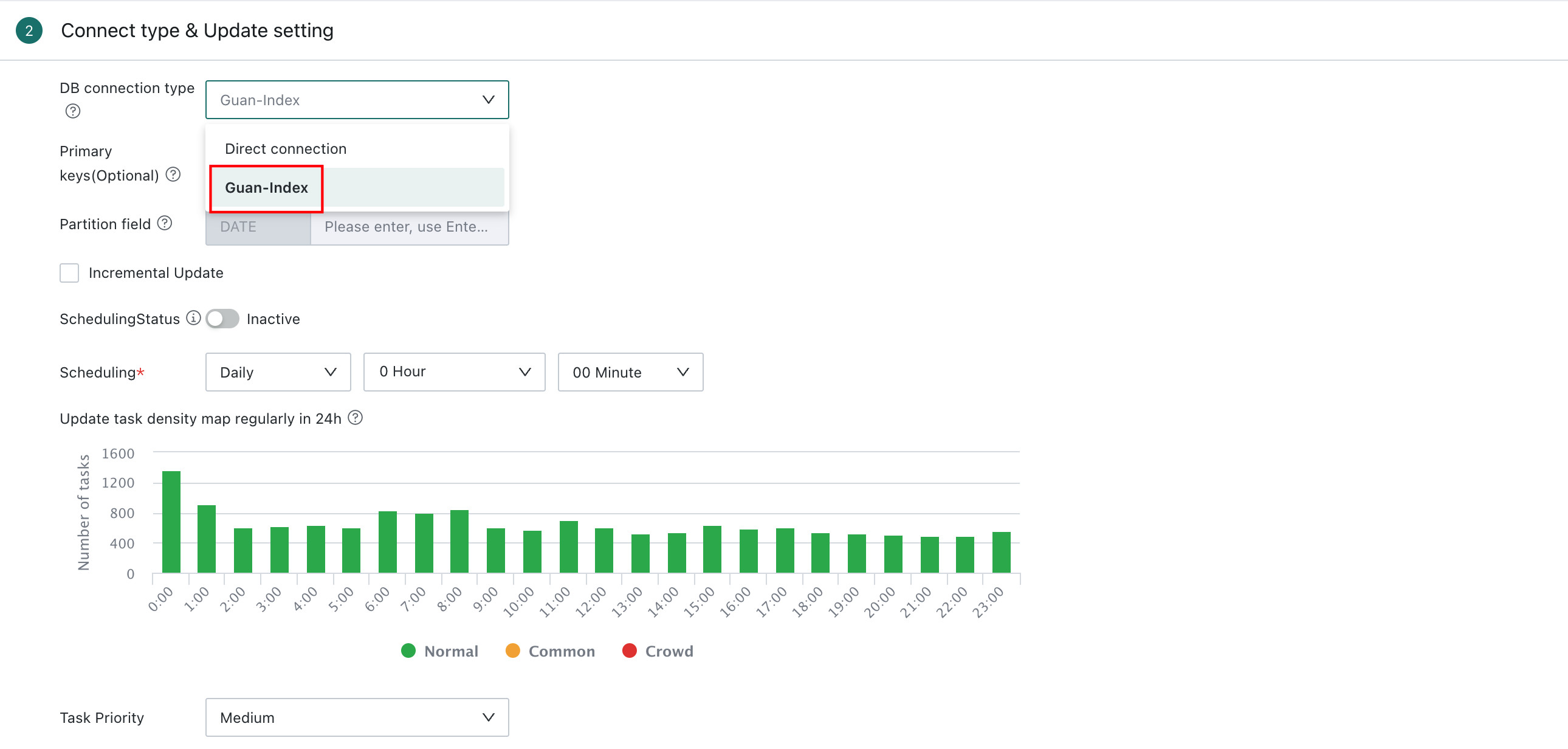
-
-
Edit field names or maintain field comments to ensure field names are clear and unambiguous.

Configure Permissions
Overview
Users who need to access Data Agent for Query or Insight Analysis must first be assigned role permissions in the BI Management Center.
Entry: Management Center > User Management > Role
Role Types
Roles are permission groups assigned by administrators to each account. Each role corresponds to a set of functional permissions. For details, see Role Settings.
Default Roles
- Administrator: has
View,Edit, andAuthorizepermissions by default. - Standard User: can be granted
View,Edit, andAuthorizepermissions. - Read-only User: can be granted the
Viewpermission.
Custom Roles
You can grant Read, Edit, and Authorize permissions for Dataset Agent to custom roles.
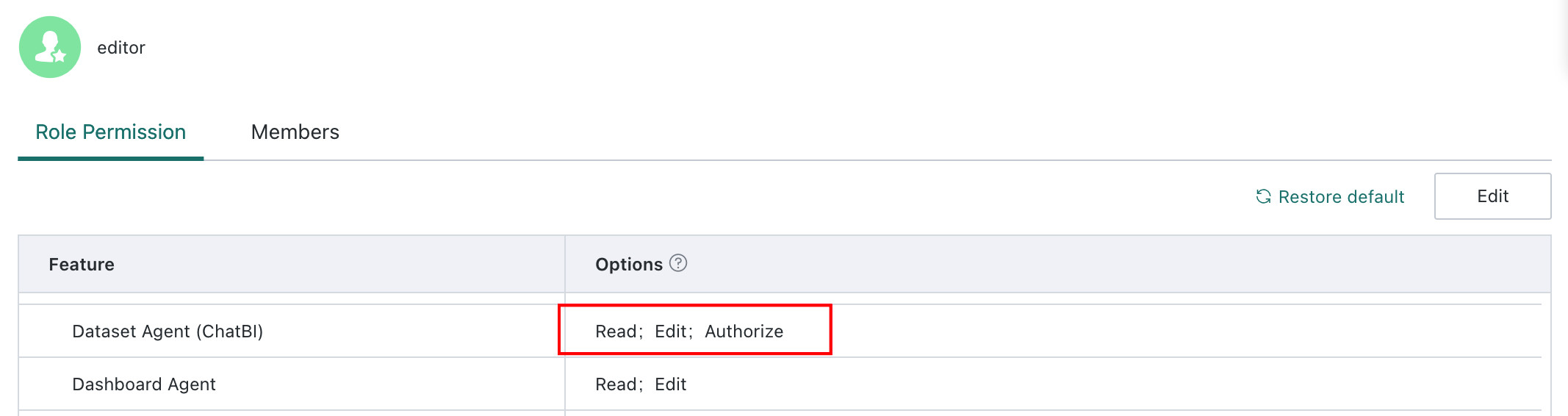
Role Permission Descriptions
View
Controls whether the Data Agent entry is visible in the BI navigation bar.
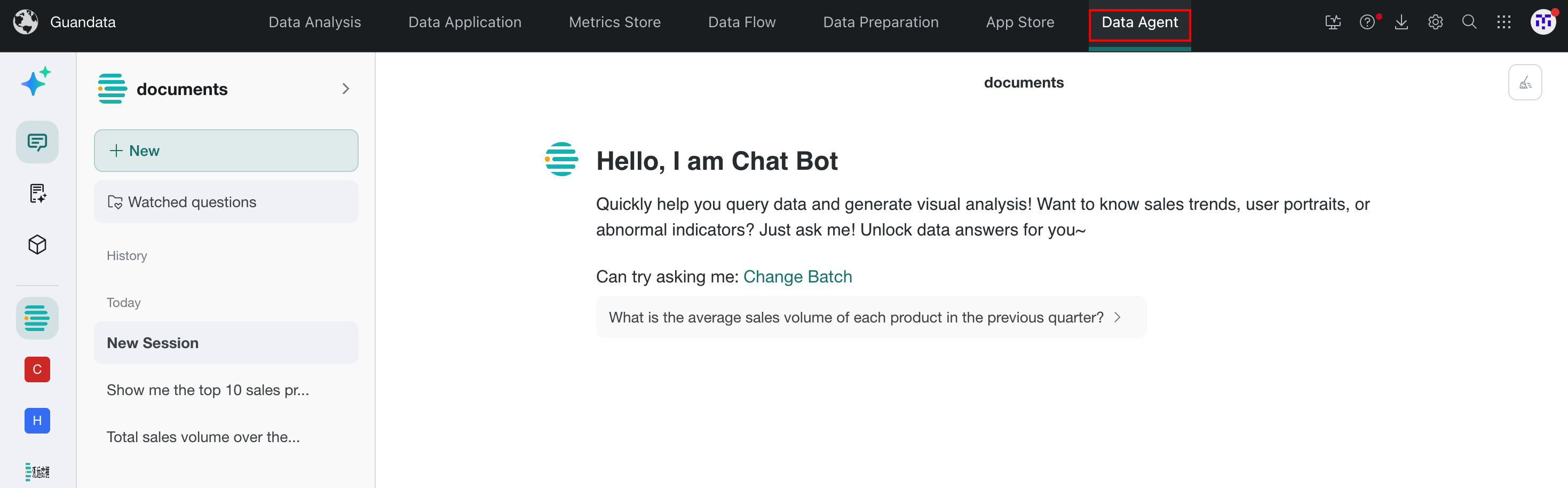
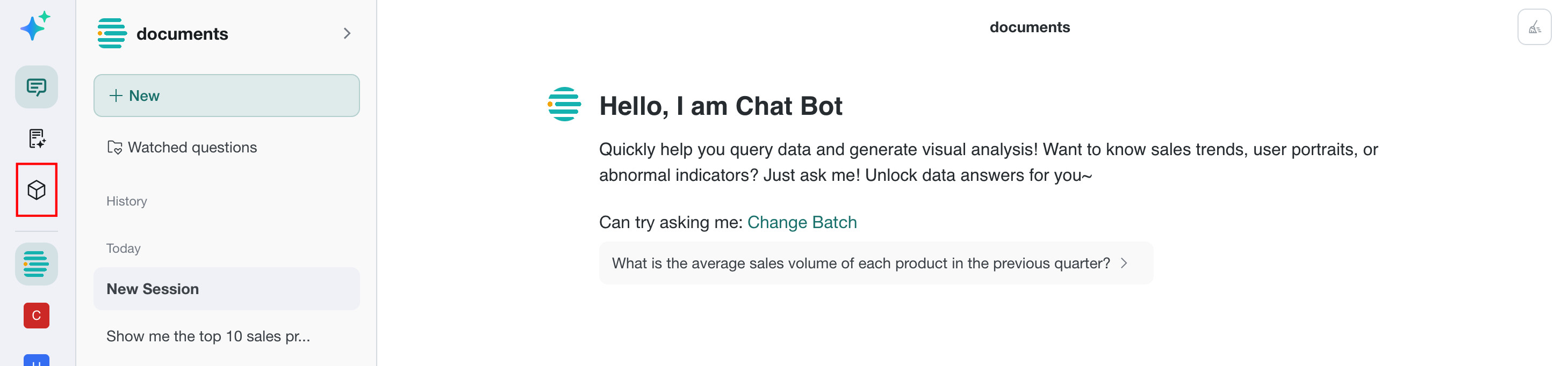
Edit
Controls whether Agent Management is visible in the Data Agent navigation.
Authorize
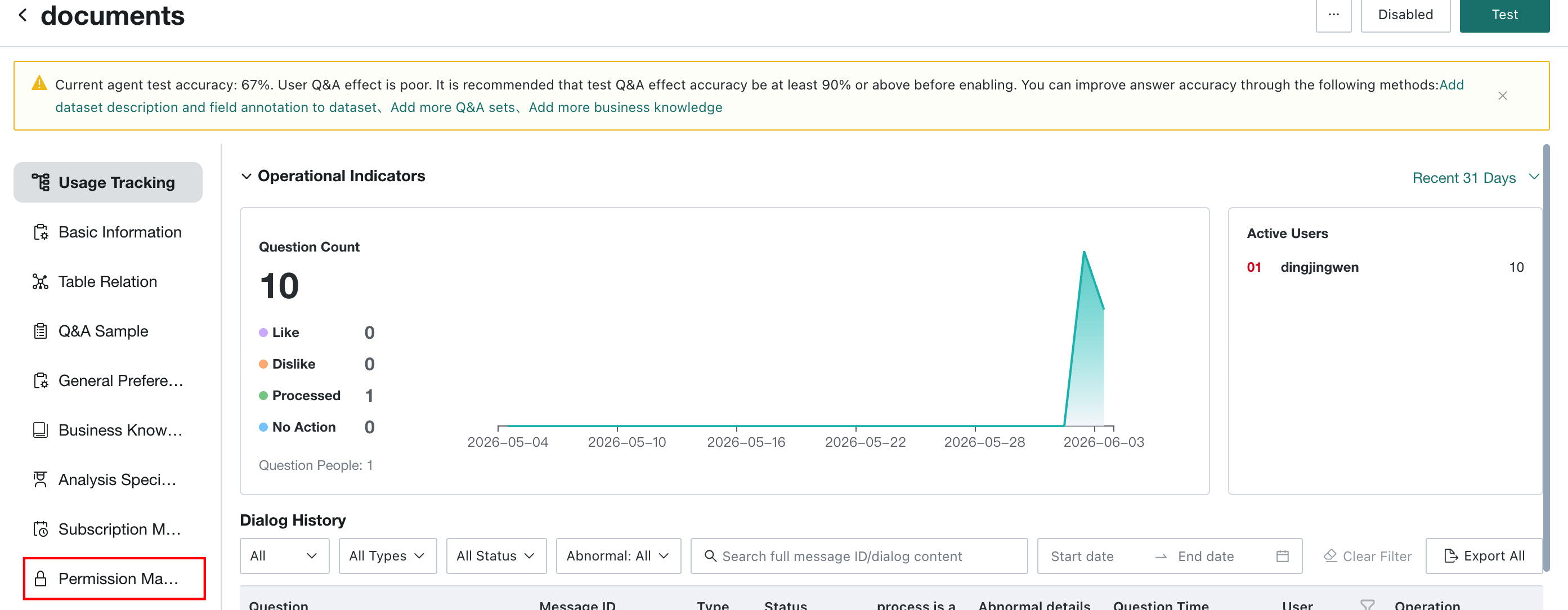
Controls whether the Permission Management module is visible in Agent Management.
Configure Multilingual Support
For BI platform multilingual settings, see Multilingual Configuration.
Small languages not purchased: Data Agent supports only Chinese and English.Small languages purchased: you need to configure the small-language files related to Data Agent in advance. For the configuration method, see Dashboard Multilingual. After configuration, the system language changes according to the user-selected language.