Public Dimensions
Overview
Dimensions are an important concept in data analysis, used to describe different characteristics of data or different angles of observing data. These dimensions can be time, location, product type, customer type, etc. By using dimensions, we can help classify and summarize data, enabling us to better understand and organize data.
The Metric Center supports defining public dimensions between different metrics, so that dimensions with the same meaning in different metrics have unified management and definition, facilitating subsequent unified analysis. The value of a metric's public dimension is the union of values from multiple datasets.
Operation Steps
Create Public Dimensions
-
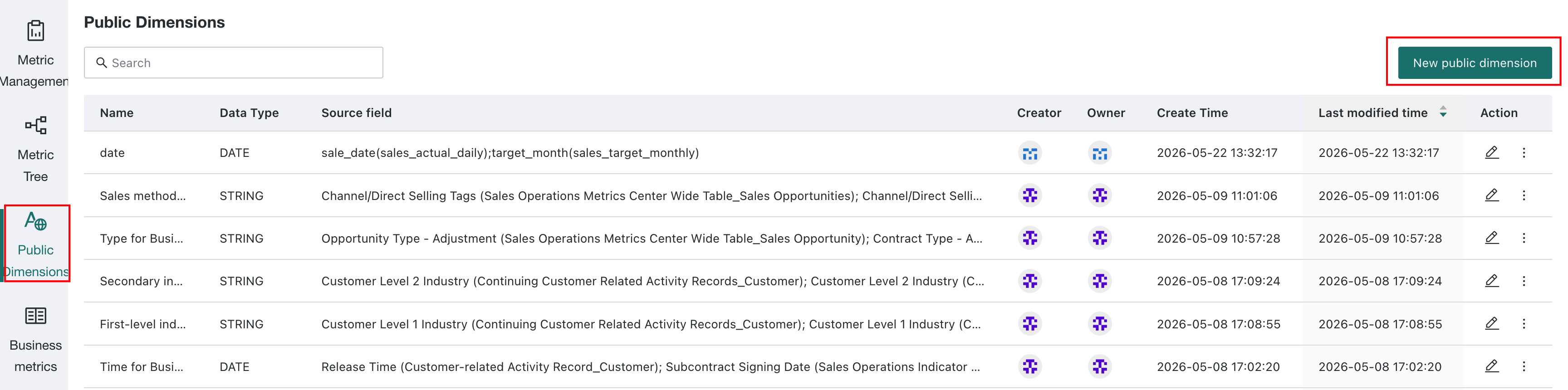
Select Public Dimensions in the left navigation bar of the Metric Center, and click the New Dimension button in the upper right corner.
-
Configure the dimension, and define fields with the same meaning in multiple datasets as one public dimension for subsequent unified management.

Manage Public Dimensions
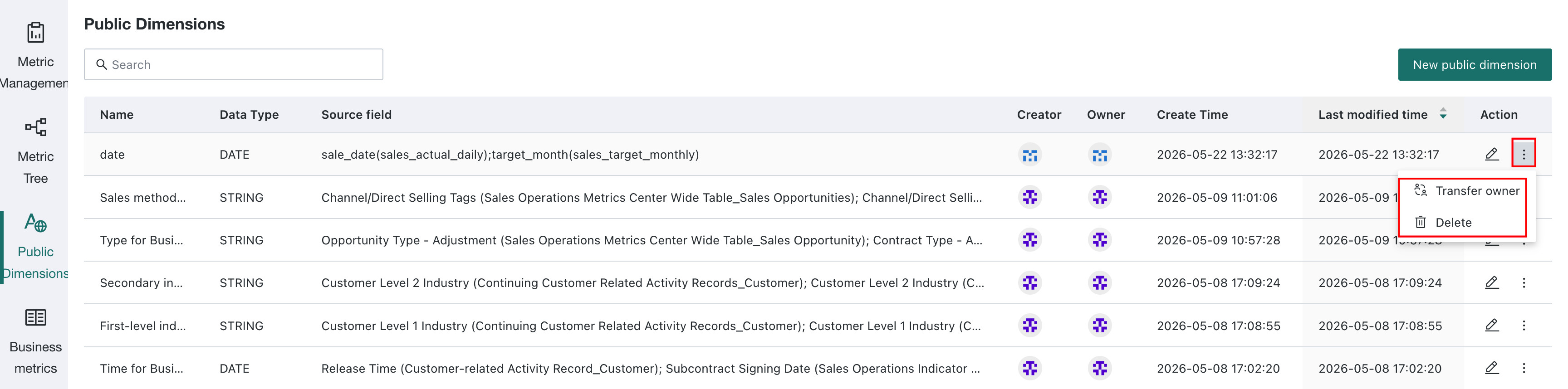
The successfully created public dimensions can be viewed in the list on the Public Dimensions page, and support editing, transferring owners, and deleting.
Deleting a public dimension used by metrics can affect their calculation accuracy. Before deleting it, check which metrics use it and assess the impact.
Apply Public Dimensions
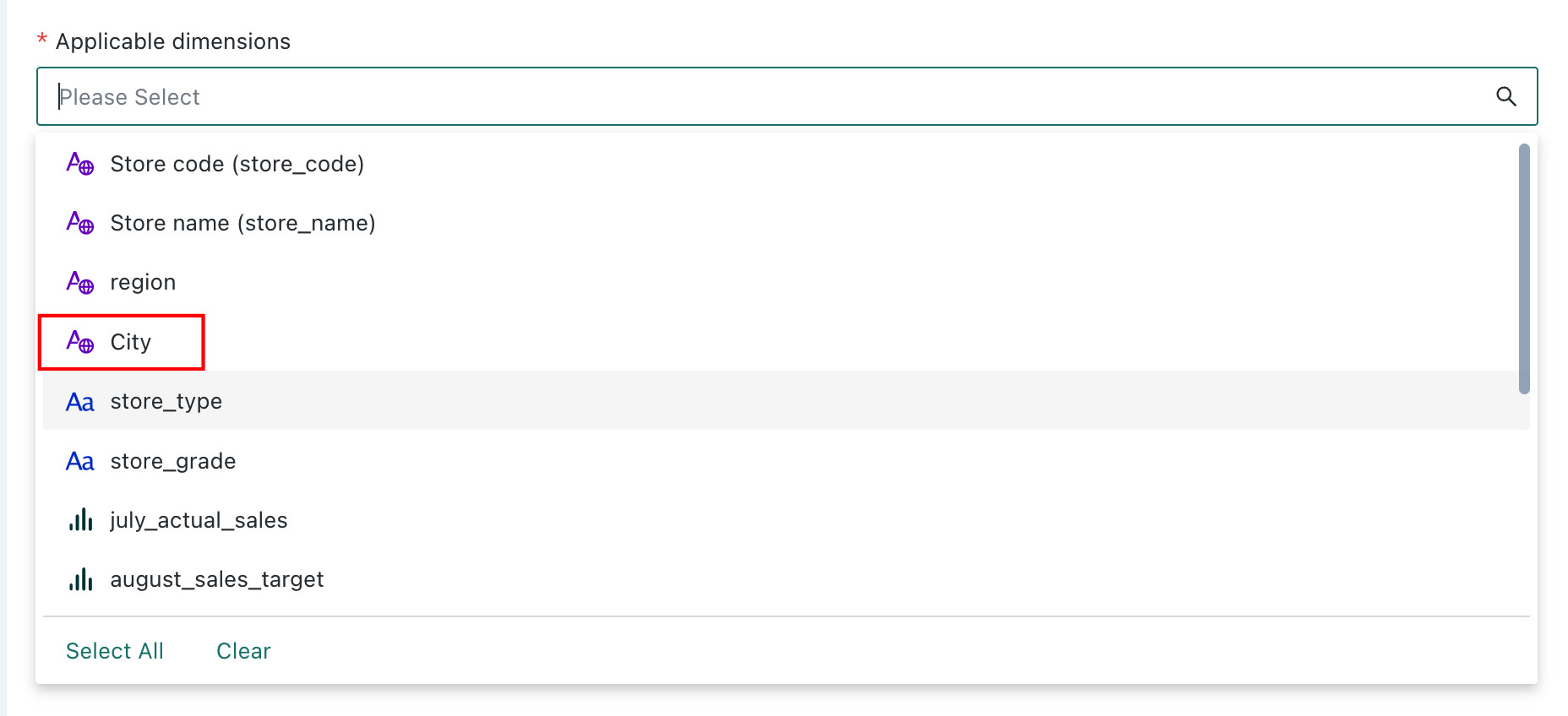
When creating metrics, you need to select the applicable dimensions of the metric. If there are fields configured as public dimensions, the field will be highlighted.