Feature Updates
Intelligent Insights
China-Style Report Support
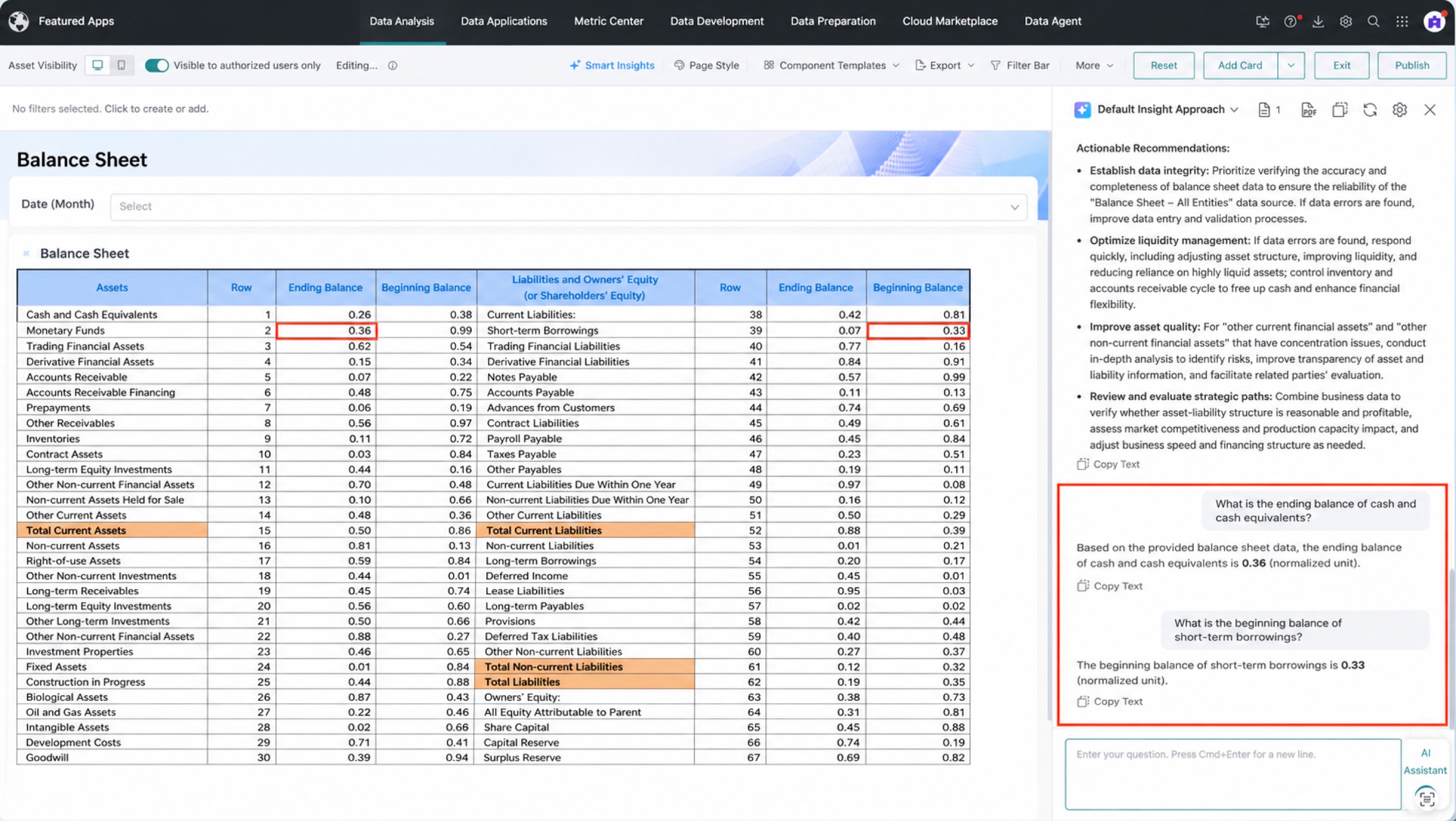
Insight Agent and Dashboard Insights now support China-Style Reports and can analyze the data presented through Excel templates. This meets the intelligent analysis needs of complex enterprise reports and helps users quickly obtain insights from standardized reports.
GuanCLI Support for Intelligent Insights
Insight Agent and Dashboard Insights now support GuanCLI. Together with a general-purpose Agent, GuanCLI can turn insight conclusions into HTML pages, presentations, SuperApps, and other deliverables.
For details, see Create Applications with GuanCLI.
Export Dashboard Insight Reports as PDF on Desktop
Dashboard Insights on desktop can export the current insight report as a PDF for downloading, archiving, or offline sharing.
For details, see Export as PDF.
Data Analysis and Visualization
Gantt Chart
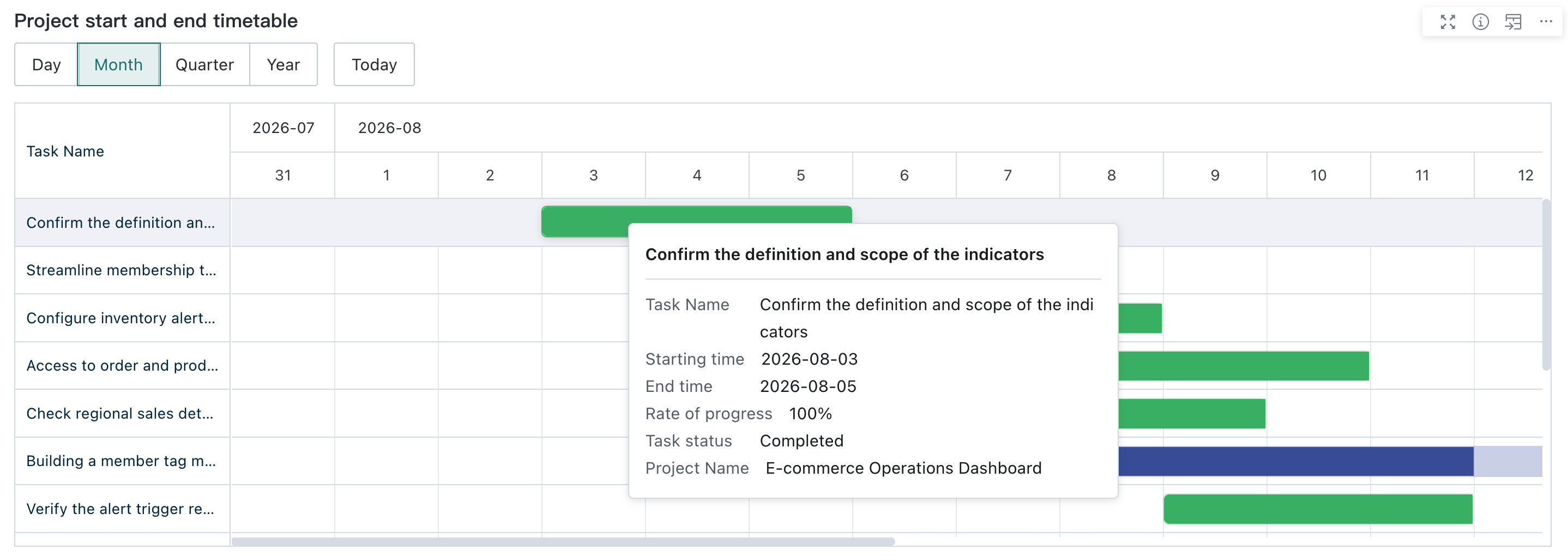
The new Gantt chart displays task or project schedules, durations, and parallel relationships based on task names, start times, and end times, making it easier to track project progress.
Improved Quick Date Filter Guidance
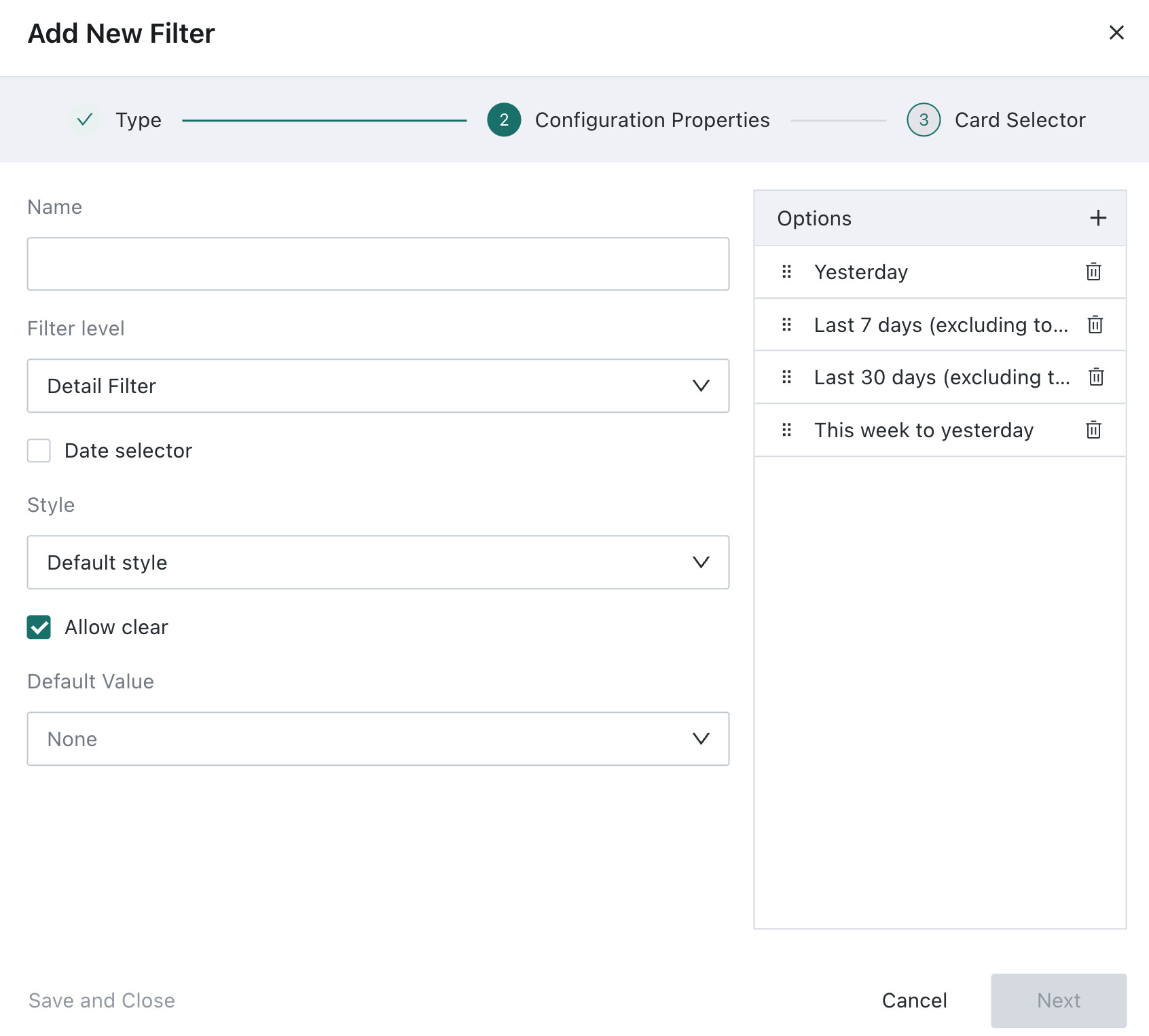
The guidance for quick date ranges has been improved. When you select a quick date option such as Last X Days, the guidance clarifies whether the range includes today, helping avoid inconsistent interpretations of the date range.
Mobile Styles for Metric Cards
Metric cards now support separate mobile styles. You can adjust the card appearance for mobile scenarios without affecting its desktop style.
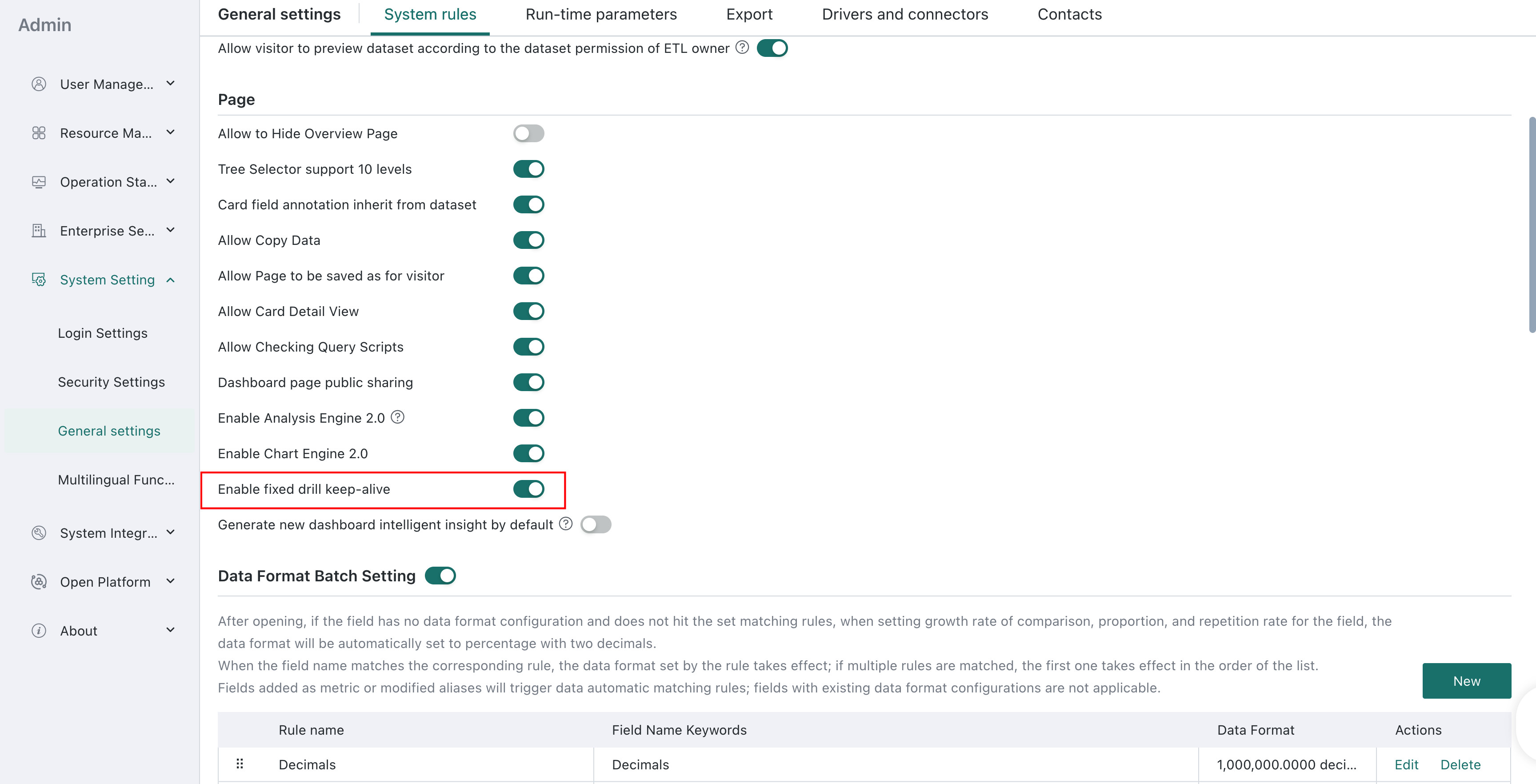
Fixed Drill State Persistence
A new Enable Fixed Drill State Persistence system switch is available. When enabled, after users drill down on a dashboard card and return to the previous level, the upper-level chart returns to its pre-drill state. This improves navigation through and back from multiple levels of data.
For details, see General settings.
Data Security and Dataset Management
Improved Data Permission Template Interaction
The interaction for applying and switching dataset row- and column-level permission templates has been improved. You can reuse configured templates in dataset security settings and continue adjusting permission settings as needed.
See Apply a Permission Template for details.

Row- and Column-level Access Control for Administrators and Dataset Owners
The existing switch that controls the application of row- and column-level permissions is split into Apply to Dataset Owners and Apply to Administrators. You can control whether permissions apply to each role separately, providing more granular control for the different usage scenarios of dataset owners and administrators. If a user is both an administrator and a dataset owner, the broader data permission applies. Row- and column-level permissions apply to that user only when both switches are enabled.
See Row and Column Permissions for Administrators and Dataset Owners for details.

Data Quality
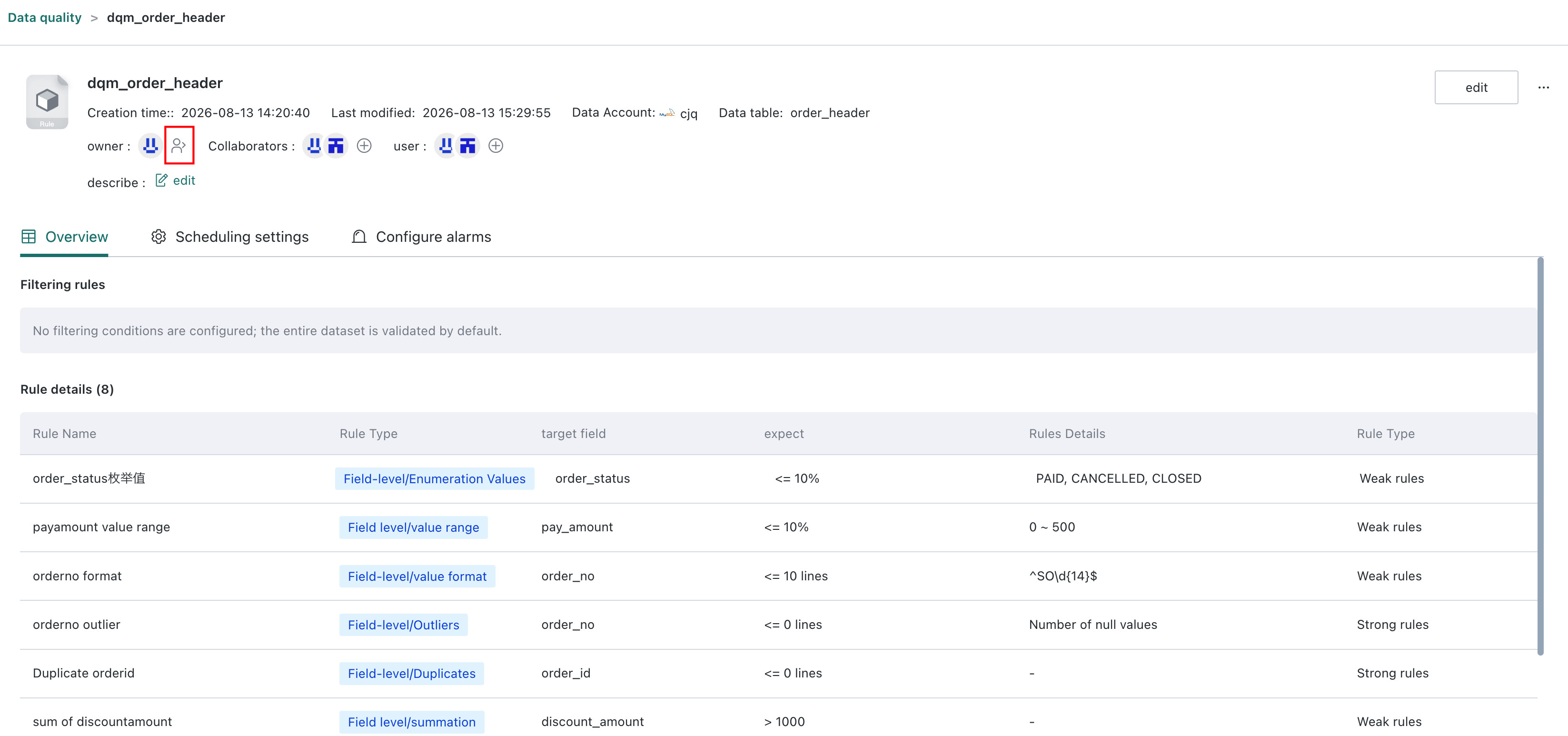
Transfer Data Quality Model Ownership
You can now transfer ownership of data quality models. This helps hand over model management permissions during personnel or responsibility changes and ensures continuity of subsequent maintenance.
Subscriptions and Alerts
Schedule Subscriptions and Alerts with Workday and Trading Calendars
Administrators can create workday or trading calendars, or upload custom calendars. Assign a calendar template to subscriptions and alerts to skip dates marked as non-delivery days. You can also assign a calendar template to multiple subscriptions or alerts at once.
See Calendar Management.
Filter Subscriptions and Alerts by Trigger Method
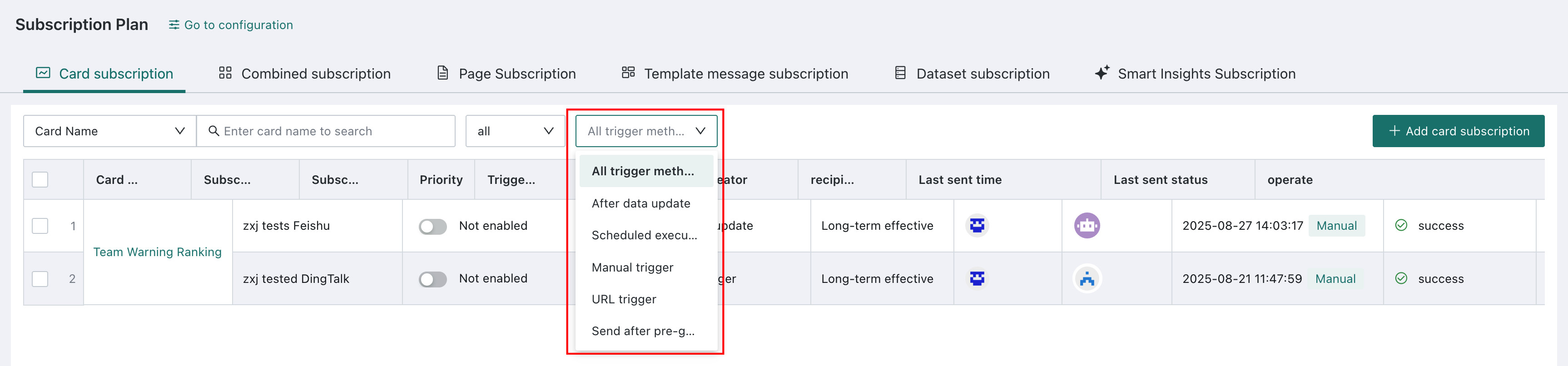
The subscriptions and alerts management list now supports filtering by trigger method. This helps you quickly find subscription or alert tasks for different trigger methods and improves daily management efficiency.
See Subscription Management for details.