Dynamic Parameters
Overview
Global Parameter Management refers to the configuration and management of Global Parameters, including modifying, deleting, and adding parameters.
Procedure
-
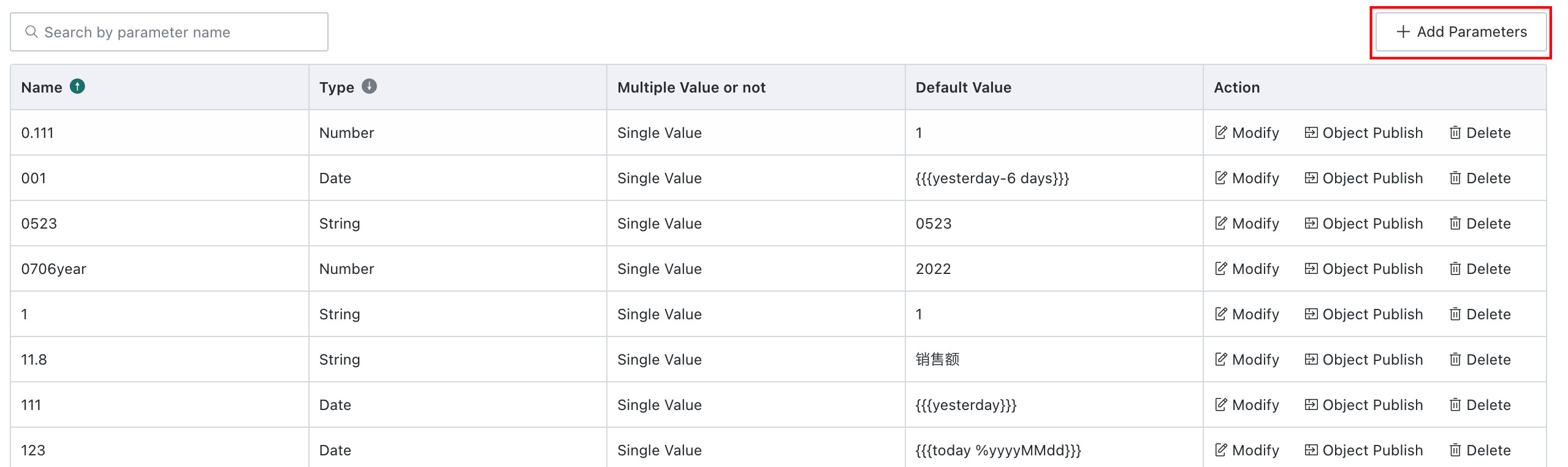
Go to Admin Center > Enterprise Configuration > Global Parameters to view the list of Global Parameters in the enterprise domain.
-
You can Edit, Migrate, or Hide the dynamic parameters in the current enterprise domain.
-
Click Add Parameter to configure a new parameter.
-
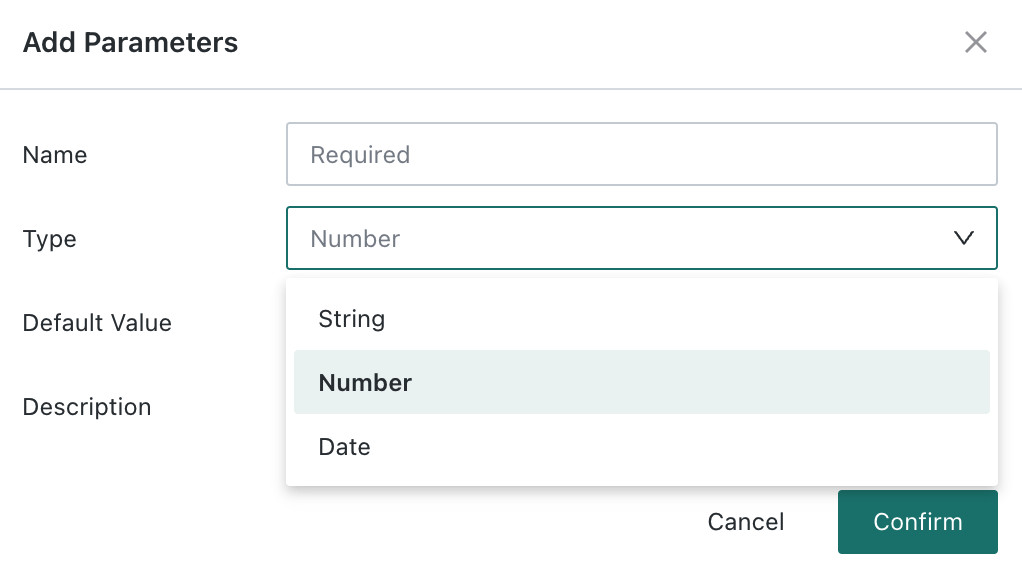
Each parameter must include a parameter name, parameter type, and default value. You can also add description information to help manage the parameter. For text-type parameters, you can define custom text or select from a predefined drop-down list.
For detailed usage of Global Parameters, see Global Parameters.