Default Interaction
Overview
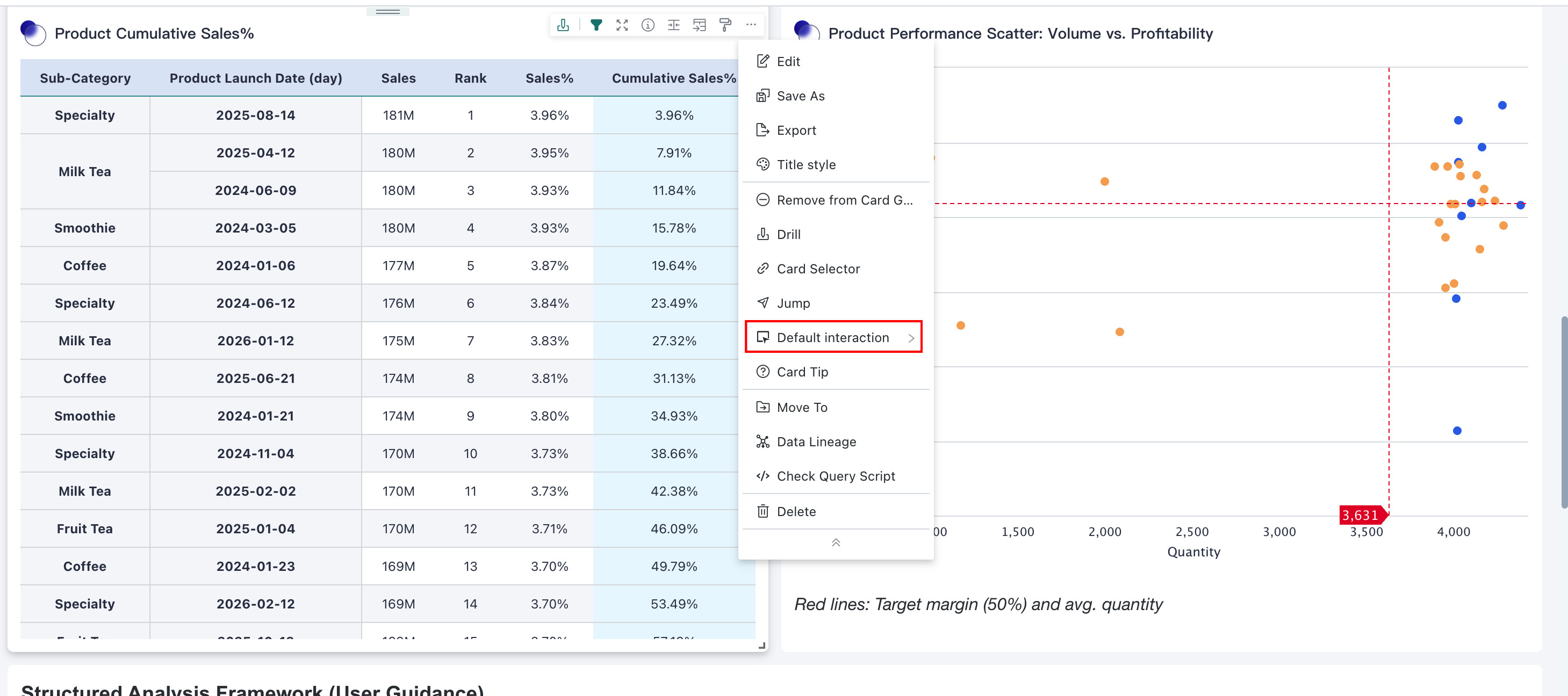
Users often need to configure multiple interaction features for Dashboard charts to meet different analysis needs, such as configuring jump, linkage, drill-down, and other interactions. These interaction features usually require explicit user triggering to execute.
To improve operational efficiency and user experience, Guandata BI allows users to set a default interaction action. This default interaction action refers to the interaction operation that the system executes by default when there are no specific trigger conditions or when the user has not explicitly selected an interaction feature.
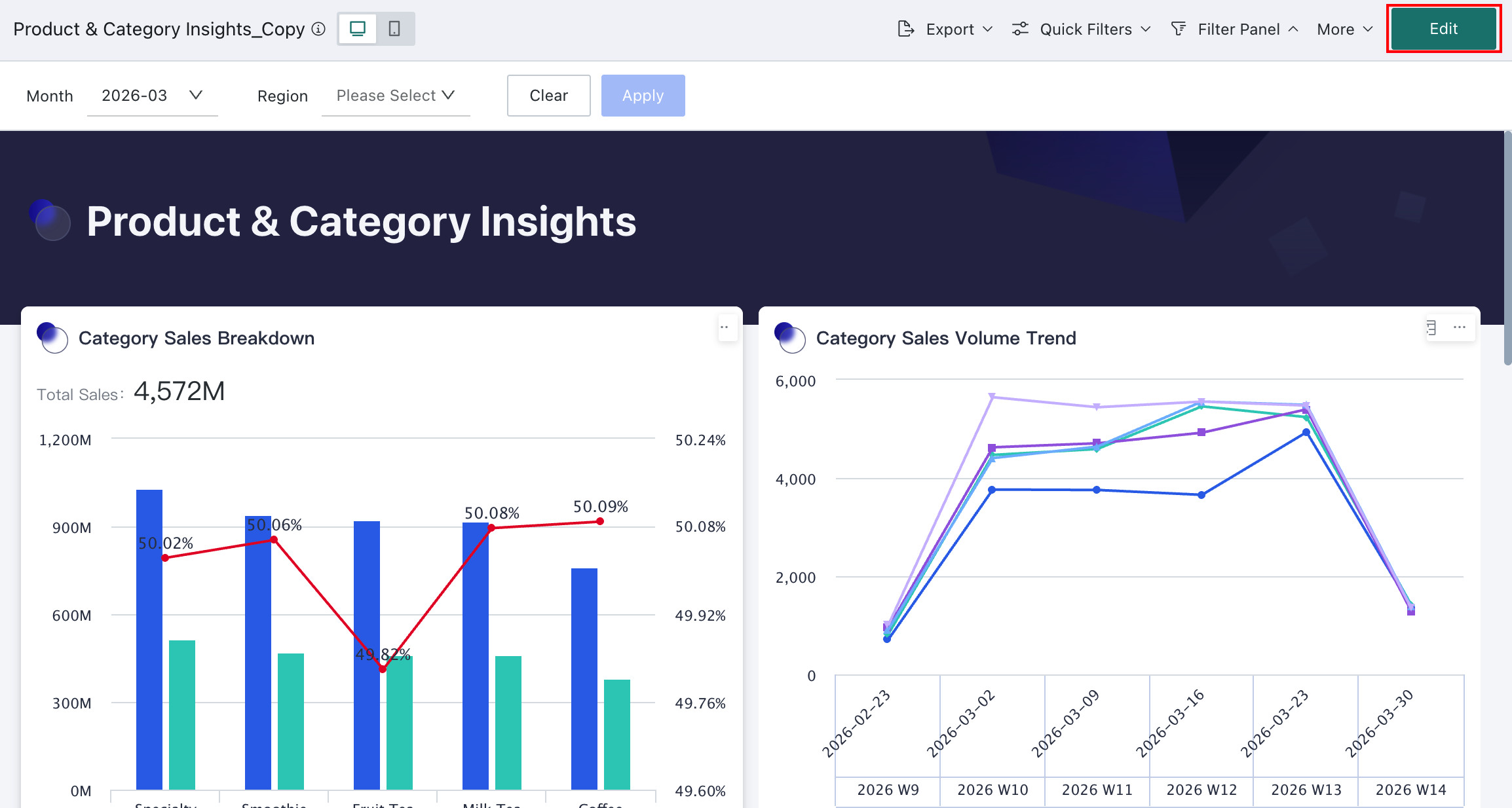
Since version 7.2 distinguishes between online and draft Dashboard states, default interactions need to be configured in the Dashboard editing page.
Select "An Interaction"
Producers can set one of the Card's interaction behaviors as the default. When users need to quickly execute a commonly used interaction feature, they do not need to select it through the menu or settings panel every time, but only need to click to trigger the default interaction action.
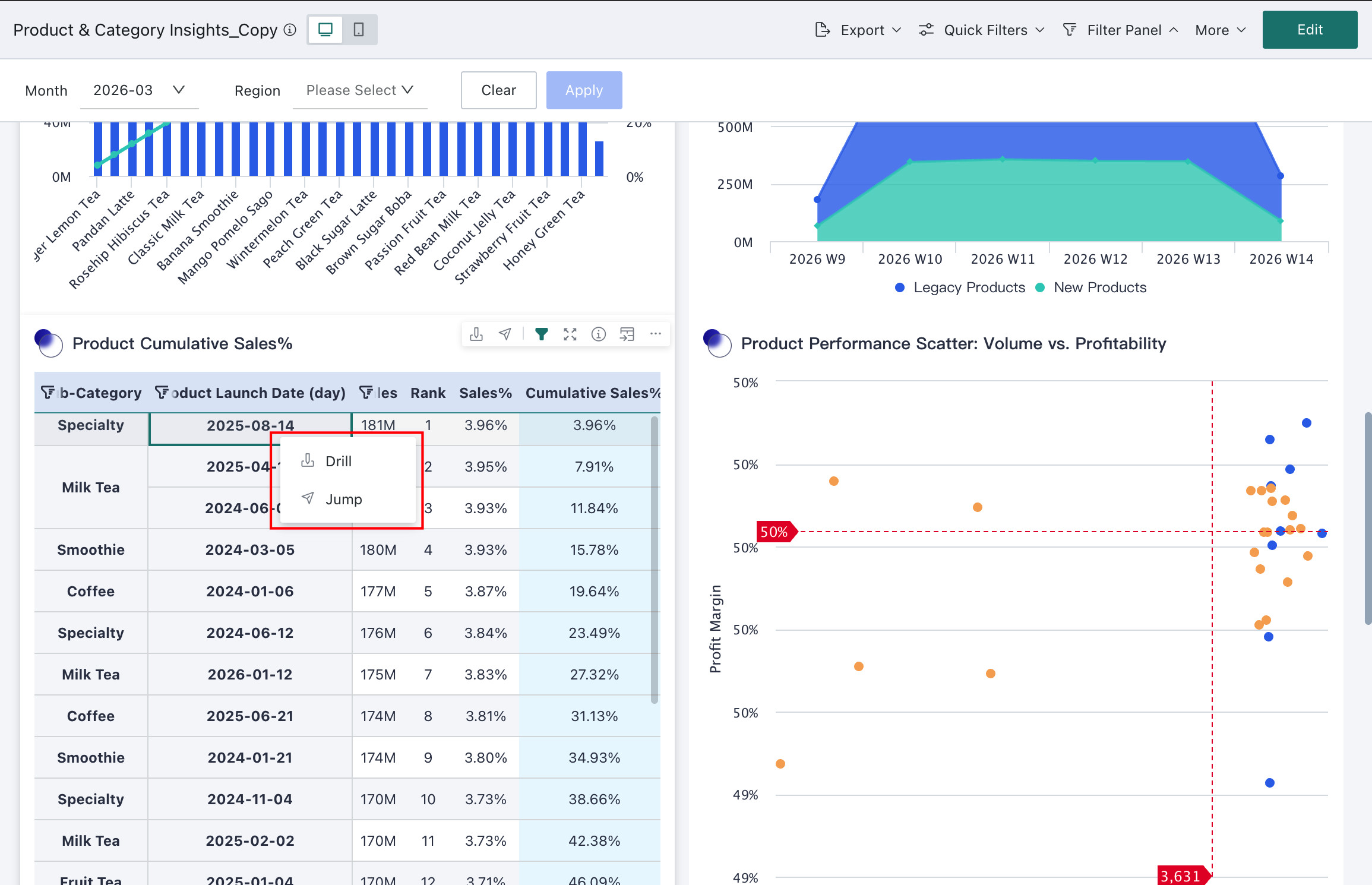
Select "Menu Select"
Menu selection means that when we click a Dashboard Card, a menu bar of all configured interaction features for that Card will pop up. Users only need to click a specific interaction in this menu bar to perform analysis according to that interaction.
The menu selection feature provides users with a clear list of interaction features, enabling them to quickly select and switch between different interaction features. This flexibility allows users to agilely use different interaction features according to their needs and analysis scenarios.