Mobile App Management and Maintenance
Overview
This article introduces mobile app management and maintenance, including search, preview, configuration, and follow-up maintenance for data apps.
Except for Save As, other configuration items for mobile lightweight apps are basically the same as the management and maintenance operations for desktop apps. For reference, see Desktop App Management and Maintenance. This article only describes management and maintenance operations specific to mobile lightweight apps.
Usage Guide
Save As
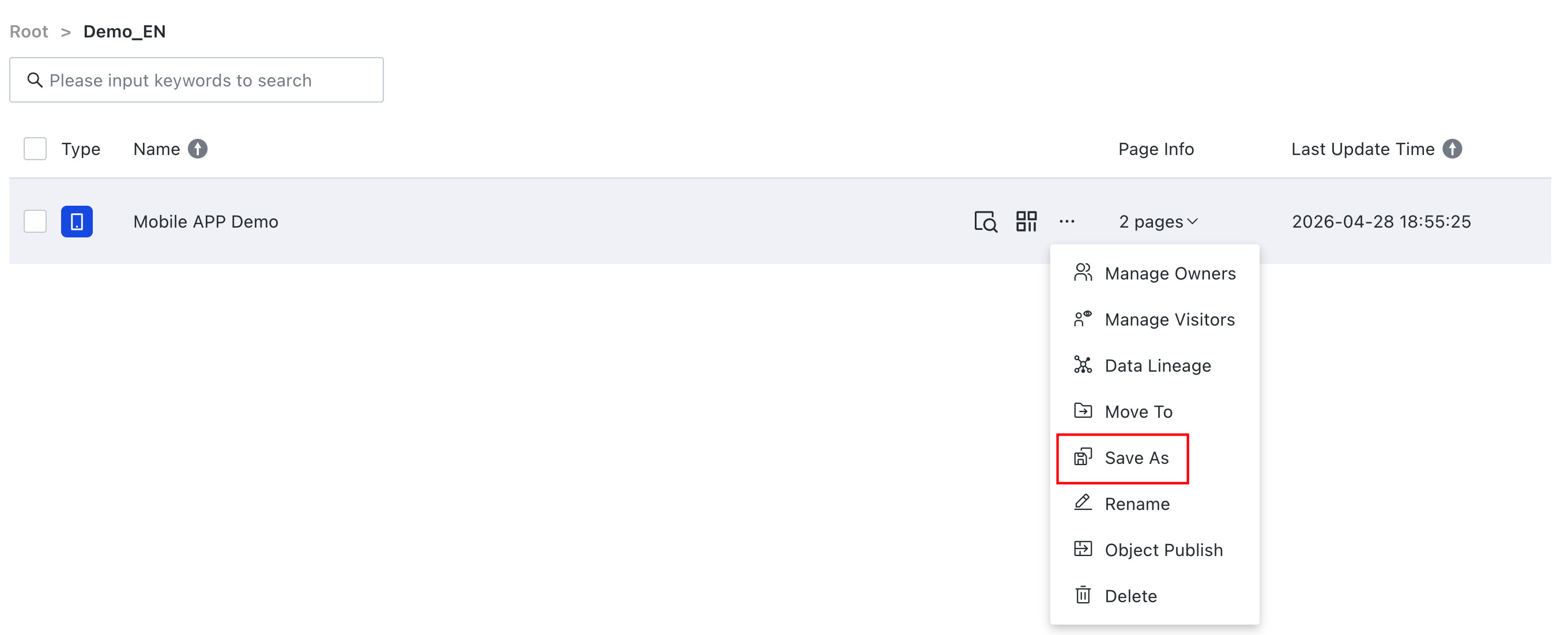
If users need to copy an app, they can use the Save As feature.
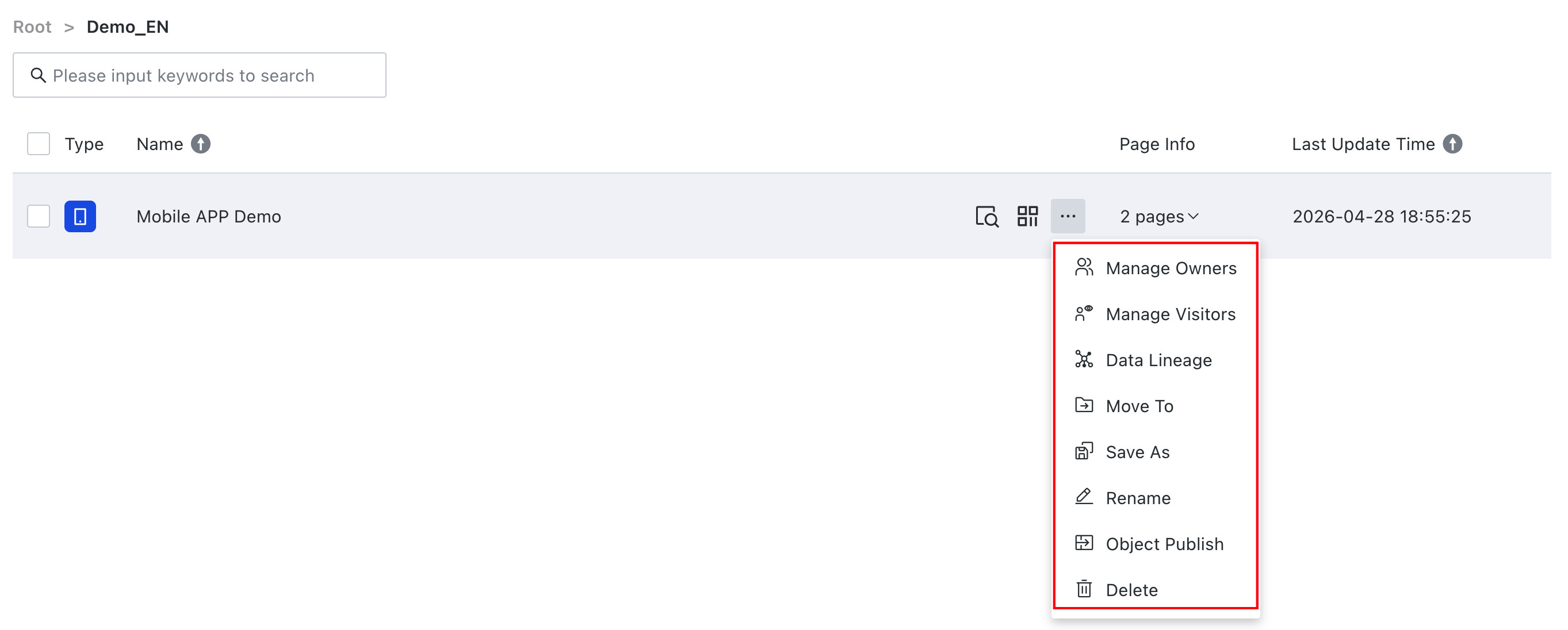
On the mobile lightweight app list page, hover over the ... button of any mobile lightweight app and select Save As from the drop-down menu. Enter the mobile lightweight app name and select the corresponding storage path to save the mobile lightweight app as a copy.