Switch Dataset
Overview
When editing a card, users may want to change the source dataset of an existing card while keeping its calculations and styles. In this case, click Switch Dataset in the Dataset area, browse and select a new dataset, and replace the current one.
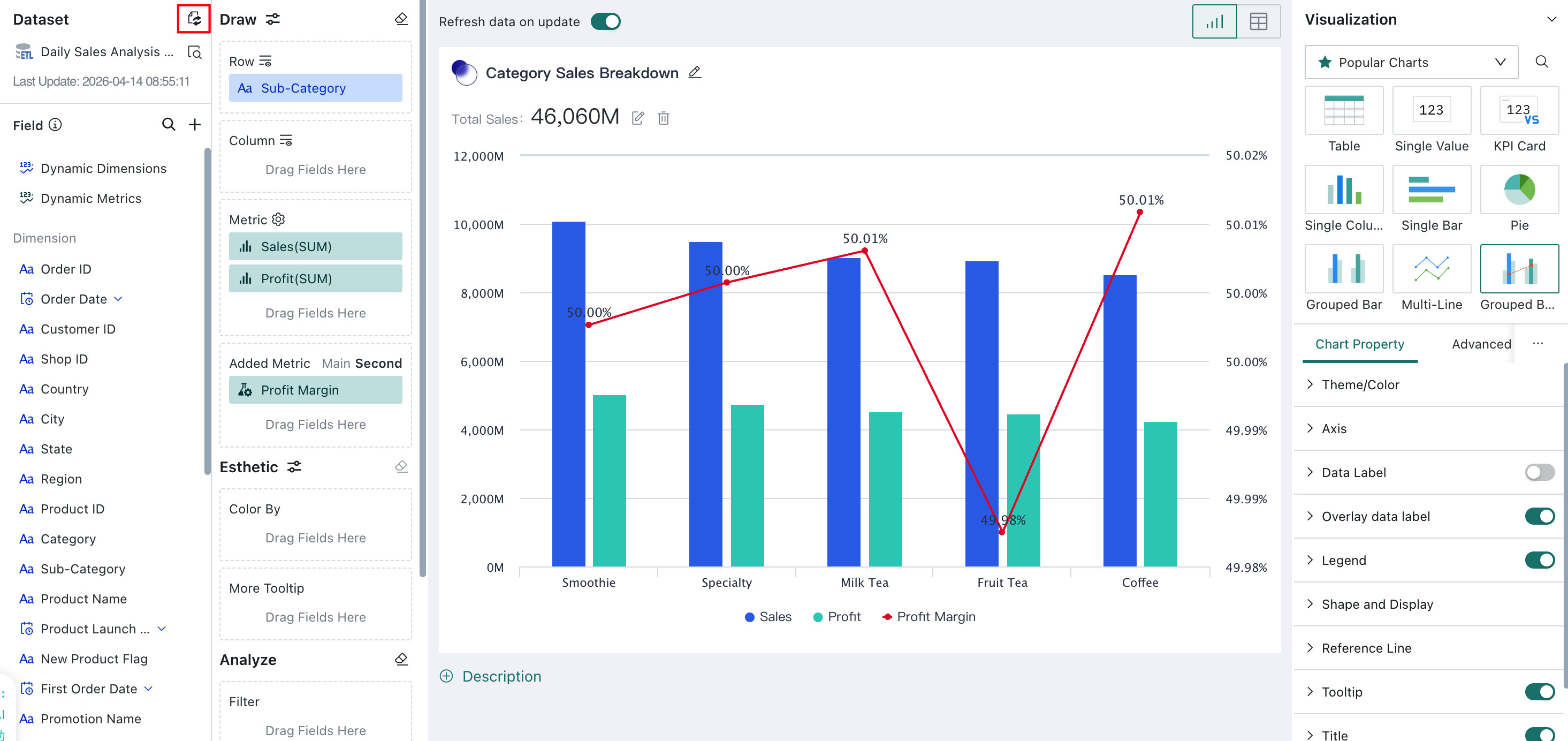
User Guide
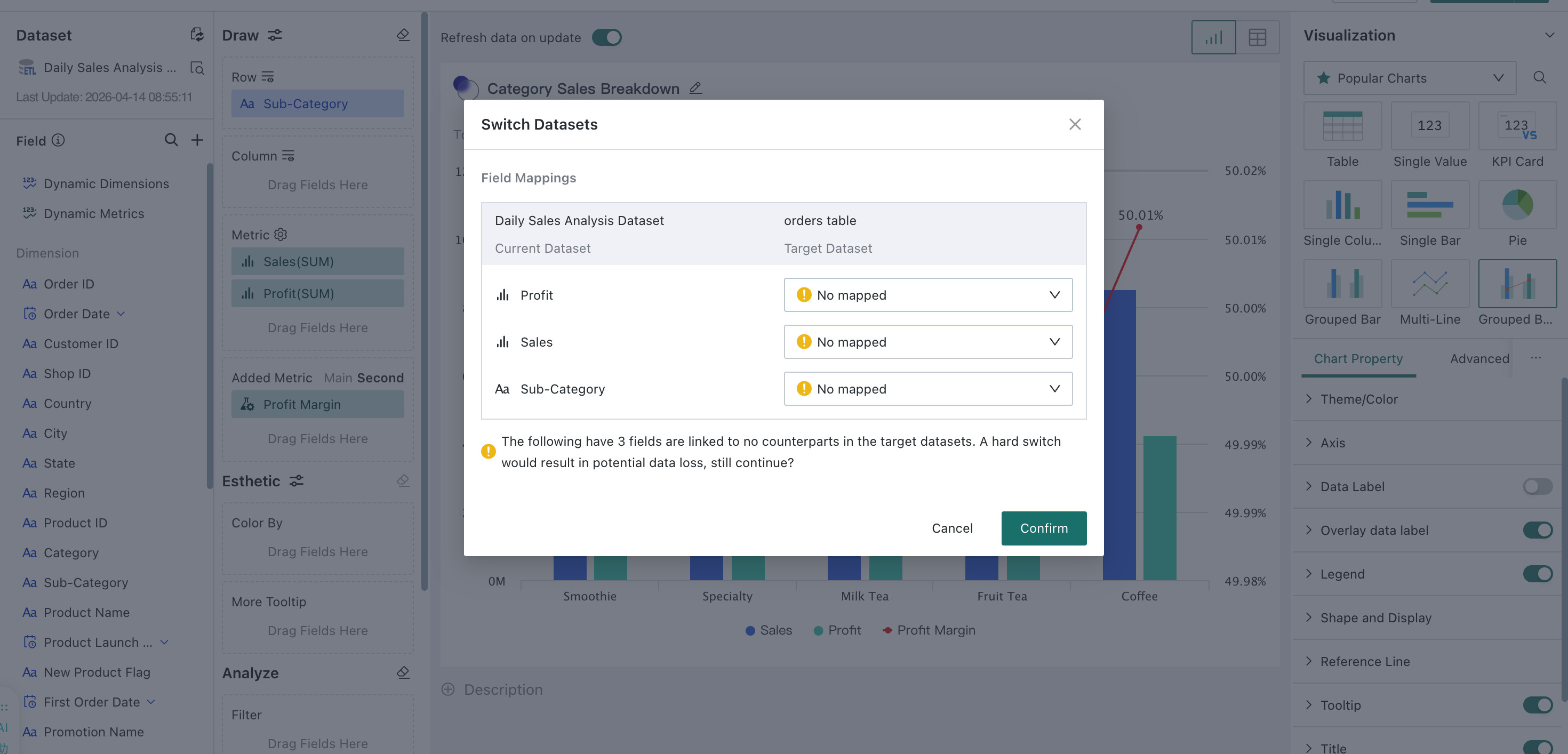
After you select the new dataset, if the field names in the new dataset do not exactly match those in the original dataset, the system prompts you to manually map the fields. After field mapping is completed, click Confirm to finish the dataset switch. The chart content in the card is then automatically updated based on the mapped result.
After the switch, the system replaces the chart field data according to the mapped related fields, while preserving the chart type and chart properties. In addition, formulas in calculated fields are retained, and the original fields inside the formulas are replaced with the newly mapped fields.
If a field cannot be mapped to a target field in the new dataset, the field-related configuration is lost after the switch, while chart-style-related properties are still retained.