Dataset Operators Overview
Overview
Feature Description
In a complete ETL task, input and output nodes ensure that data flows and is processed correctly from source to destination. They are indispensable parts of the ETL lifecycle.
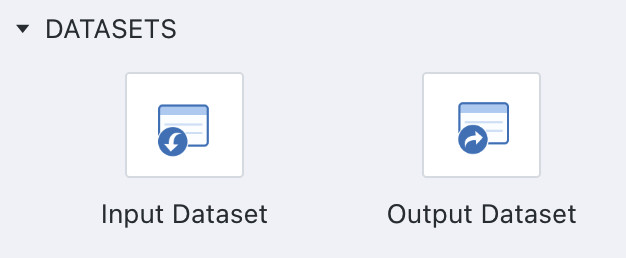
In Guandata Smart ETL, input and output operators are collectively referred to as Dataset Operators, including the Input Dataset operator and the Output Dataset operator, which represent source datasets and result datasets respectively.
They support rapid integration of heterogeneous multi-source data through multiple inputs and allow output from any node in the data flow through multiple outputs.
Usage Limits
- Smart ETL requires one or more
Input Datasetoperators, and at least oneInput Datasetoperator must exist before anOutput Datasetoperator can be configured. - Input datasets can come from file data, database datasets excluding direct connection databases and View Datasets, and output datasets from other Smart ETL flows.
Instructions
-
Drag the
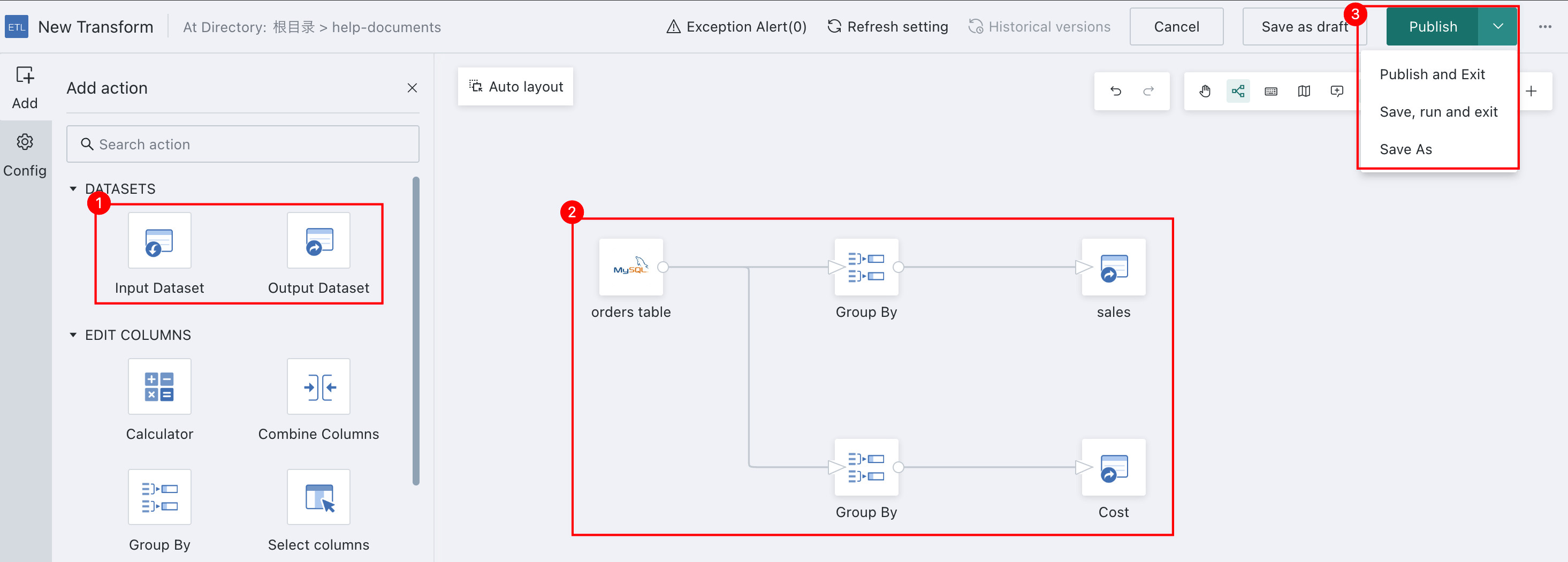
Input Datasetoperator from the ETL operator panel into the canvas editor on the right, then click the operator to upload the source data. -
Drag other operators onto the canvas for data processing and connect them with lines.
-
After the data processing logic is complete, drag the
Output Datasetoperator into the canvas editor on the right. -
Click the
Output Datasetoperator, define its name, and choose the storage location. -
Click
Previewto verify the output result, then save or run the task from the upper-right corner as needed.If
Save, Run, and Exitis selected, the output dataset is generated automatically after the ETL run succeeds.
Make sure the user has owner permission for both the dataset folder and the ETL folder under the ETL save path. Otherwise, the system reports Invalid Save Path.
Learning Path
You can continue learning from the following pages:
| Operator Name | Description |
|---|---|
| Input Dataset | Provides the data foundation for the first stage of ETL, extraction, and prepares for downstream processing. Supports rapid integration of heterogeneous data from multiple sources. |
| Output Dataset | Represents the result data after ETL processing. It can be used for downstream business analysis and reporting, and supports output from any node. |