Undo and Redo
Overview
Feature Description
Undo and Redo provide more flexible editing and error recovery during ETL editing. With these two actions, users can easily return to a previous state, correct accidental operations, or retry different editing approaches. Undo makes error correction simpler, while Redo allows users to reapply previous actions and keep editing continuous. This improves fault tolerance when ETL developers design and optimize data processing flows and reduces mistakes and repetitive work caused by misoperations.
Usage Limits
- Undo and Redo work only while you remain on the current editing page. If the page is refreshed or you exit the editor, these actions are no longer available.
- Undo and Redo each record up to 30 steps.
Instructions
Click Undo to return to the node state before the latest action. Shortcut: Command/Ctrl + Z.
Click Redo to return to the node state before the undo action. Shortcut: Command/Ctrl + Shift + Z.
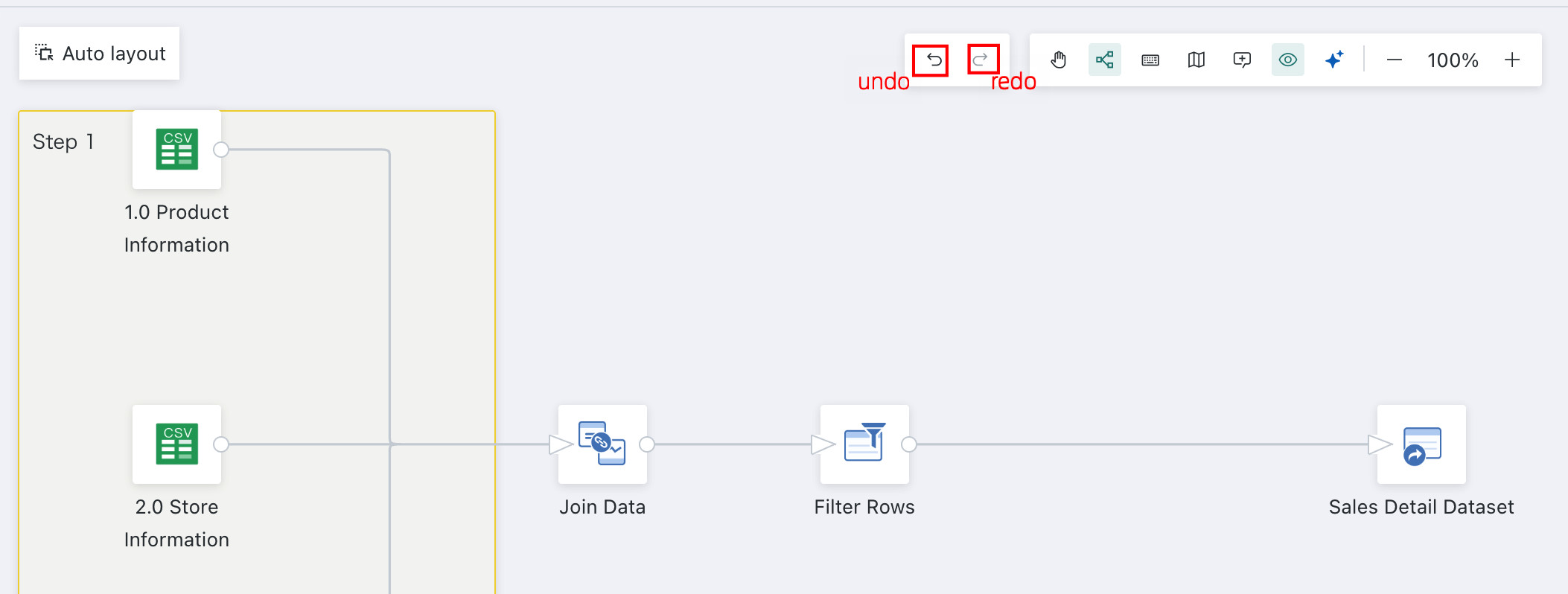
After the ETL changes, the related operation is cached. Undo and Redo each support up to 30 cached actions. Each click undoes or redoes one cached action. The cache is cleared after the page is refreshed or the editor is closed.
Operation cache: The cache is cleared after the page is refreshed or the editor is closed.
| Scope | Object | Cached Actions |
|---|---|---|
| Canvas Level | Nodes / Connections / Comments | Node copy, deletion, renaming |
| Canvas Level | Nodes / Connections / Comments | Connecting nodes, auto layout, moving nodes |
| Canvas Level | Nodes / Connections / Comments | Adding, editing, and deleting comments |
| Node Level | Input Dataset | Dataset selection confirmation is not cached; replacing datasets is not cached |
| Node Level | Output Dataset | Editing the dataset name, modifying the save directory, configuring accelerated fields, editing comments |
| Node Level | Add Calculated Column | Add, edit, and delete calculated fields |
| Node Level | Merge Columns | Edit the new column name, add or delete merged columns, choose whether to delete original columns, set delimiters |
| Node Level | Group Aggregate | Add, edit, and delete calculated columns; modify dimensions and measures, aliases, and aggregation methods |
| Node Level | Select Columns | Column selection, inverse selection, renaming, and reordering |
| Node Level | Pivot Rows to Columns | Select operation columns, fill columns, aggregation type, primary key columns; add or delete new columns; choose whether new column names use original row values |
| Node Level | Unpivot Columns to Rows | Edit label column names and value column names; add or delete new columns; choose whether new row names use original column values |
| Node Level | Filter Data Rows | Add, delete, copy, and edit filter rules; configure trigger conditions |
| Node Level | Deduplicate Data | Add or delete columns used for deduplication |
| Node Level | Replace Values | Choose columns for value replacement, modify how replacement results are written, configure values that do not meet replacement rules, edit or delete replacement rules |
| Node Level | Replace Null Values | Add replacement rules, modify replacement values, delete replacement rules |
| Node Level | Append Rows | Select append rules |
| Node Level | Join Data | Add or delete join columns, select fields before and after the join, configure join methods |
| Node Level | SQL Input | Reorder existing datasets, edit SQL for each query |
| Node Level | Other Nodes | Cached internally at the node level |