Administrator Getting Started Guide
What Is an Administrator
In Guandata BI, an administrator is a key role for platform management and maintenance. Administrators have the highest permissions on the platform and can create and manage users, user groups, and access permissions for Dashboards, pages, datasets, and other resources. Their scope includes, but is not limited to, user management, resource management, permission management, enterprise settings, system integration, O&M management, and system management.
How to Set an Administrator
-
Sign in to Guandata BI.
-
Click the
Adminicon on the right side of the navigation bar.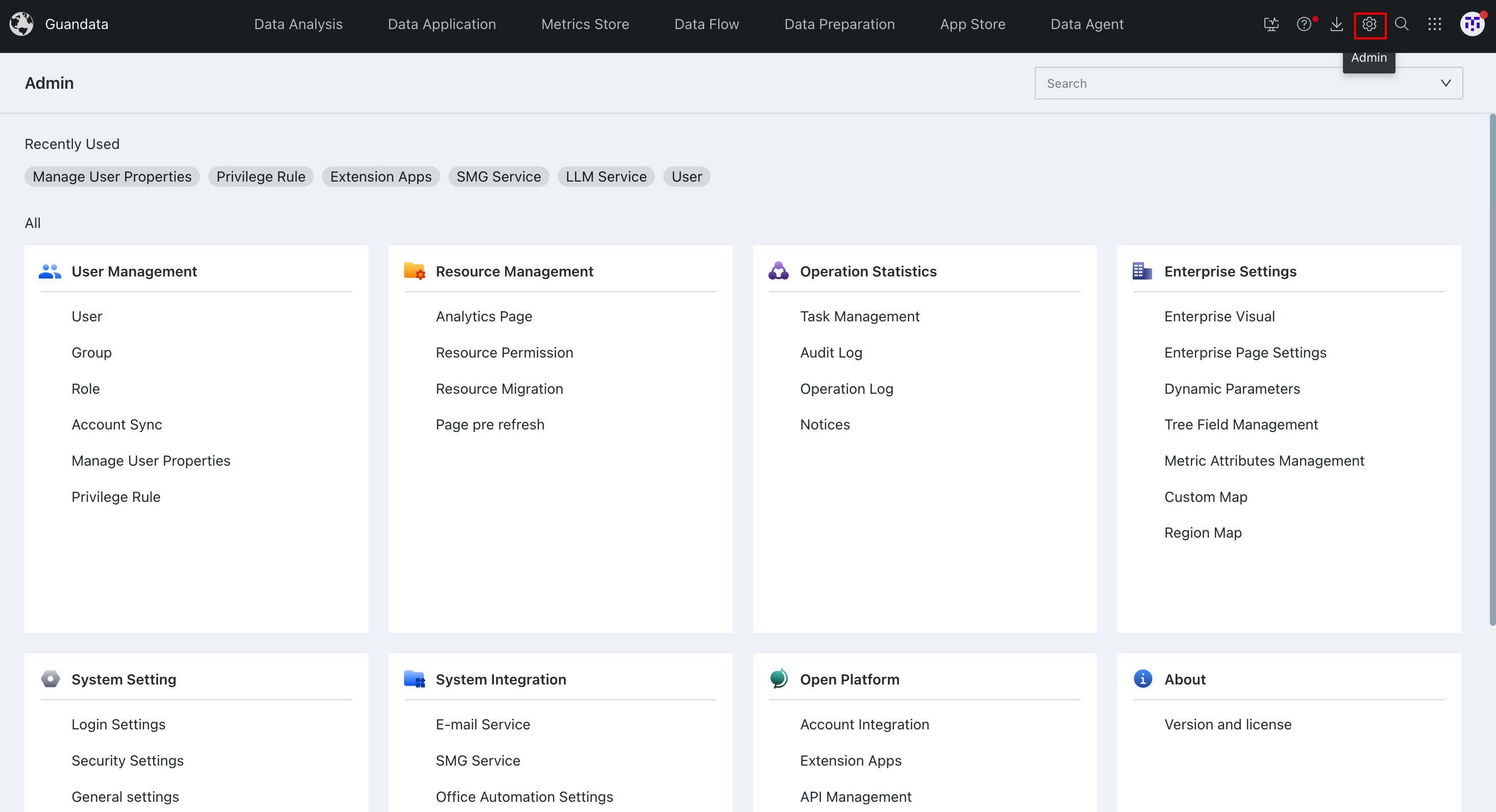
-
Go to
User Management > Usersand configure administrators in one of the following ways:-
Create a new user and choose
Adminas the account type.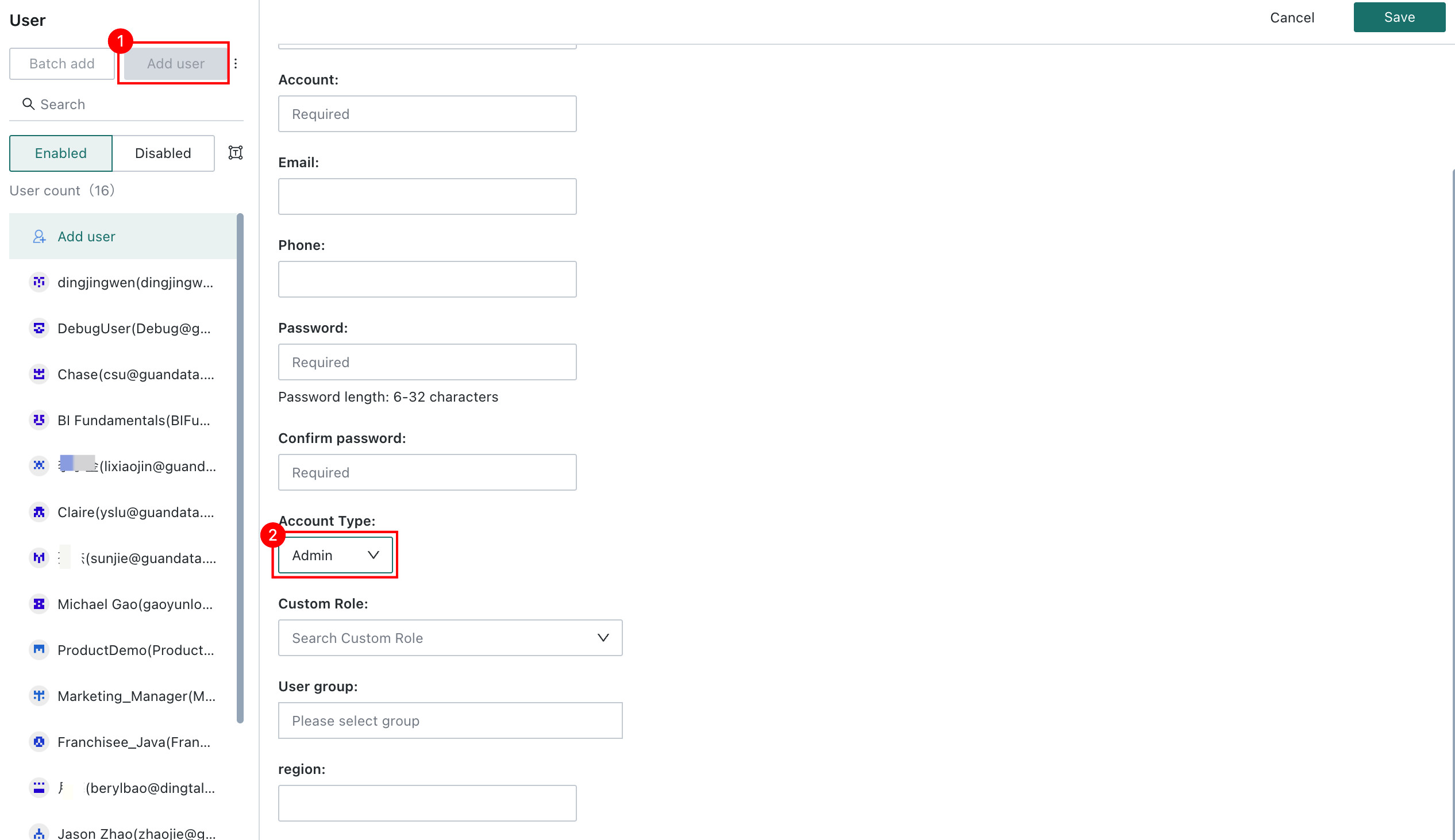
-
Select an existing user and edit the
Account TypetoAdminon the permission page.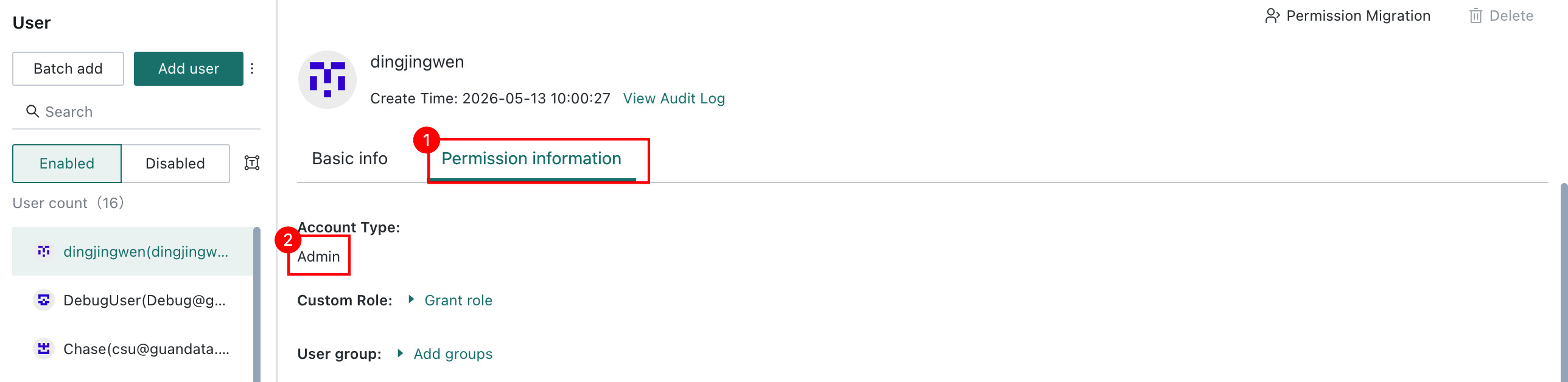
-
Quick Backend Initialization
Configure Enterprise Information
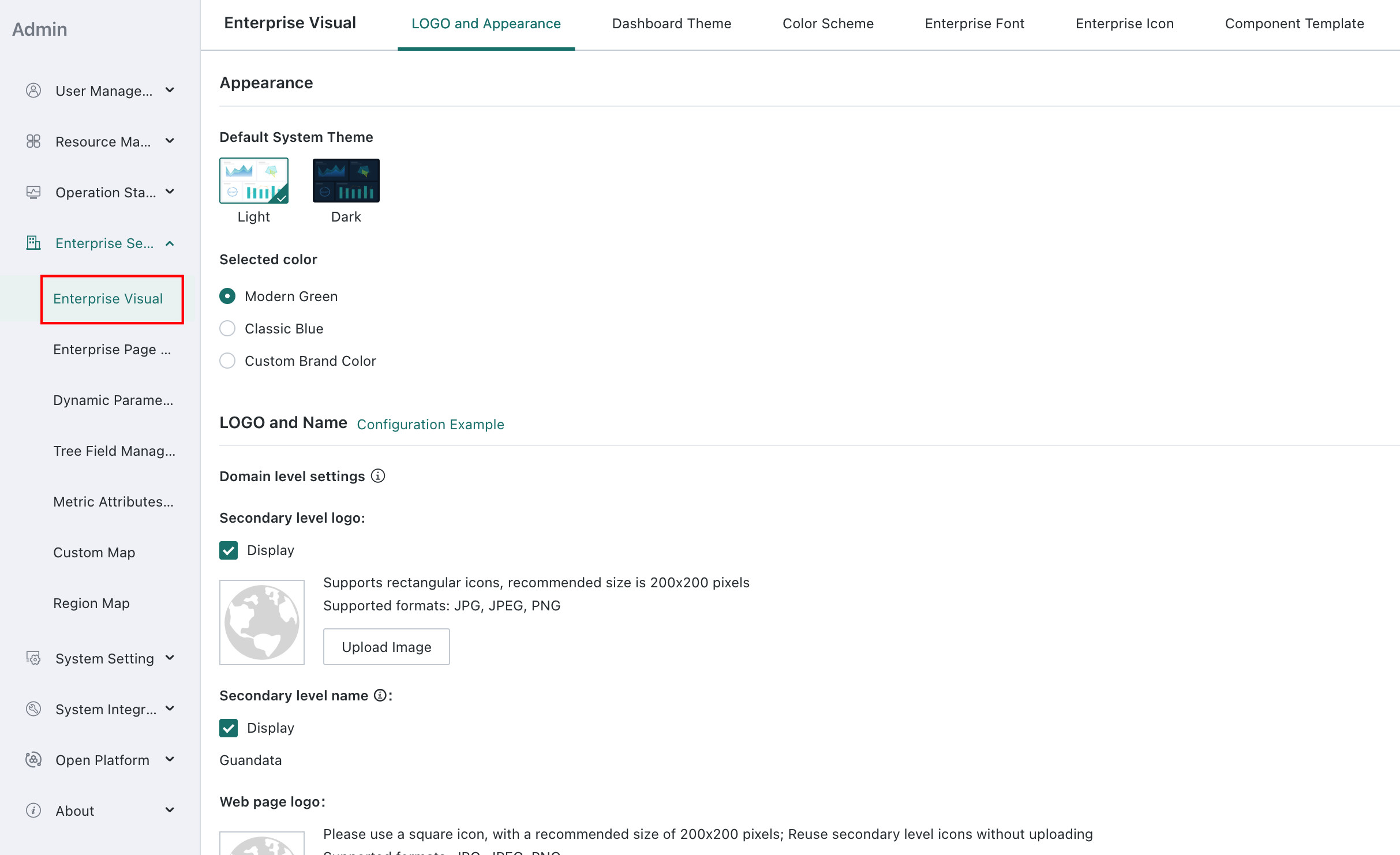
Go to Admin Center > Enterprise Settings > Enterprise Branding to configure the enterprise name, logo, color scheme, and enterprise templates. For details, see Enterprise Branding.
Add Enterprise Members
Guandata BI supports three ways to add enterprise members:
-
Create Individually: Go to
Admin Center > User Management > Usersand clickAdd User.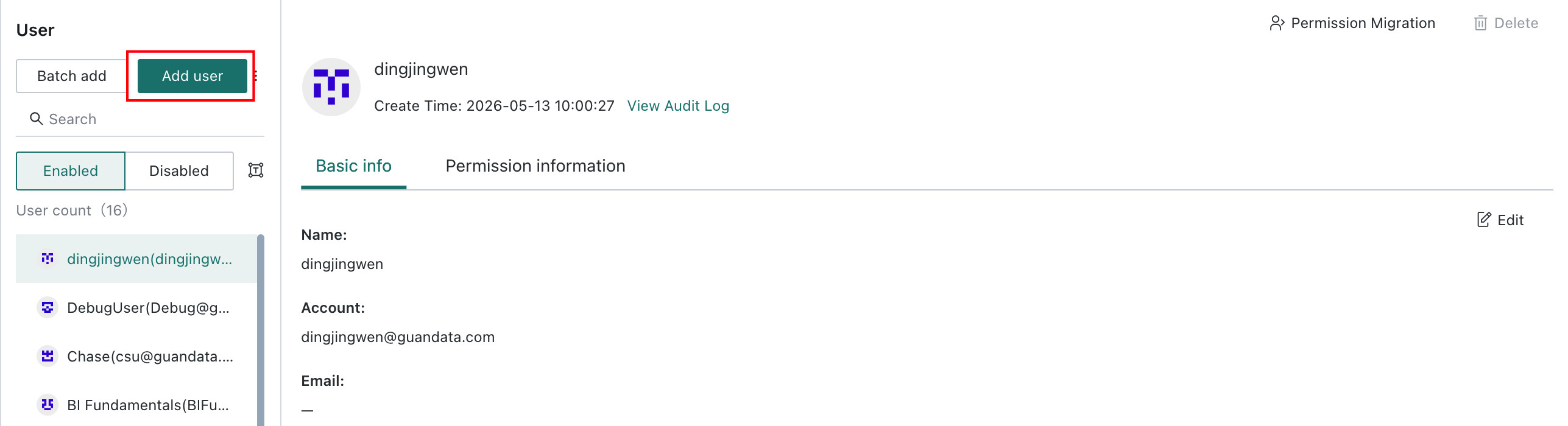
-
Batch Import: On the same page, click
Batch Add.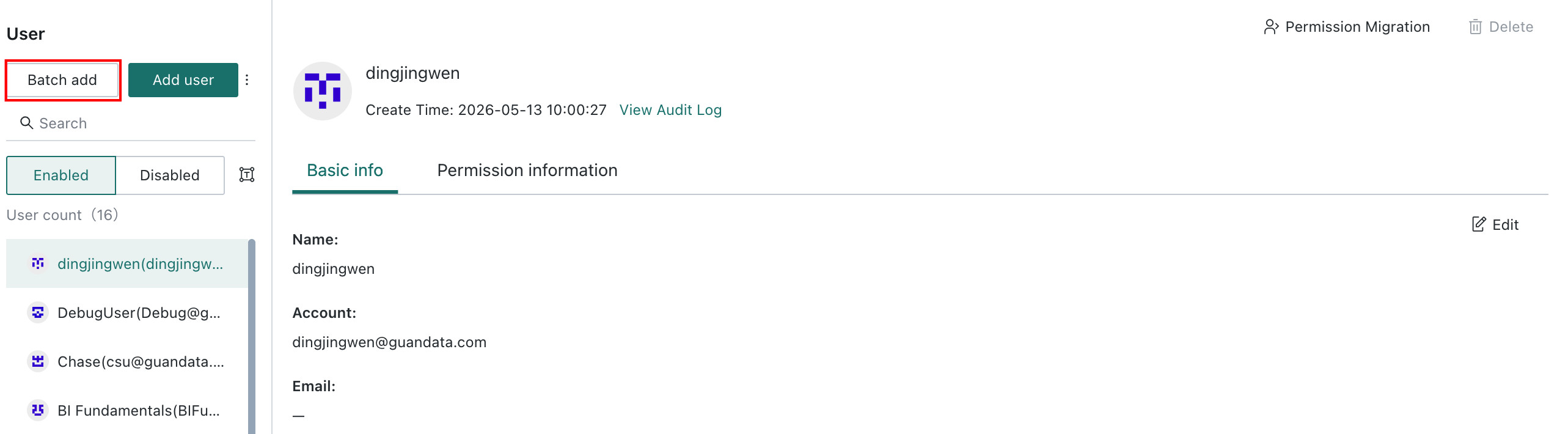
-
Account Sync: Go to
Admin Center > User Management > Account Sync, clickEdit, and configure user group sync and user sync.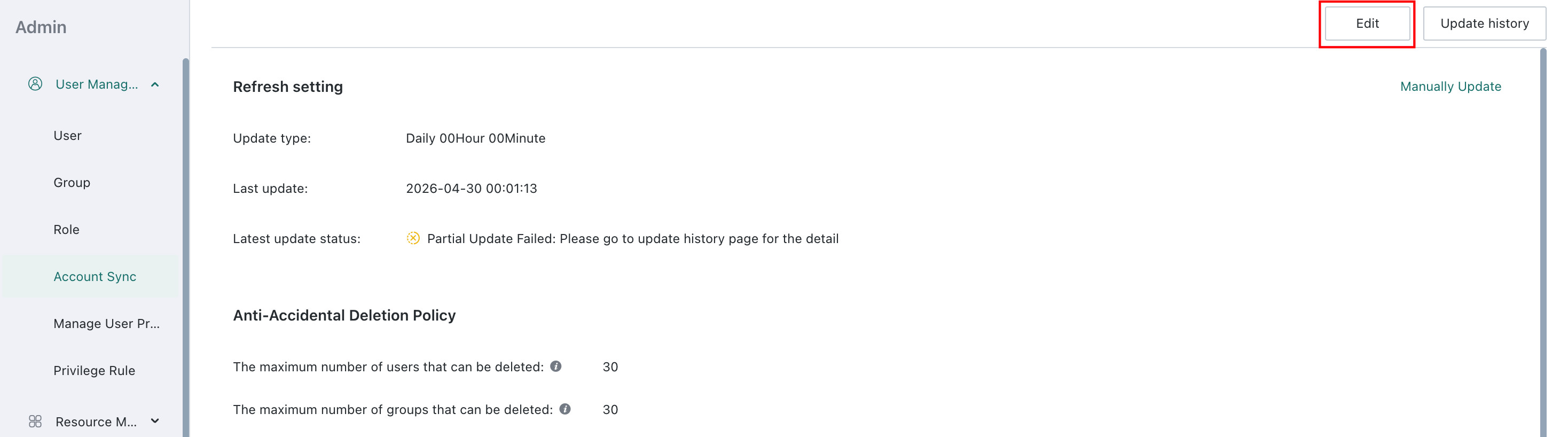
Create a Group
Groups are used to classify and manage users efficiently. Administrators can use them to manage user permissions and resource access in batches.
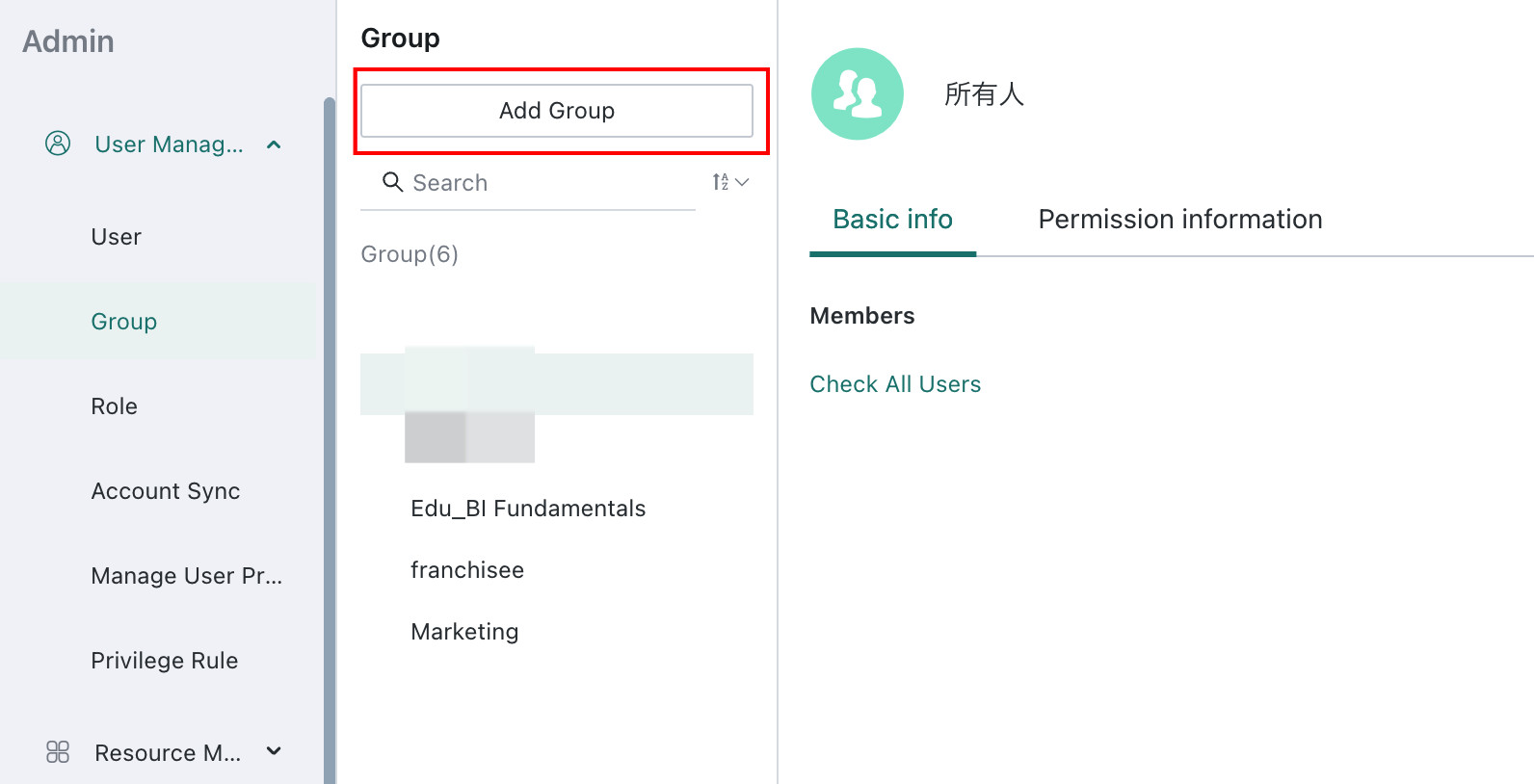
Go to Admin Center > User Management > User Groups and click Add Group. For details, see User Groups.
Add a Group Administrator
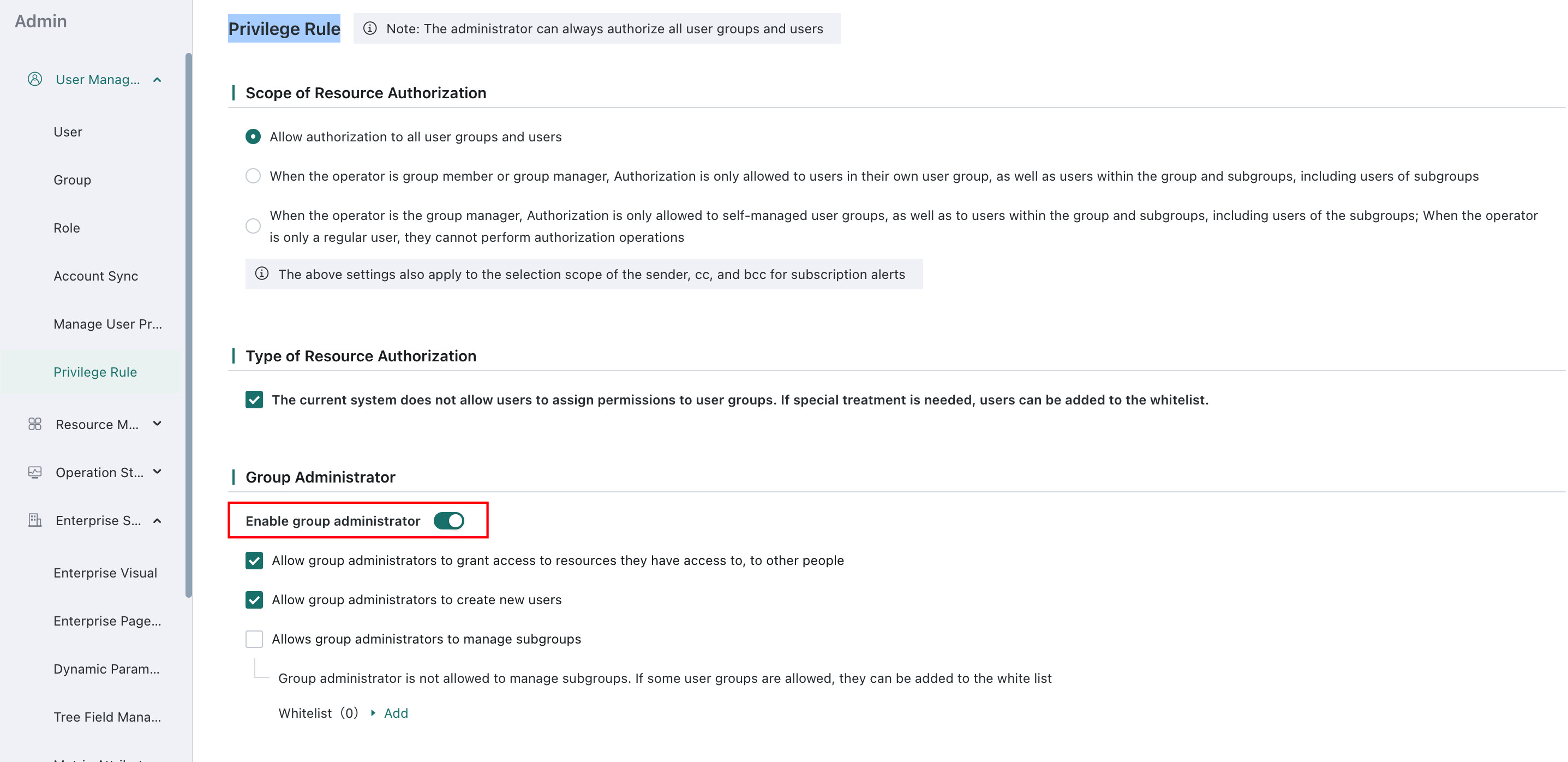
A Group Administrator is a delegated form of administrative authority. Administrators can grant selected users a subset of user-management permissions for their groups.
Go to Admin Center > User Management > Permission Rules, enable the group administrator setting, and configure it as needed. For details, see Group Administrator.
FAQ
Can members without administrator permissions enter the admin backend?
No. Currently only administrators and group administrators can enter the admin backend.
How can I get information about the latest versions and features?
Open Help Center > Product Update Log to view the latest version and feature information.