Region Map
Overview
Administrative Region Map Management refers to the configuration and management of administrative region maps, including editing, modification, and deletion, so that enterprises can define their own territories and carry out regional business management more conveniently.
When an enterprise operates nationwide, it often defines large regions or territories for easier management. For example, chain retail and fashion companies may define regions such as East China and North China based on business needs.
Procedure
-
Go to Admin Center > Enterprise Configuration > Administrative Region Map Management. On this page, you can view the list of custom administrative region maps in the enterprise domain and Edit, Migrate, or Delete the current administrative region maps.

-
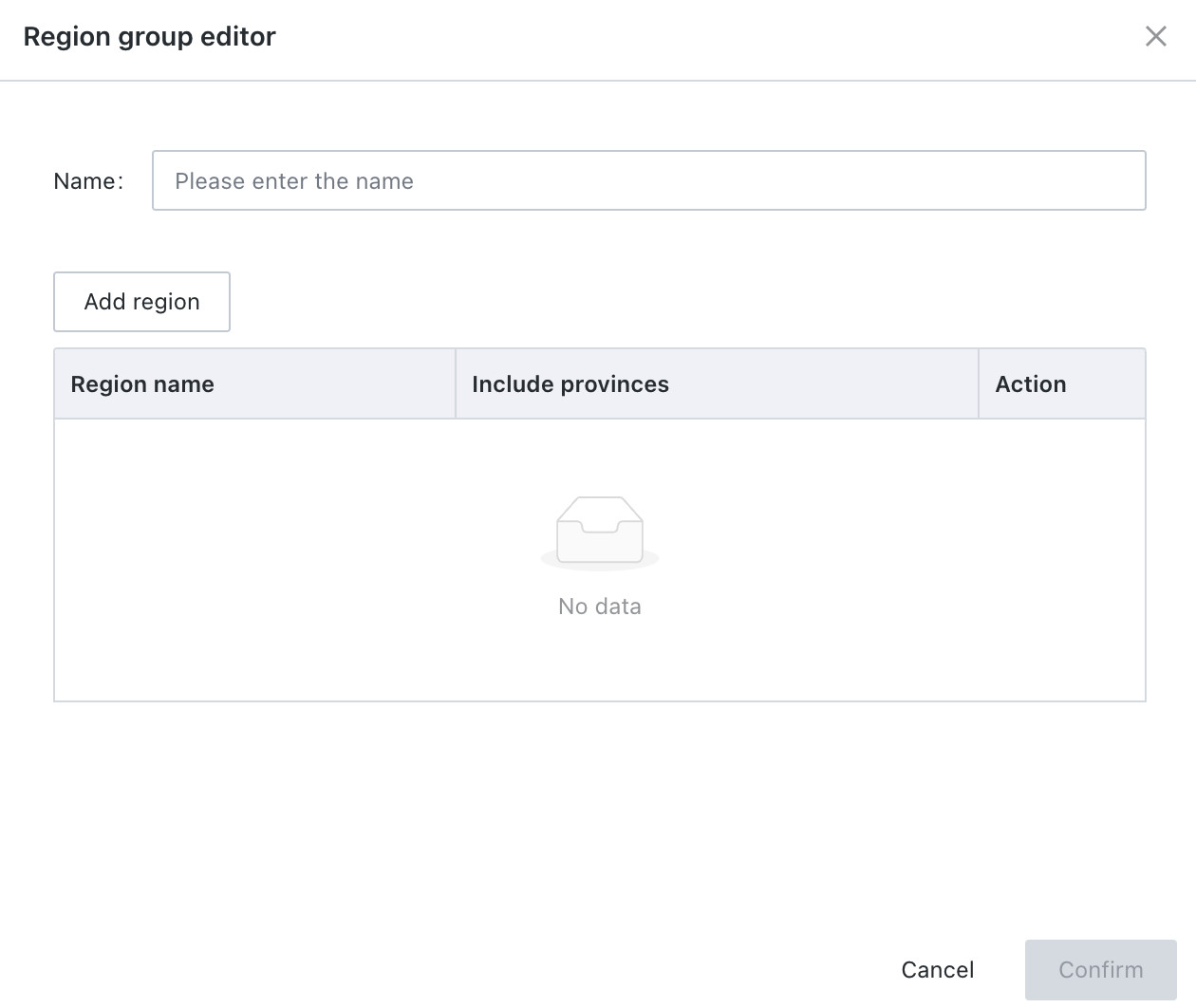
Click Add New in the upper-right corner to enter the Region Group Editor, then enter the name of the geographic group.
-
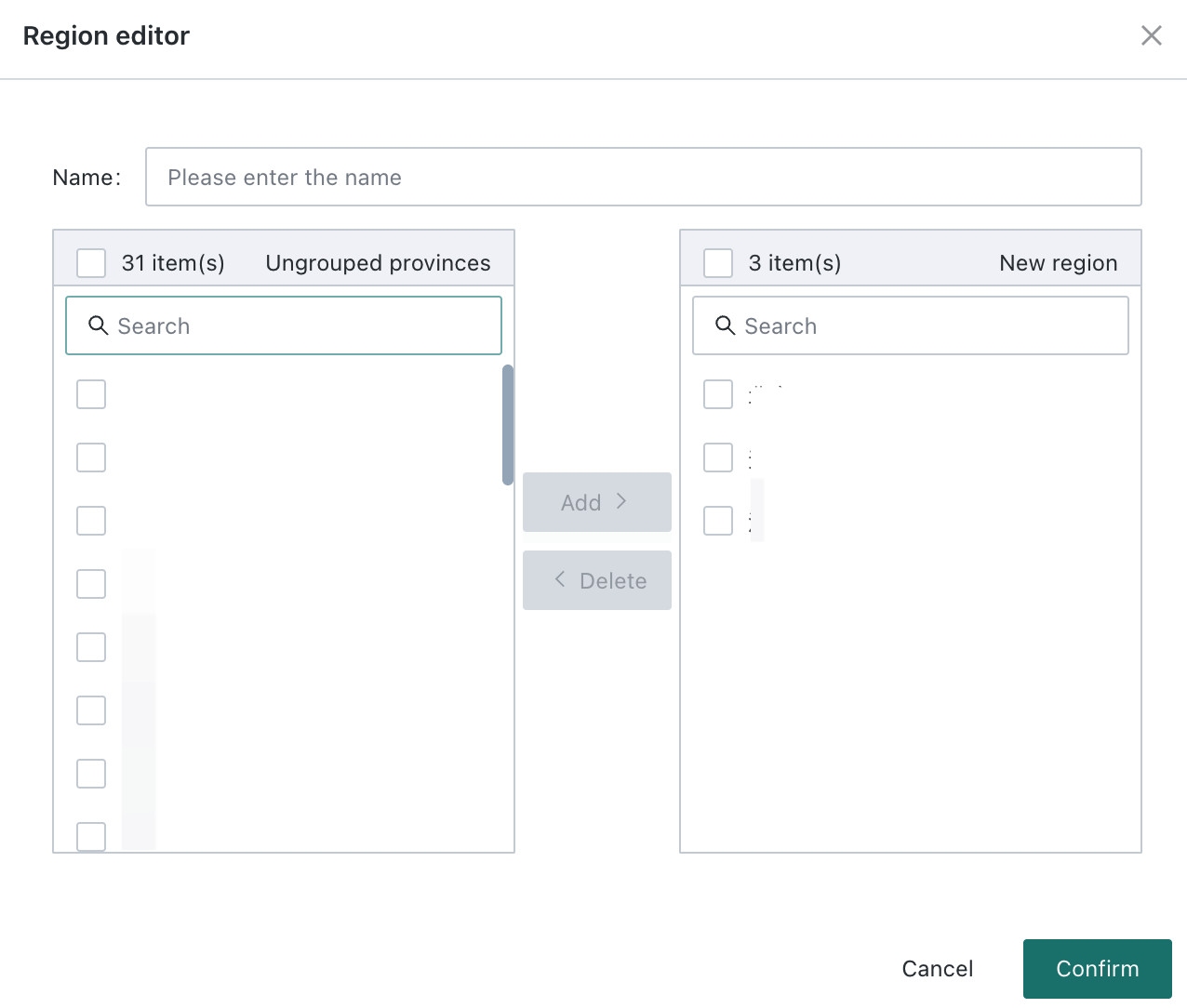
Click Add Region below the name to enter the Region Editor and edit the field grouping.
Set the name, for example North China, then choose elements from the list on the left and click Add to move them to the list on the right. The elements shown on the right are all members assigned to the current region.
-
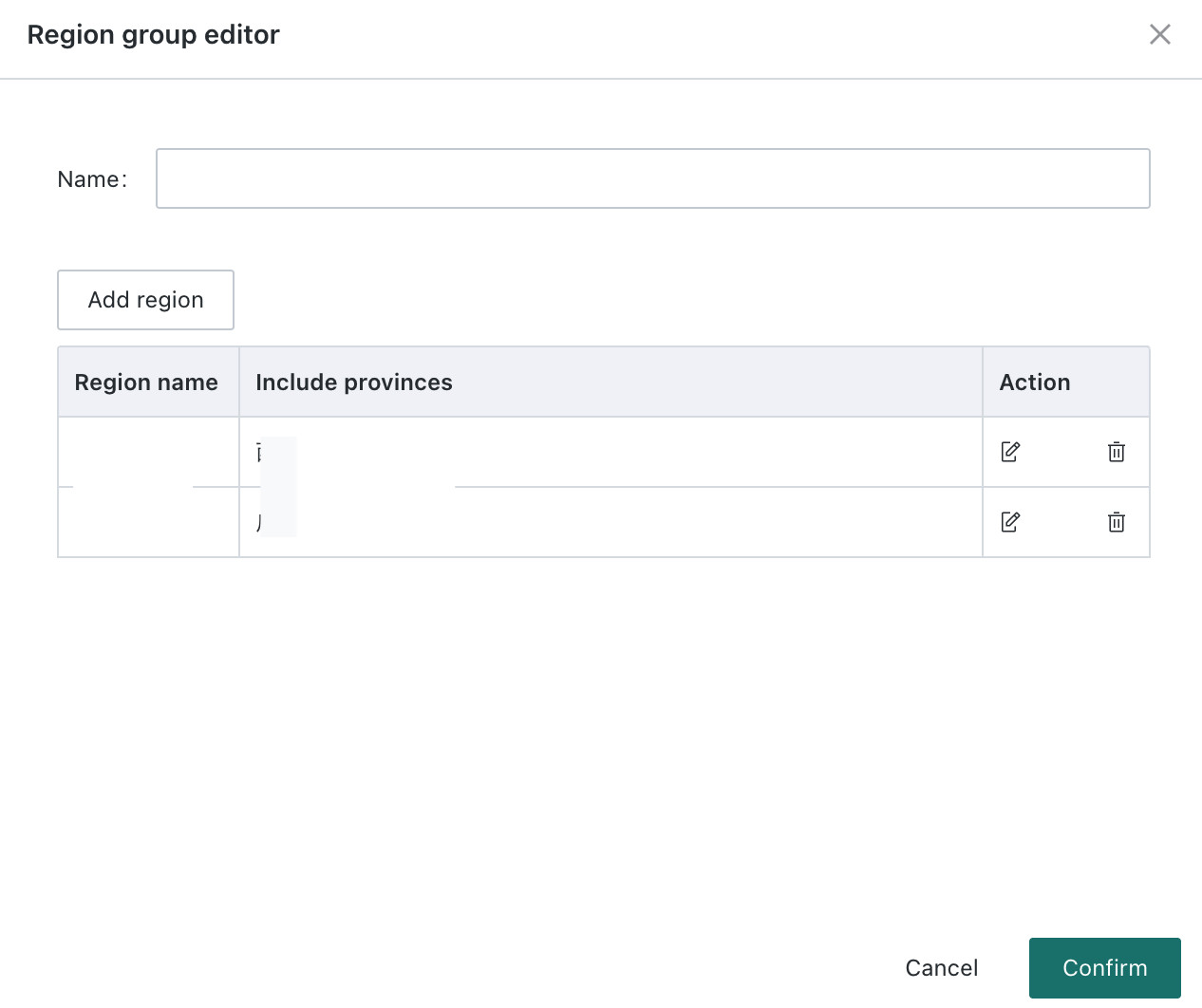
Click OK to complete creation of the region.
-
During use, you can select the corresponding regional classification under Administrative Map > Map Display Settings for display. Custom administrative region maps support dimension-based coloring, value-based coloring, and features such as interactions, drill-down, and navigation.
When using custom administrative regions, the region field content in the Dataset must match the region names configured in Admin Center.