Dynamic Parameters
Overview
Global Parameter Management refers to the configuration and management of Global Parameters, including modifying, deleting, and adding parameters.
Procedure
-
Go to
Admin Center > Enterprise Configuration > Global Parametersto view the list of Global Parameters in the enterprise domain. -
You can
Edit,Migrate, orHidethe dynamic parameters in the current enterprise domain. -
Click
Add Parameterto configure a new parameter.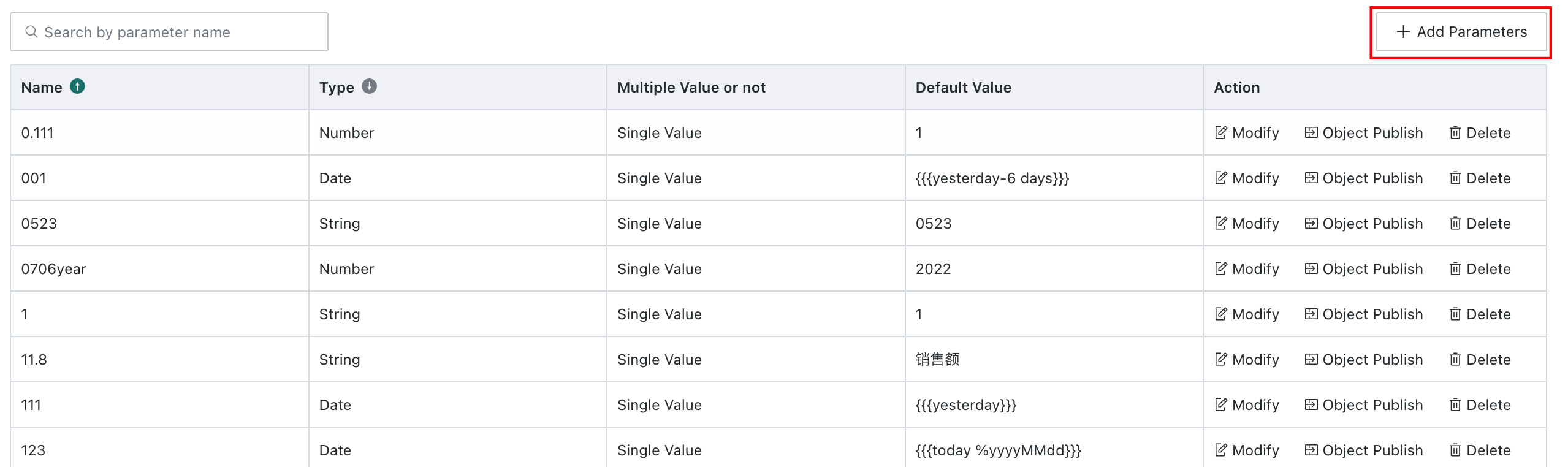
-
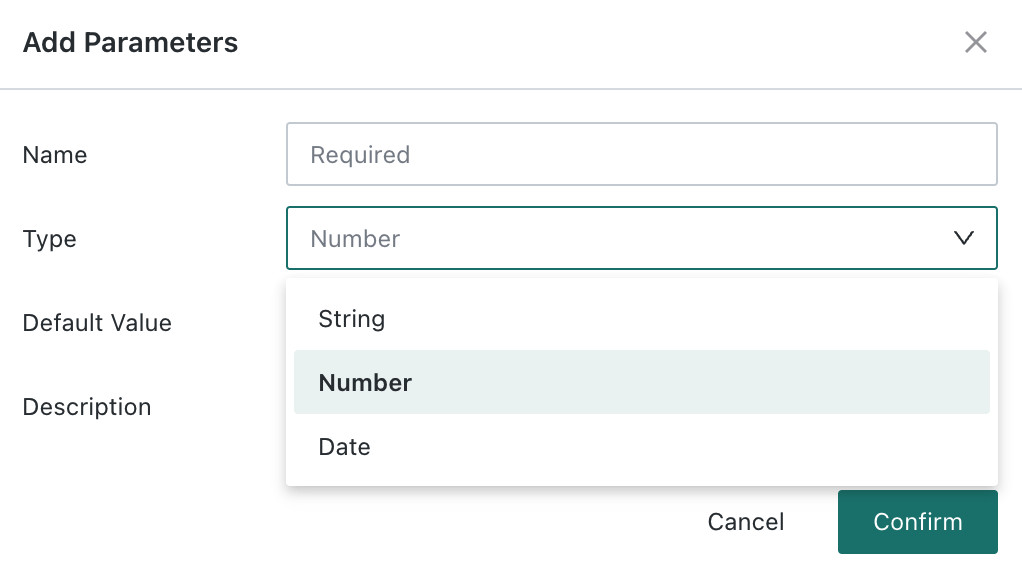
Each parameter must include a parameter name, parameter type, and default value. You can also add description information to help manage the parameter. For text-type parameters, you can define custom text or select from a predefined drop-down list.
For detailed usage of Global Parameters, see Global Parameters.