Analytics Page
Overview
Analysis Pages refer to permission management operations performed on Pages after they have been created and optimized.
Usage Guide
-
Click
Admin Center > Resource Management > Analysis Pagesin the upper-right corner of the page. You can then view the list of Pages in the enterprise domain. Select a page to view its details. Page details include the page name, storage location, display terminal, and page permissions.- `Page Name`: the custom name of the Analysis Page, used for quick identification.- Guandata supports two display terminals: `Desktop (PC)` and `Mobile`.- `Storage Location` shows the exact storage path of the Analysis Page in Guandata.- Under `Page Permissions`, you can see the users and user groups that can access the page.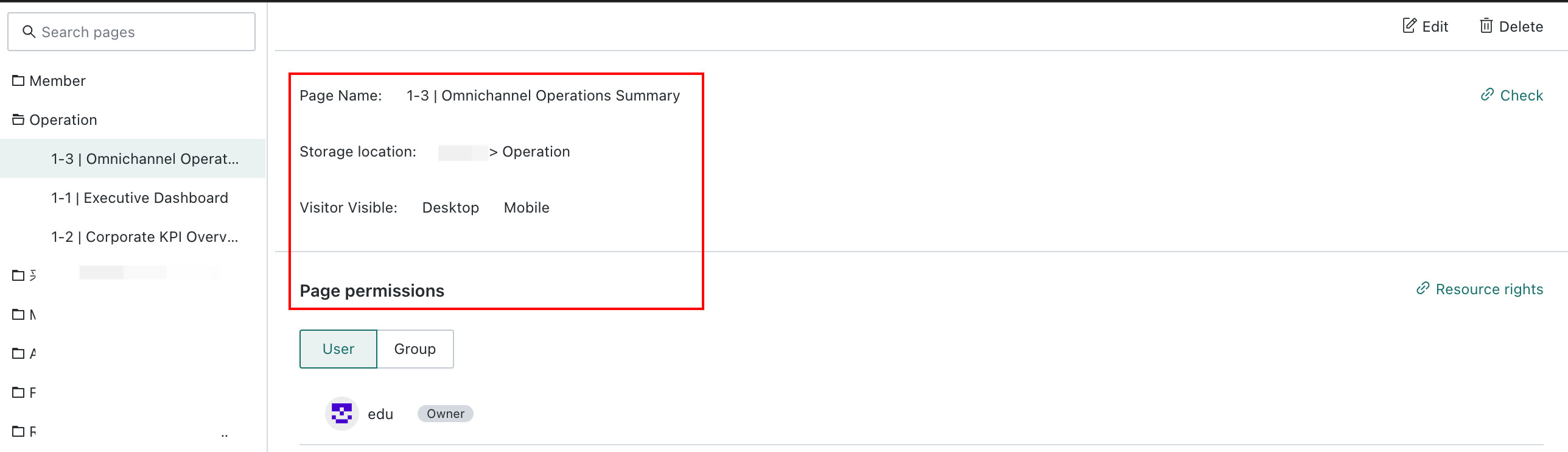
-
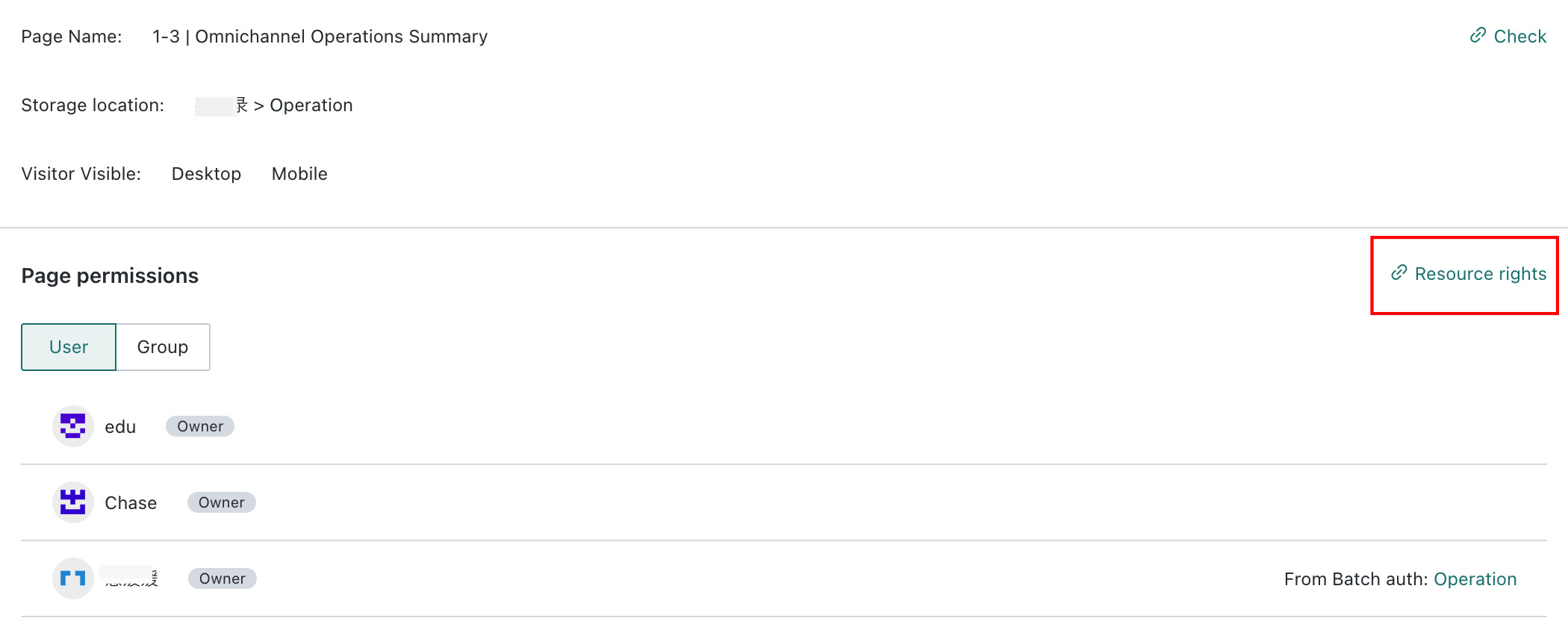
Click
Resource Permissionson the right side ofPage Permissions. The page will jump to the permission management page for that Resource, where you can manage authorized users and user groups for the page. For details, see Resource Permission Management.