Link Multiple Comparison KPI Cards to a Line Chart
Procedure:
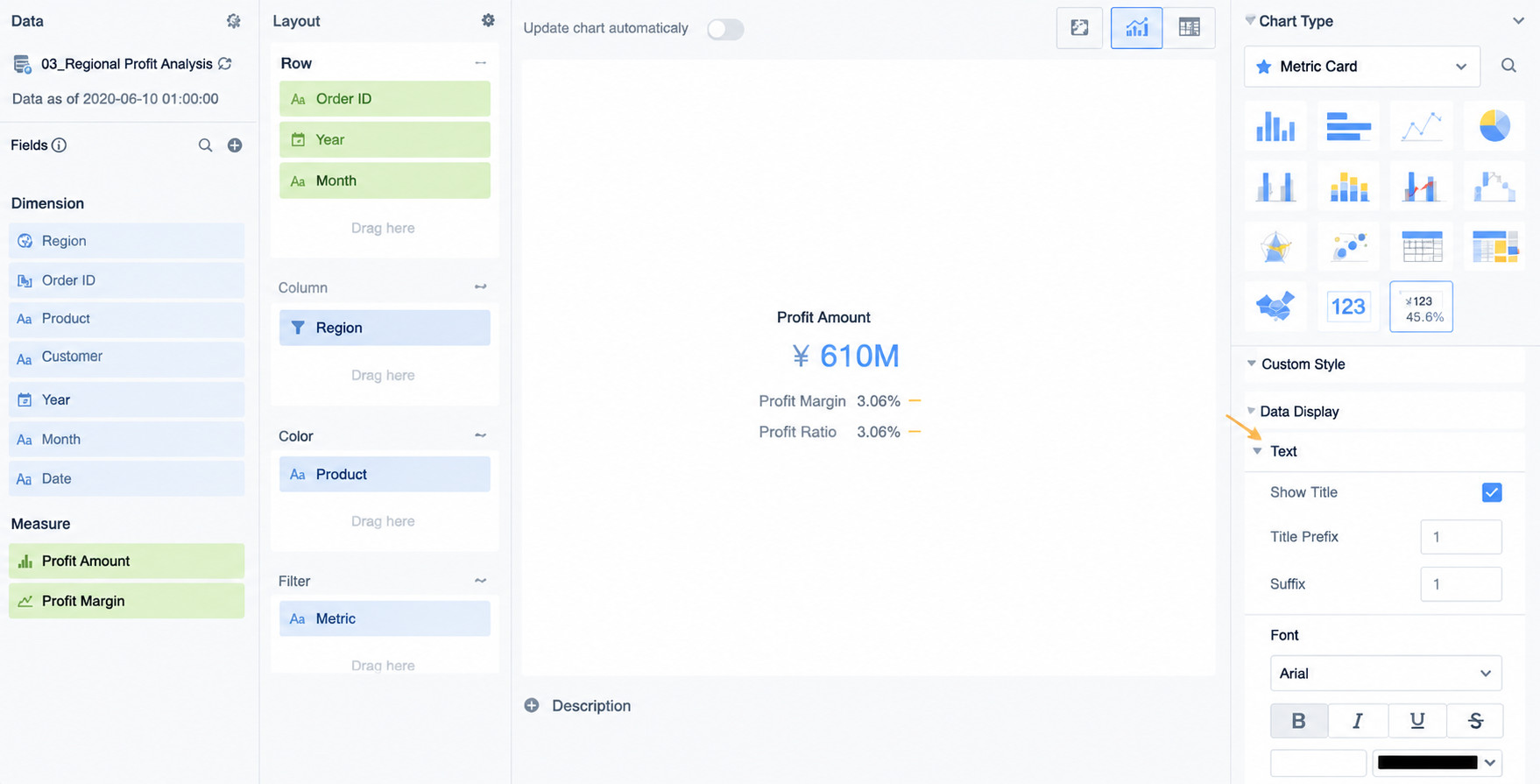
- Comparison KPI cards. There are two types of KPI cards: KPI cards and comparison KPI cards. KPI cards do not support linkage, so they are not suitable for this scenario.
A comparison KPI card can support linkage only when a Split field is added on the card editing page. If no Split field is added, the linkage feature is grayed out, because linkage depends on dimensions and cannot be configured without dimension fields.
Therefore, in this case, the eight comparison KPI cards are actually split to link to the line chart. The number of values in the split field determines the number of child KPI cards. In this case, each KPI card contains only one child KPI card because a filter is applied and only one value to display is selected.
- Global parameters
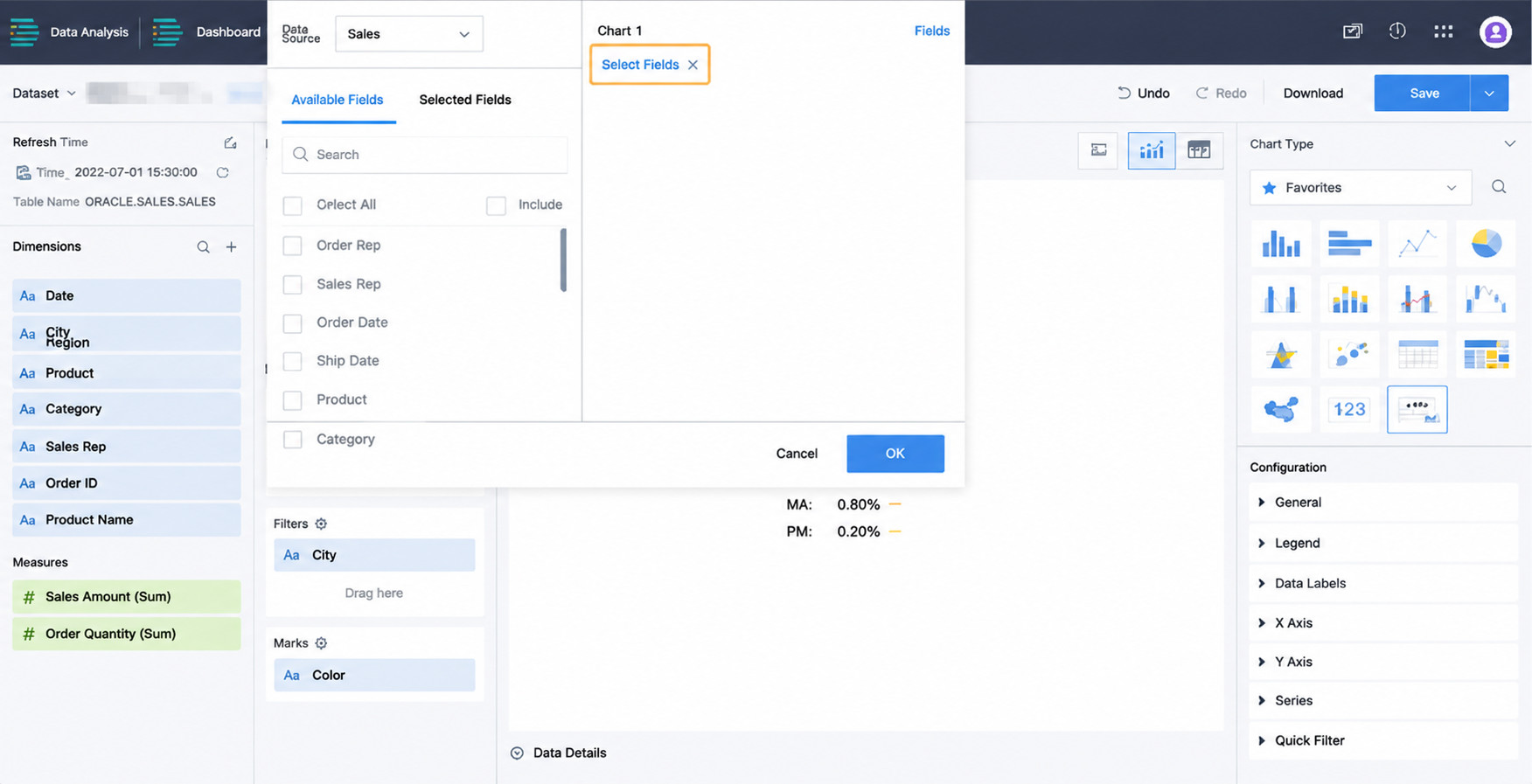
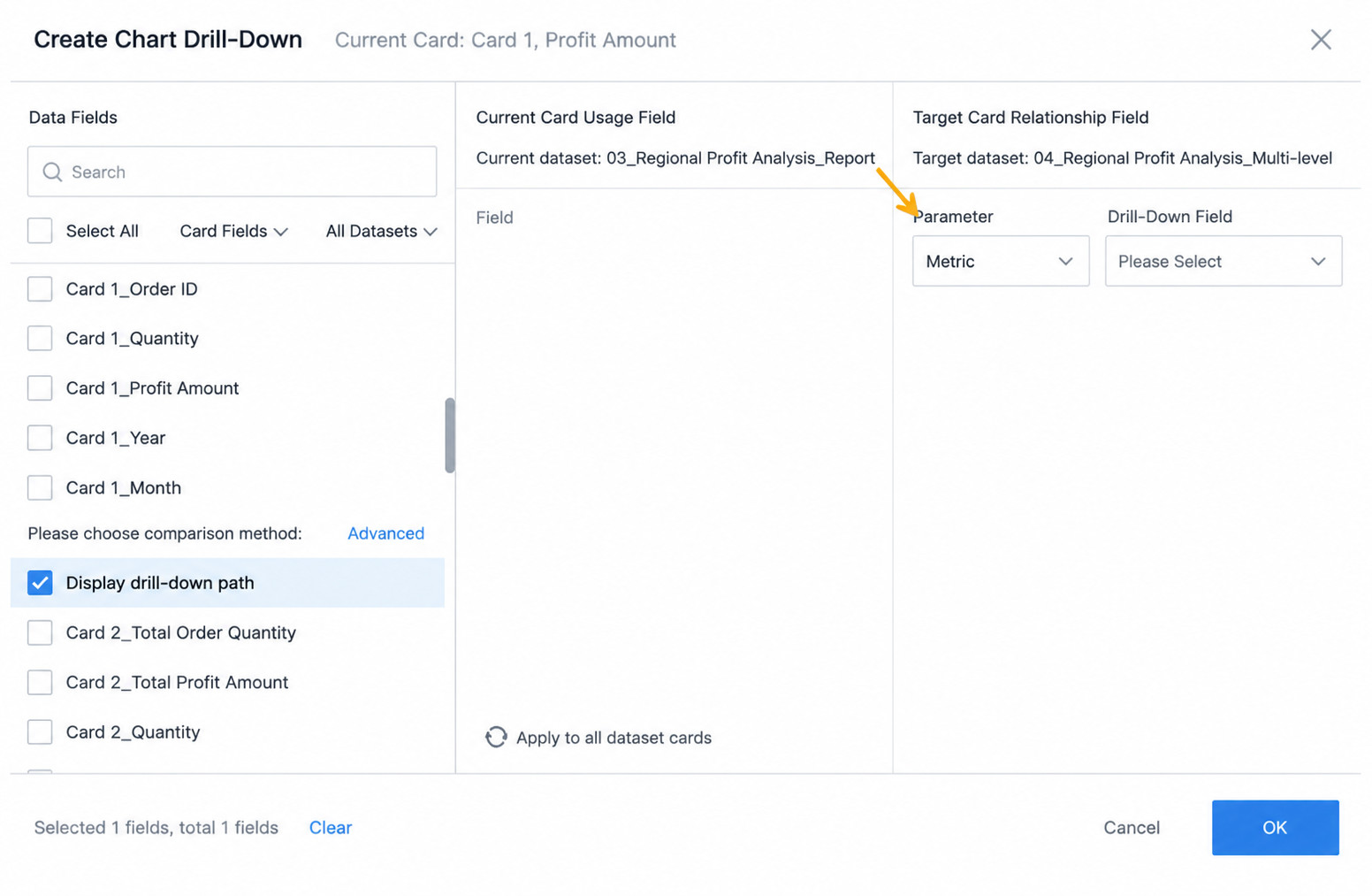
The comparison KPI cards link to the line chart through parameter linkage. Create a single-value text parameter. In this case, the values of the split field Metric in the comparison KPI cards are the eight values such as Terminal Sales Amount, Terminal Sales Volume, Net Sales Amount, and Net Sales Volume. These eight values, corresponding to eight KPI cards, are used as the content of the text parameter.
In the line chart, find the Metric field and create a calculated field. Use case when for judgment. For the comparison KPI card linking to the multi-line chart, select parameter linkage.

- Title linkage
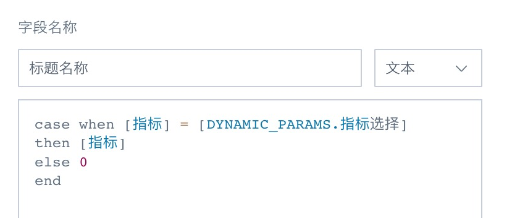
Create a calculated field named Title Name in the line chart. The returned value is the Metric field.
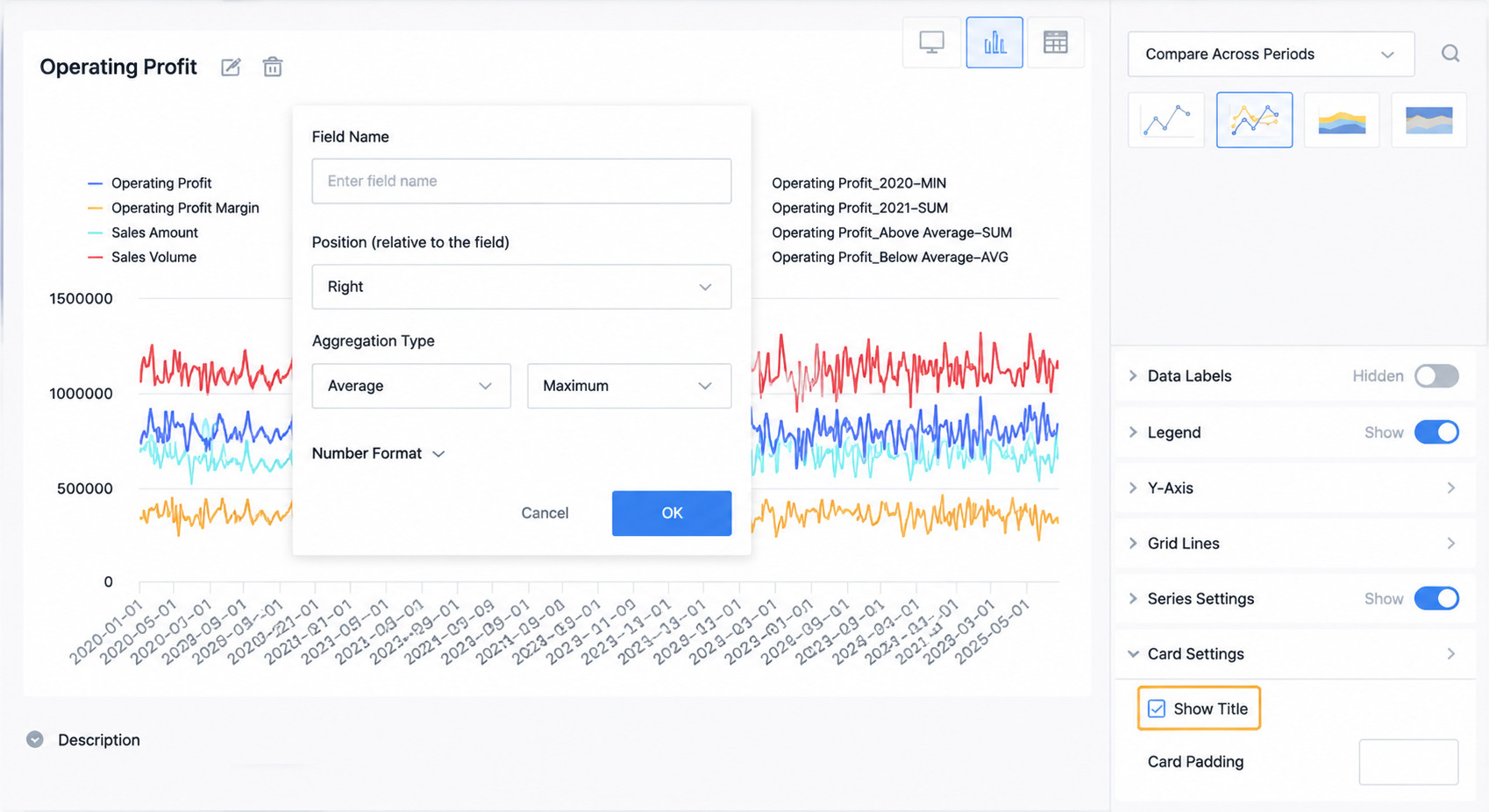
In chart properties, disable title display, add a summary metric, link it to the newly added Title Name field, and set the summary method to maximum. For other ways to implement dynamic card titles, see Implement Dynamic Card Titles.
Tips: The position of child KPI cards can be adjusted in Chart Properties -- Split -- Number Displayed per Screen to center the child KPI cards.