Permission Configuration for Resource Export
Global Permission Switch
Path: Admin > System Setting > General Settings > Export

If everyone is allowed to export resources they own, keep the following switch turned off. This means export permission control is not enabled.
After export control is enabled, whether a page, dataset, card, or other resource can be exported depends on both function module permissions and resource permissions. Both are required to export.
Account Permission Configuration
Method 1: Directly Grant Function Module Permissions to Users
Export permissions for dashboards and datasets have already been enabled for regular users. After export permission is enabled for regular users, any regular user can perform export operations.

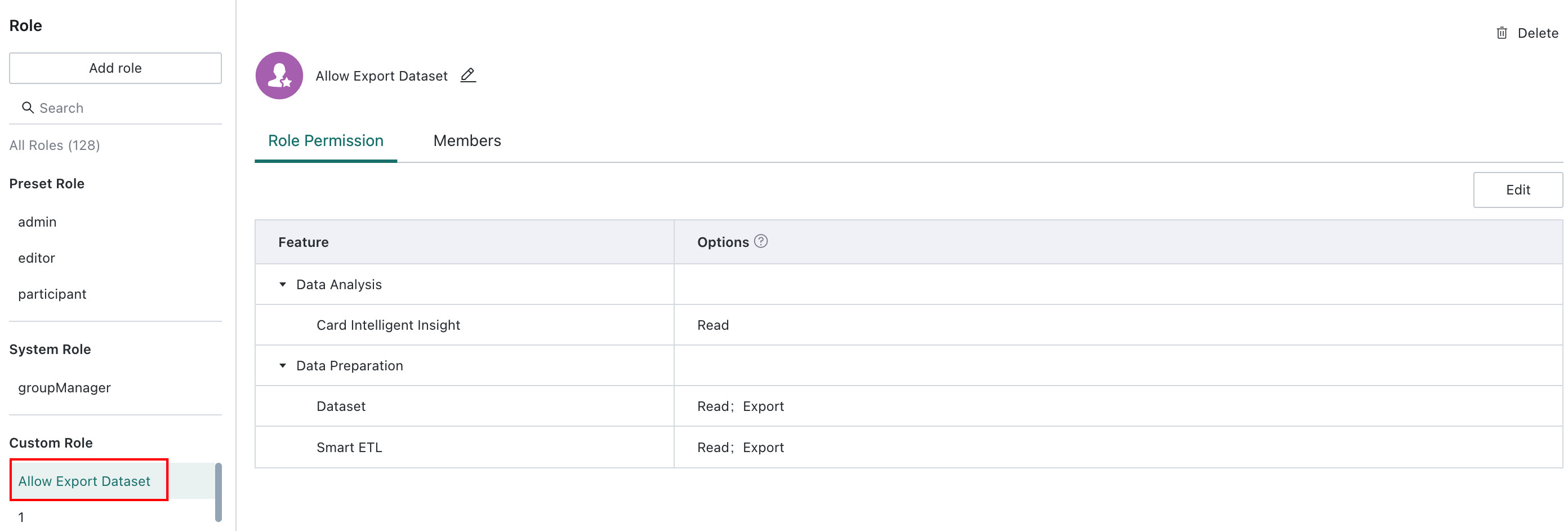
Method 2: Create a Custom Role Group, Set It to Allow Export, and Assign the Role to Users
Resource Permission Configuration

In summary, for a user to export a resource, the three steps above are required. The user must have both function module permissions and resource export permissions before the resource can be exported.