YoY and MoM Calculation When Using Global Parameters
Scenario 1
In some scenarios, users link a date filter on the page to global parameters in a card, and then find that the built-in advanced calculation, YoY/MoM, in the card returns no result or an incorrect result.
Reason: YoY/MoM queries current-period data and historical data based on a date field. When a global parameter filters the date, the system cannot obtain historical date data outside the filtered range.
Solution: When filtering the date range through global parameters, do not use the system's built-in YoY/MoM feature. Create calculated fields instead.
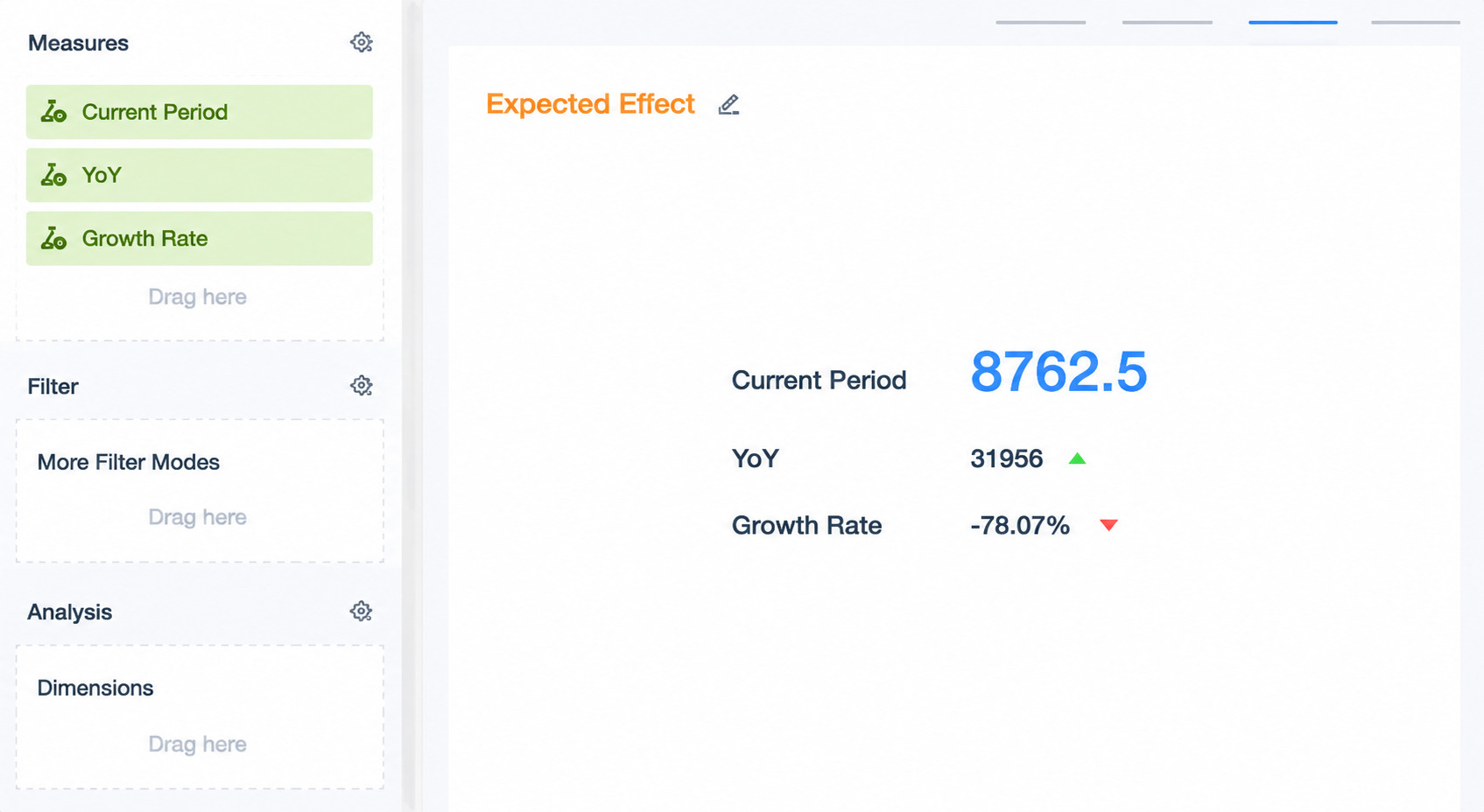
Case: A date filter selects a date range and links to multiple cards on the page. However, some cards only need to link to the end date in the date range and display end-date data plus YoY/MoM data, as shown below.

Implementation
-
Create fields in the card to reference two date-type global parameters.

-
Create calculated fields separately. In the formulas, filter dates to calculate current-period data and YoY/MoM data, and then drag the fields into the data area. This calculation uses only End Date, so no additional date filter is needed. Save the card.
Current Period: sum(case when [Date] = [End Date] then [Value] else 0 end)
YoY: sum(case when [Date] = [End Date] - interval 1 year then [Value] else 0 end)
Growth Rate: ([Current Period] - [YoY]) / [YoY]
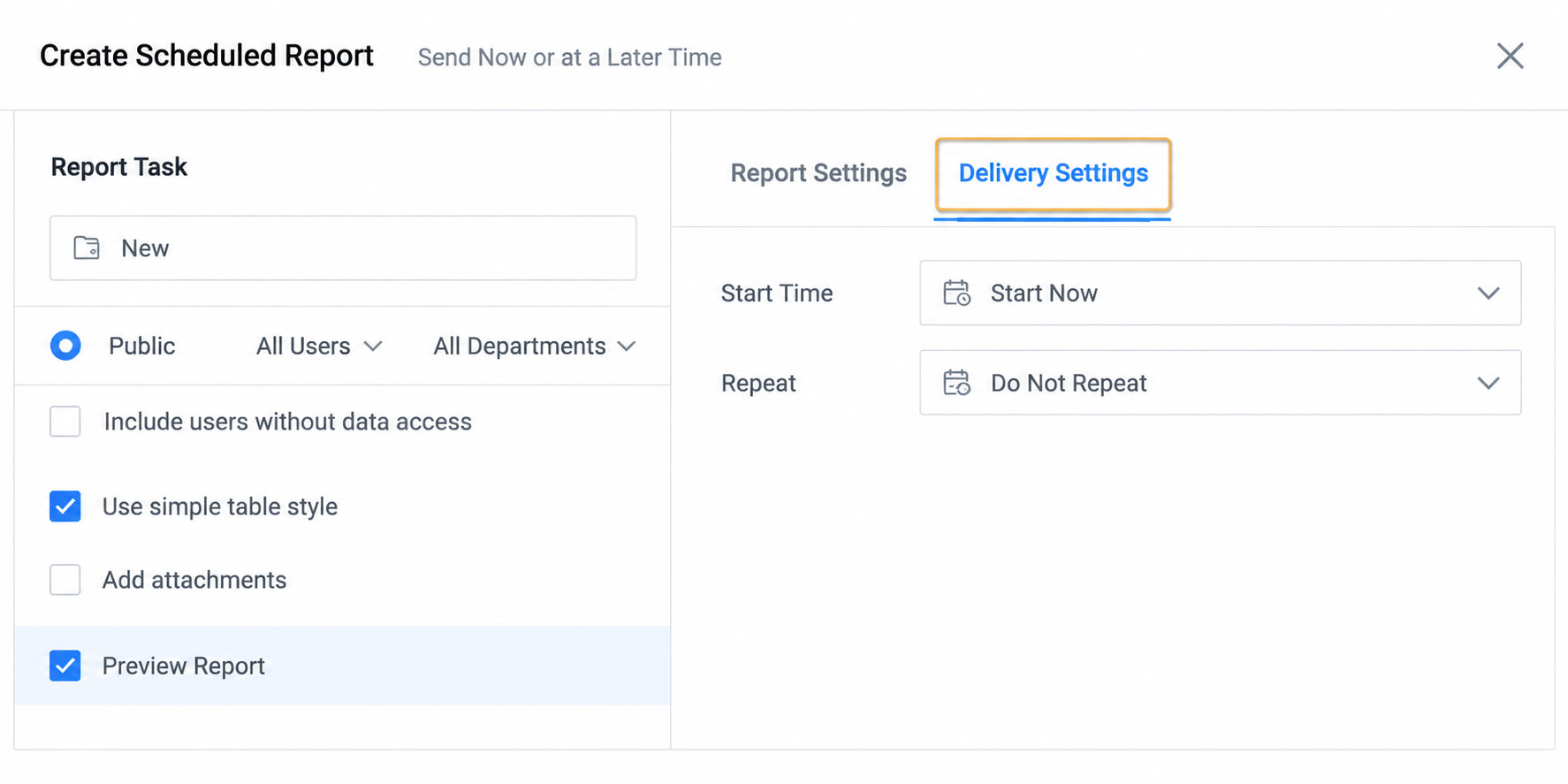
- Create a date filter on the page. In the linkage interface, select the two date parameters used in the card. Start Date is used only for linkage configuration and does not participate in filtering or calculation.
Scenario 2
When using the system's built-in YoY/MoM calculation, only dimensions and data within the filtered date range, that is, the current period, are displayed. Dimensions and data that do not exist in the current period but existed previously are not displayed or included in calculation. To display complete data, data usually needs to be completed in ETL. However, completing data may cause data expansion and lead to efficiency and performance issues. Therefore, using global parameters in the card is more recommended to solve missing YoY/MoM data. The following implementation uses the figure below as an example.

Implementation
- Create a card and calculated fields. In the formulas, filter dates to calculate current-period data and YoY/MoM data. Then drag the fields into the data area and set the aggregation method to Sum. No additional date filter is needed in the card. Save the card.
Current Period Sales Amount: case when trunc([Date], 'MM') = trunc([DYNAMIC_PARAMS.Date], 'MM') then [Sales Amount] else 0 end
Previous Month: case when trunc([Date], 'MM') = trunc([DYNAMIC_PARAMS.Date], 'MM') - interval 1 month then [Sales Amount] else 0 end
YoY: case when trunc([Date], 'MM') = trunc([DYNAMIC_PARAMS.Date], 'MM') - interval 1 year then [Sales Amount] else 0 end
Explanation: In this case, the month selected by the date filter is a date range. However, one date parameter can represent only one date, so the trunc function is used to obtain the first day of the month. The formula compares the month of the date with the month of the parameter date to ensure that a full month of data is selected.
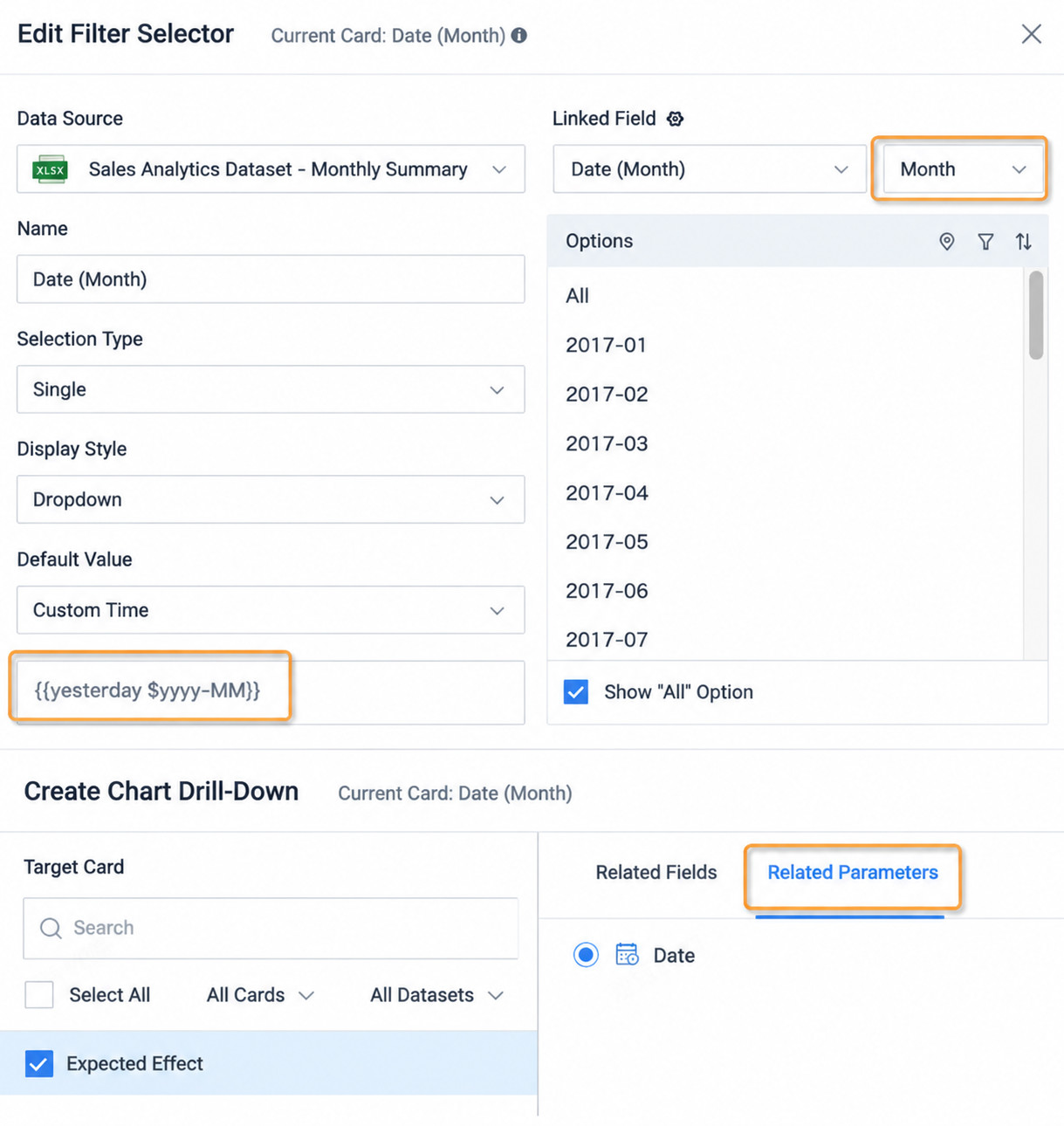
- Create a selection filter on the page, use the date field in the dataset, select Month, and set the default value to display the month of yesterday by using a Custom Time Macro:
{{{yesterday %yyyy-MM}}}. Link it to the global parameter used in the card.
Summary
By observing the two cases above, you can see that the implementation principle is the same: calculate data after filtering dates through logical conditions. Therefore, with date functions, you can obtain the ranges of the selected date and comparison date, and then easily calculate YoY/MoM. For Spark date functions, see Spark Date Functions and Applications. For direct datasets, use the functions of the corresponding database. For related cases, see YoY/MoM Calculation Accurate to a Specific Time.