Support Text Parameter Linkage for Fixed Time Ranges
Requirement: The Quick Time Range Filter Supports Text Parameter Linkage for Fixed Time Ranges
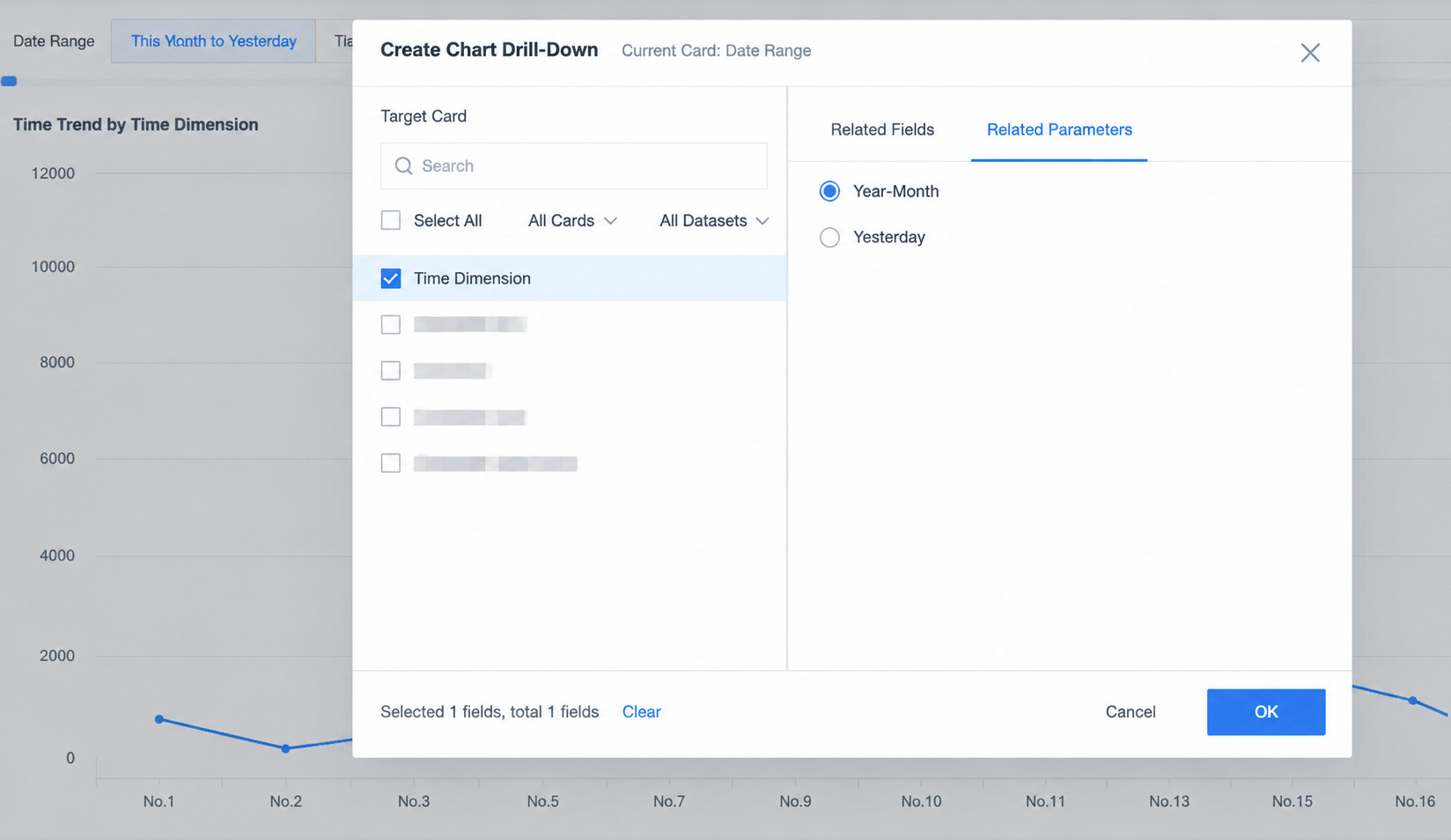
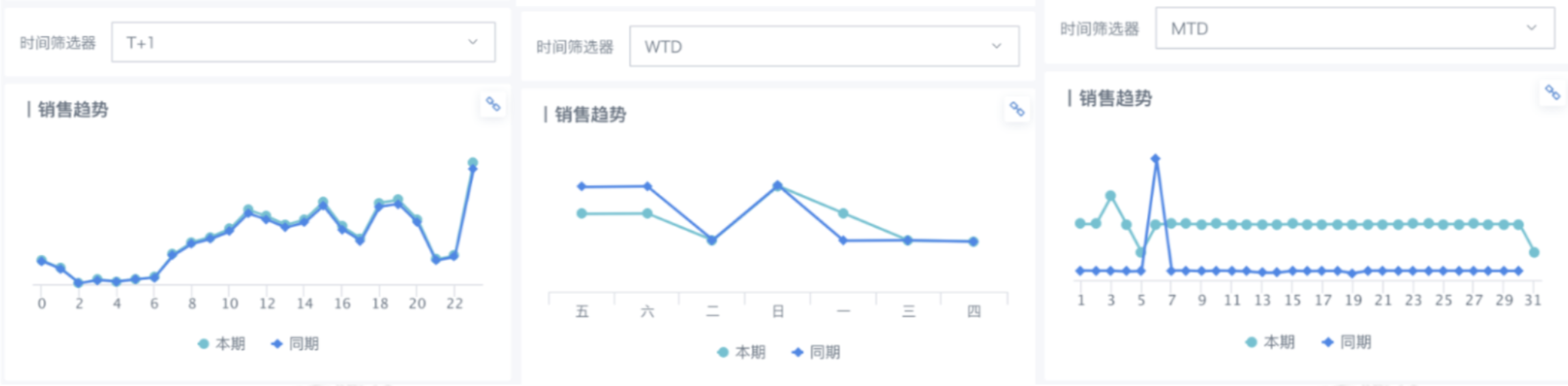
To simplify page creation and optimize the logic for viewing data, dashboard designers may want the time range filter to control cards through parameters. For example, when Today is selected, a line chart displays data from 00:00 today to the latest hour. When This Week is selected, it displays data from Monday of this week to today. When This Month is selected, it displays data from the start of this month to today. When This Year is selected, it displays data from January to the current month.
Demo Experience
Log in to experience the demo case: Custom Quick Date Range.
Case Download
Download this case from Guandata App Marketplace to your local environment: Dynamic Time Macro.
Implementation
Create global parameters.
The following example uses Yesterday - By Hour, This Month to Yesterday - By Day, and This Year to Yesterday - By Month.
Note: Field names in the parameter must be consistent with the text of Quick Time Range.

Create fields in the card to process the date field. In this example, the text fields Day, Month, Yesterday, and Time Judgment are created.
Time Judgment:
case when [DYNAMIC_PARAMS.MonthYear] = "This Month to Yesterday"
then
(case when [Time] between DATE_TRUNC('month', [DYNAMIC_PARAMS.Yesterday]) and CURRENT_DATE() then true else false end)
 when [DYNAMIC_PARAMS.MonthYear] = "This Year to Yesterday" then
(case when [Time] between DATE_TRUNC('year', [DYNAMIC_PARAMS.Yesterday]) and CURRENT_DATE() then true else false end)
when [DYNAMIC_PARAMS.MonthYear] = "Yesterday" then
(case when cast([Time] as date) = CURRENT_DATE() - 1 and hour([Time]) <= hour(now()) then true else false end)
else false end
Day:
case when [Date] between DATE_TRUNC('month', [DYNAMIC_PARAMS.Yesterday]) and [DYNAMIC_PARAMS.Yesterday] then CONCAT(right([Date], 2), 'day') else null end
Month:
case when YEAR([Time]) = YEAR(CURRENT_DATE()) and [Time] <= CURRENT_DATE() then CONCAT(MONTH([Time]), 'month') else null end
Yesterday:
case when cast([Time] as date) = CURRENT_DATE() - 1 and hour([Time]) <= hour(now())
then CONCAT(hour([Time]), ':00') else null end
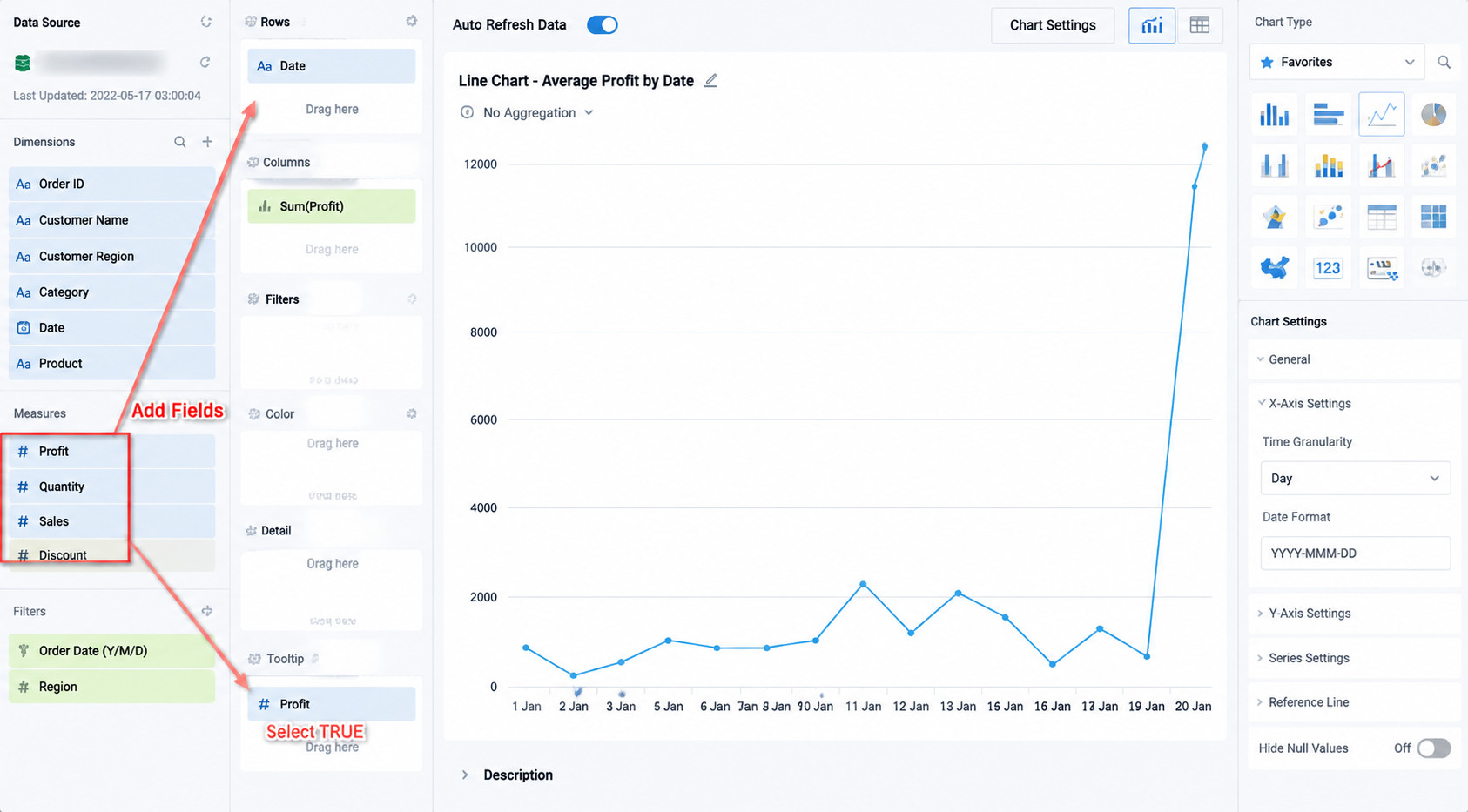
Create a quick date range filter and associate it with parameters: