Dataset Update URL Trigger Mechanism
Overview
The Dataset Update URL Trigger Mechanism allows external updates to Datasets connected through database-based data connections, such as live Datasets, extract Datasets, and FTP Datasets. It makes it easy for external systems to notify Guandata promptly after data updates are completed, so the corresponding data can be synchronized in time.
Procedure
-
Go to Data Preparation.
-
Select a Dataset and enter its details page.
-
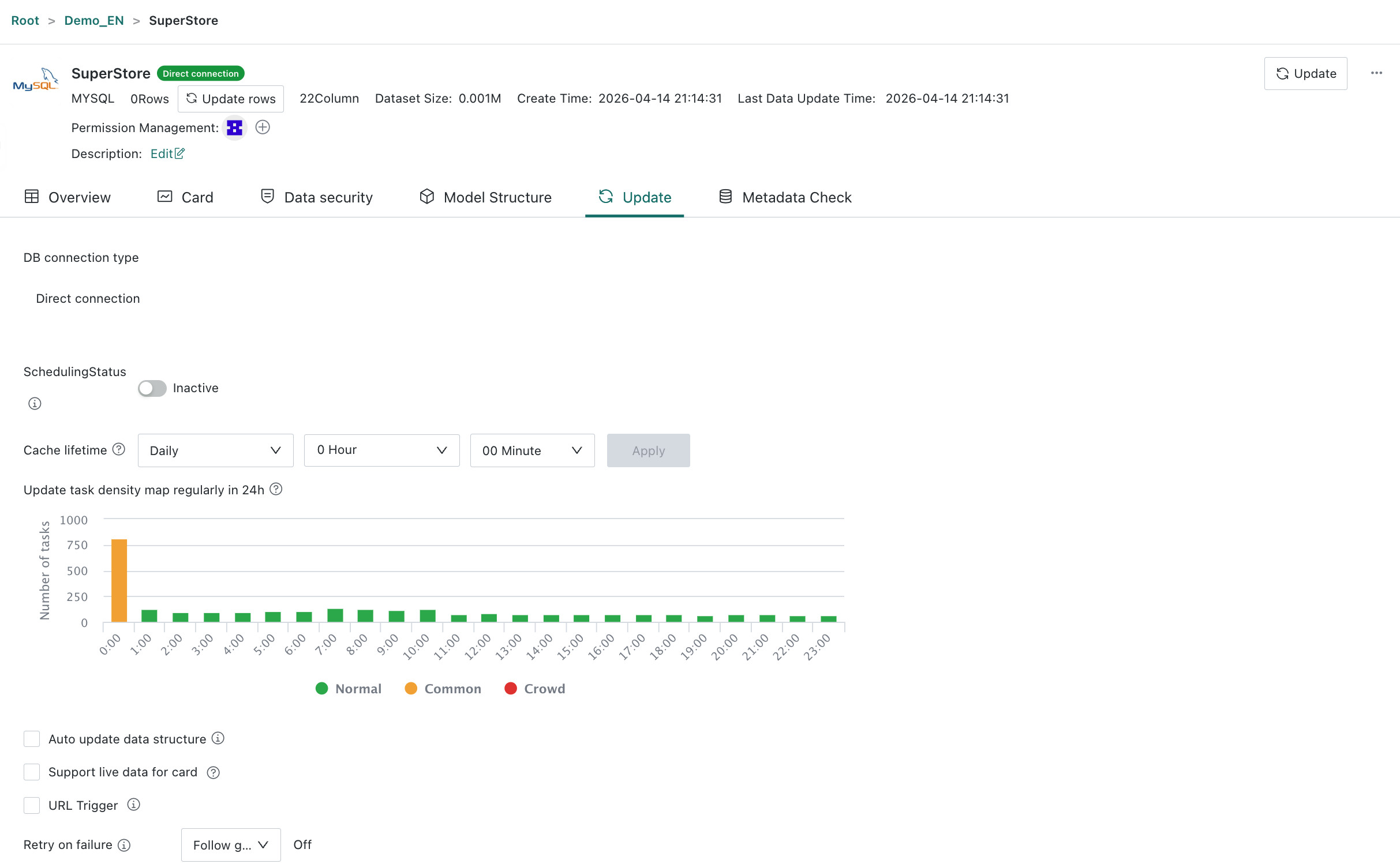
Click Data Update.
-
Find the URL Trigger option and enable it. The system then generates a URL for updating the Dataset, which includes verification information such as the Dataset ID and update token.
-
Copy the link and add it to your external system as needed. The external system can then access that URL to notify Guandata to update the corresponding Dataset.