Feature Overview
Overview
Form Entry is a flexible and easy-to-use tool from Guandata for building forms and managing form data. It offers simple form design, streamlined and complete permission management, and support for both PC and mobile distribution.
- Form Entry supports building simple data collection forms and questionnaires. It supports two-level table headers, but not headers with three or more levels.
- It helps enterprises collect, organize, and standardize scattered data, making fragmented business data digital.
- It supports multi-channel data collection on both PC and mobile, and can be embedded into DingTalk, WeCom, and self-developed enterprise apps.
- Collected form data can be quickly processed and analyzed further.
- It provides a complete permission management system to ensure form data security.
- It supports multilingual configuration so that more overseas users can adopt it easily.
For multilingual configuration, the translated text for each target language must be prepared in advance and configured in the Form Entry language file.
Once the language file has been translated and deployed, no additional setup is required in Form Entry. It will follow the BI language setting automatically.
Use Cases
-
Collect Business Data Even Without a Business System Without a supporting business system, many companies still rely on Excel for collecting and maintaining business data, which makes notification, submission, and consolidation difficult. A typical example is collecting store or supply chain order information. With Guandata forms, a single owner can simplify Excel template maintenance and data collection and consolidation directly from the backend.
-
Collect Event Registration Information Internally and Externally When gathering participant information for internal or external activities, there is no longer any need to contact people one by one through DingTalk or WeChat. A single form can handle the full process: create the form, send the form, and collect the information. This approach is simple and efficient, and it works for registration as well as other one-time information collection scenarios.
-
Run Various Surveys Inside and Outside the Company You can quickly build survey forms and distribute them to respondents without printing or manual offline distribution. This helps standardize data quality and improve survey effectiveness.
-
Enable Master Data Management If the company lacks a standardized tool and database for maintaining master data, Form Entry can fill the gap. It moves master data maintenance away from individual Excel files and enables automated collection, timely updates, and scheduled maintenance.
Friendly Reminder: This product module is an add-on feature. If you want to request a trial, contact your Guandata sales representative or customer success manager, typically the main service contact for your company.
Workflow
For versions 3.8.0 and later, the module provides the following capabilities:
- Form creation and design, with 7 basic controls and 4 advanced controls.
- Form management, including create, read, update, and delete operations, plus support for assigning owners and submitters.
- Data management, including create, read, update, and delete operations on form data, as well as batch data import.
- Account management, including user management and user group management for independent account systems.
- Data application, allowing form data to be quickly imported into Guandata BI for analysis.
The overall workflow is shown below, and each part is explained in more detail in the following sections.
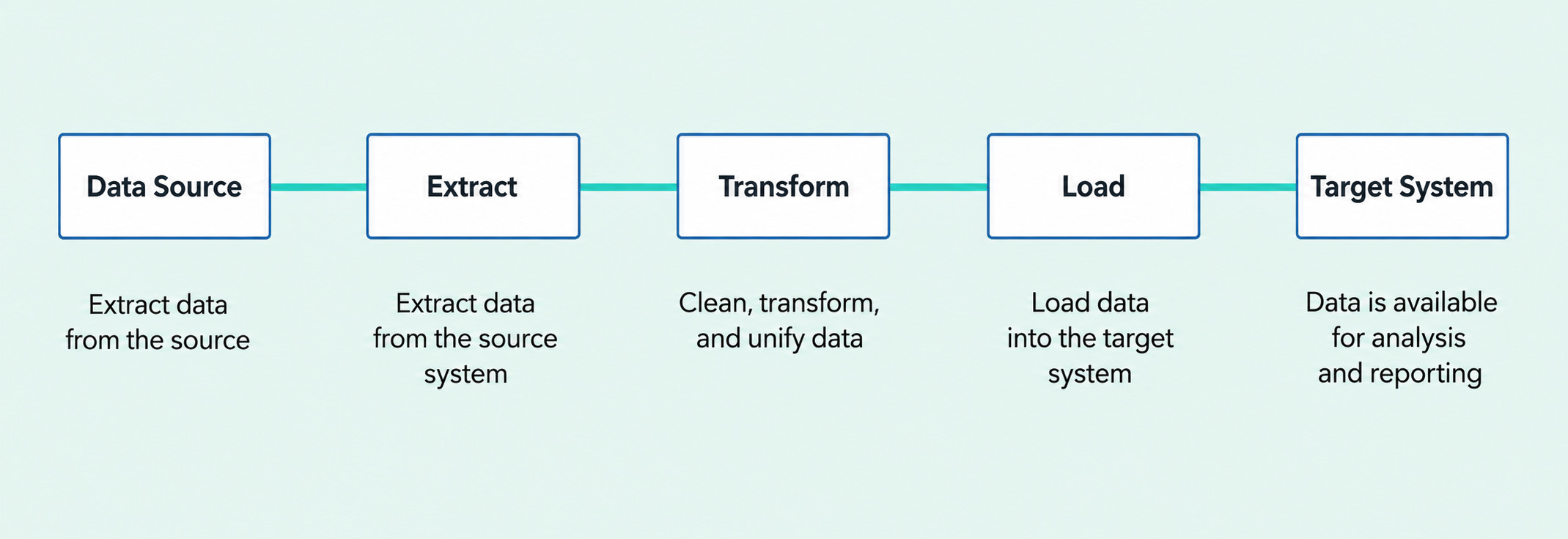
Core Path | Operation Guide | Description |
Create a Form | This article guides users through the step-by-step design of an efficient and professional form. | |
Publish a Form | Users can copy the form link and assign form permissions to submitters. | |
Collect Form Data | Supports data entry from both PC and mobile devices. | |
Manage Forms | Users can create, view, edit, and delete forms, assign form permissions, and copy form links. | |
Supports create, read, update, and delete operations on form data, as well as row-level permission management for form owners and administrators only. | ||
Form Application | Users can create a Form Dataset by connecting form data. |
Password-Free Login in System Integration
In third-party integration scenarios, if password-free login to a form is required, add a fixed route after host_url in the configured link as shown below, then append any additional parameters required by the third-party integration.
?path_url=survey-engine/
For example:
https://app.mayidata.com/?path_url=survey-engine%2Fm%2Fsurvey%2F4bd86aa5-89d3-4b72-8186-a06170cdddbd
For more information about system integration, see System Integration.